
Log it your way
Type “2 idlis, sambar and filter coffee”, say it out loud, snap a photo, pick one from your gallery, or scan a barcode. AI turns it into calories, protein, carbs, fat and fiber.
Type it, say it, or snap it. Zaalios turns “dal, two rotis and curd” into calories and macros, then shows your day, your water and your weight trend in one calm view. No food databases, no guesswork.
Free during beta on iOS & Android · Google or Apple sign-in · Private by default
Fast logging first
Most trackers make you search food databases and guess portions, so people stop. With Zaalios you write what you ate and the numbers appear.
Logged “grilled chicken salad with avocado”
Macros (g)
Logged “two eggs, toast, and a black coffee”
Macros (g)
Logged “bowl of oatmeal with banana and peanut butter”
Macros (g)
Illustration of the in-app experience.
One button
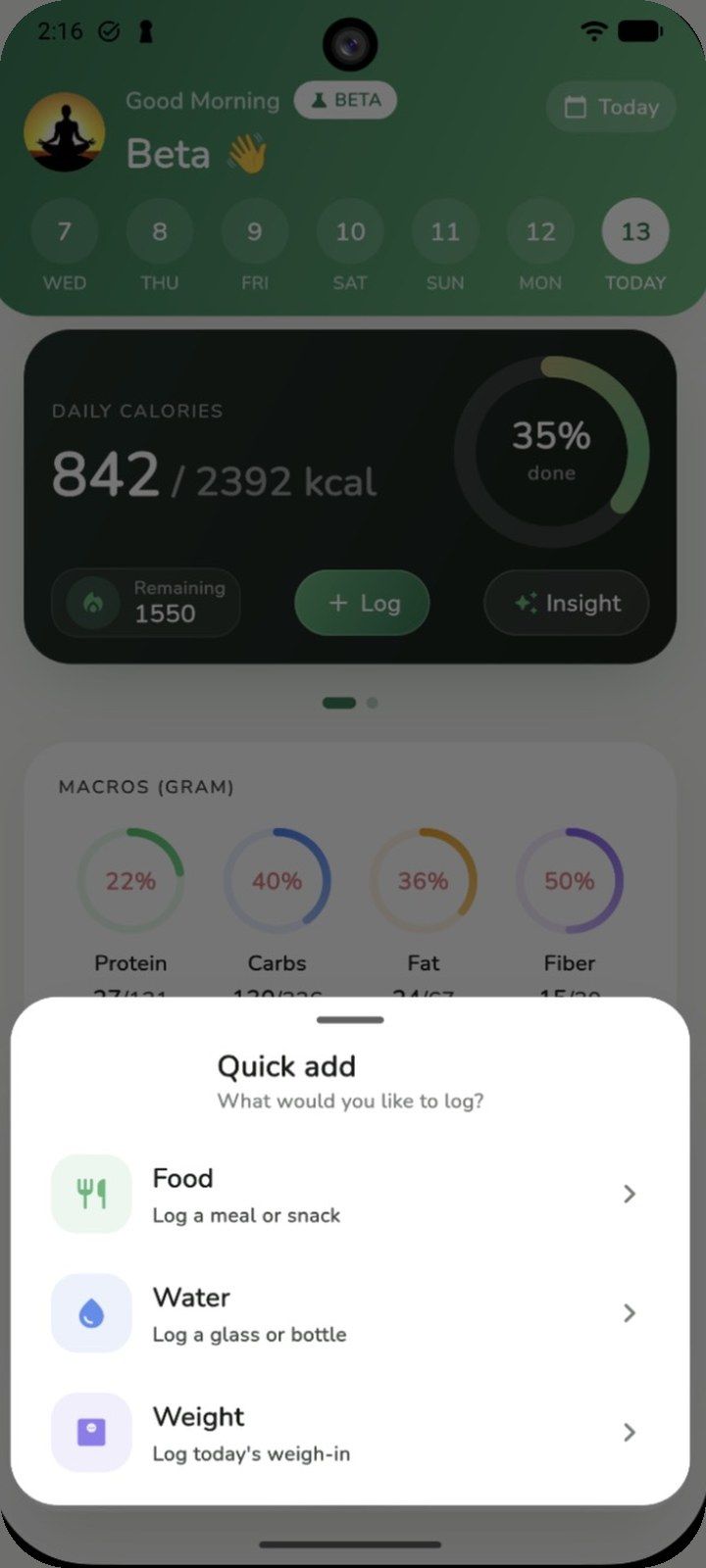
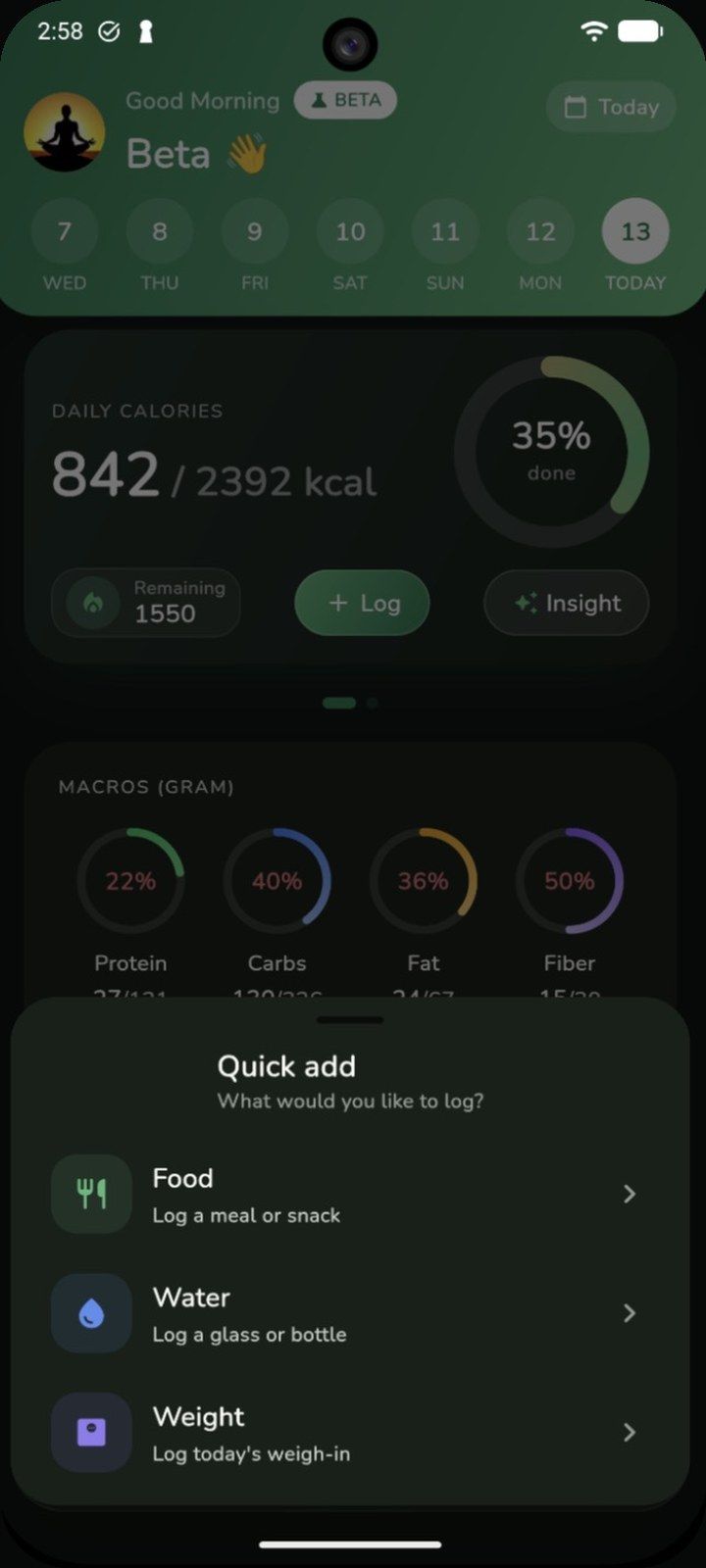
The green + sits in the middle of every screen. Pick what you want to log and you're back to your day. Water has one-tap amounts, and weight takes small steps so a weigh-in takes seconds.
Meals, sorted for you
Breakfast, lunch, dinner, snacks
One-tap water
+150 to +750 ml
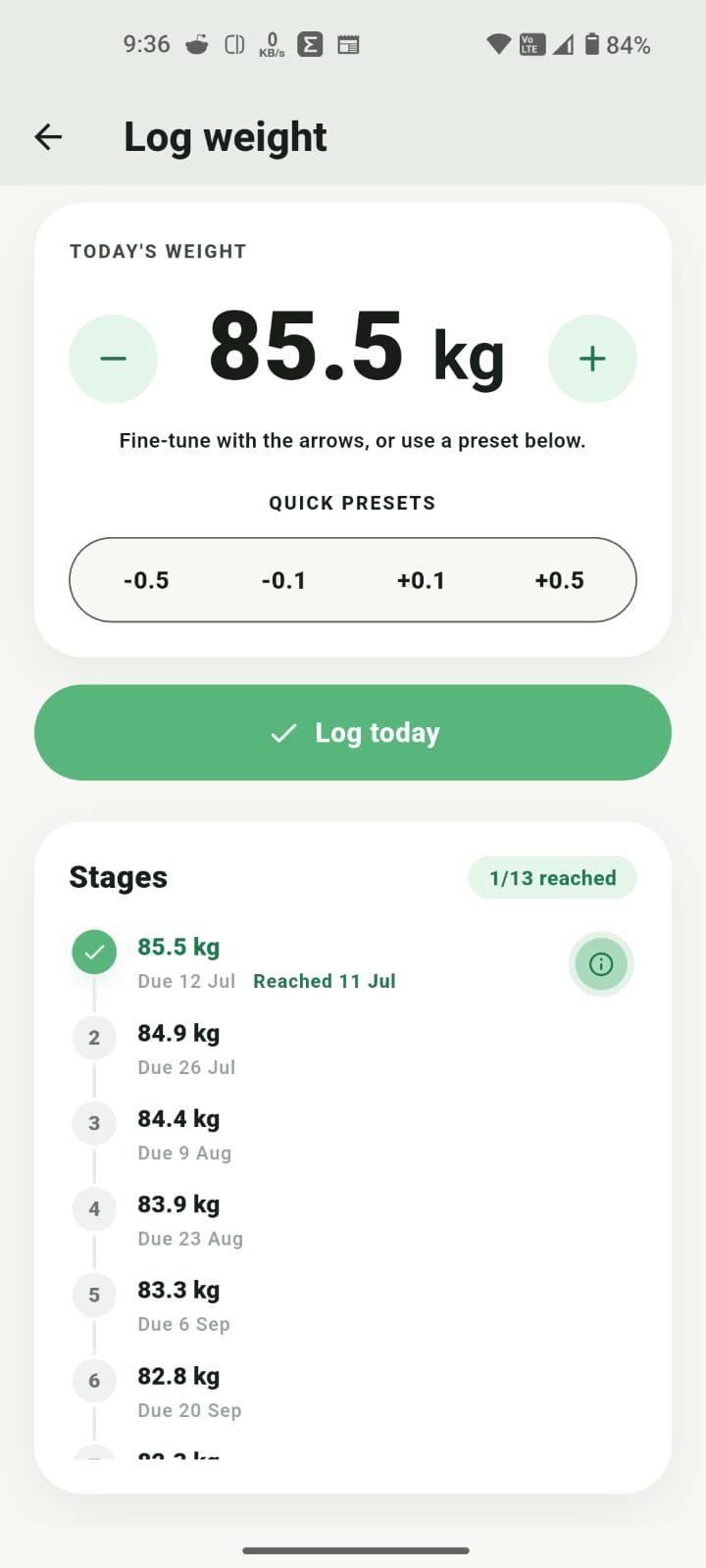
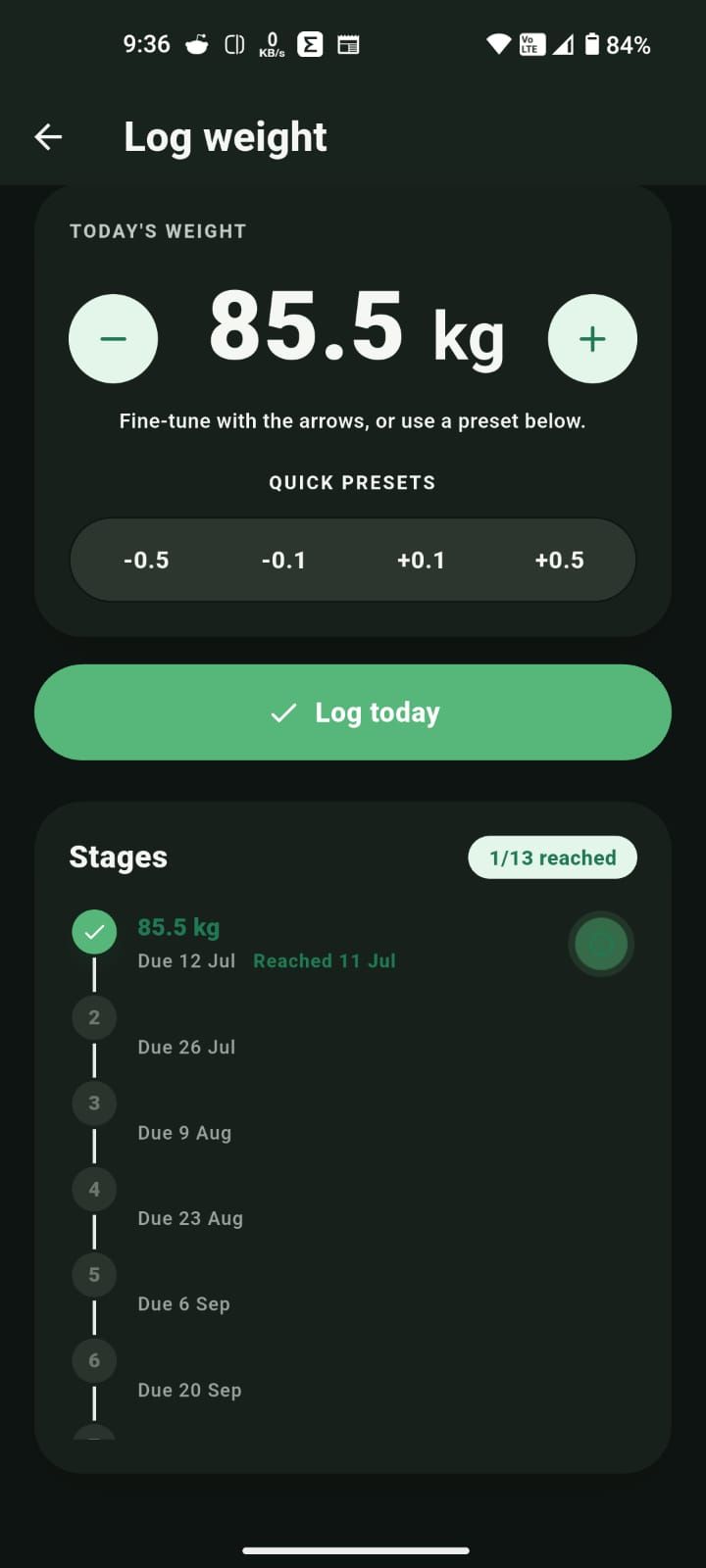
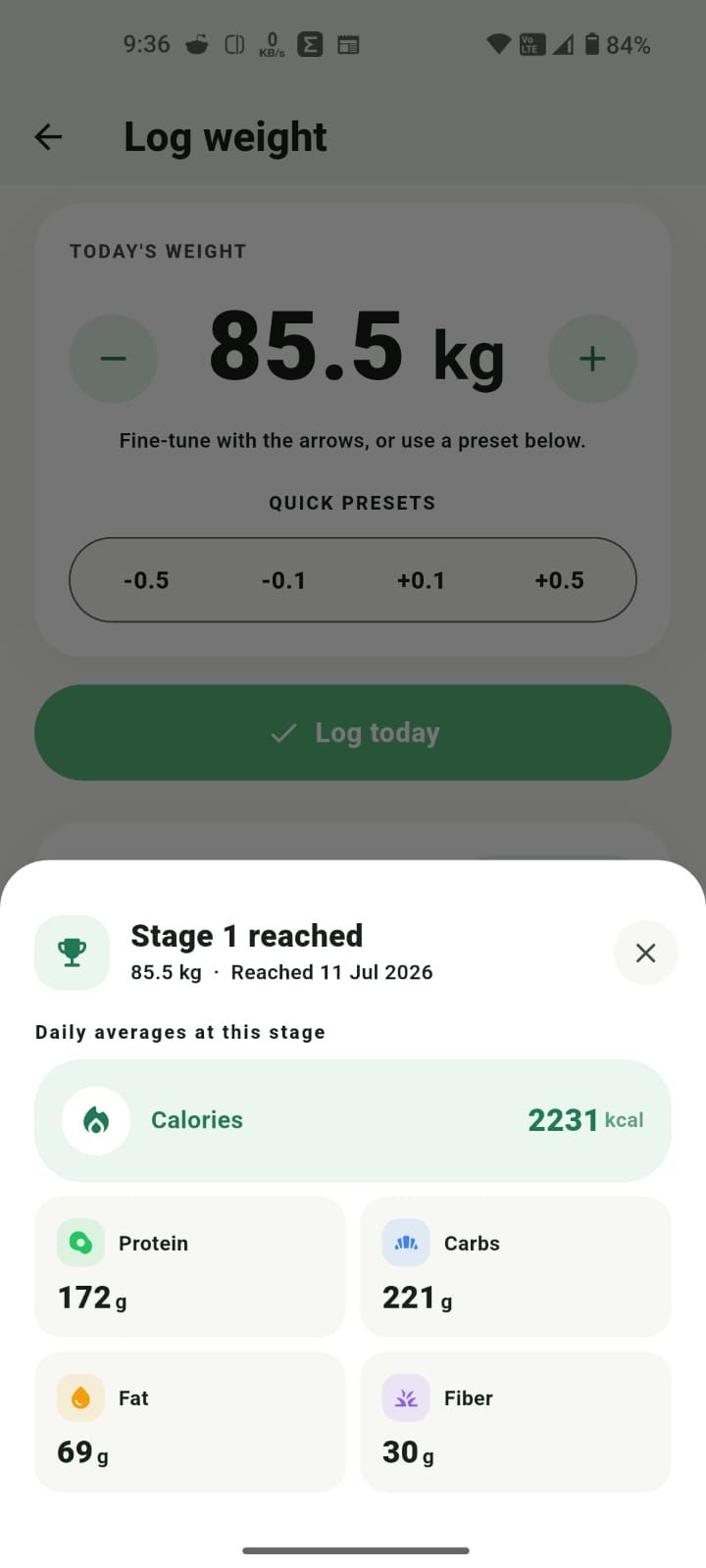
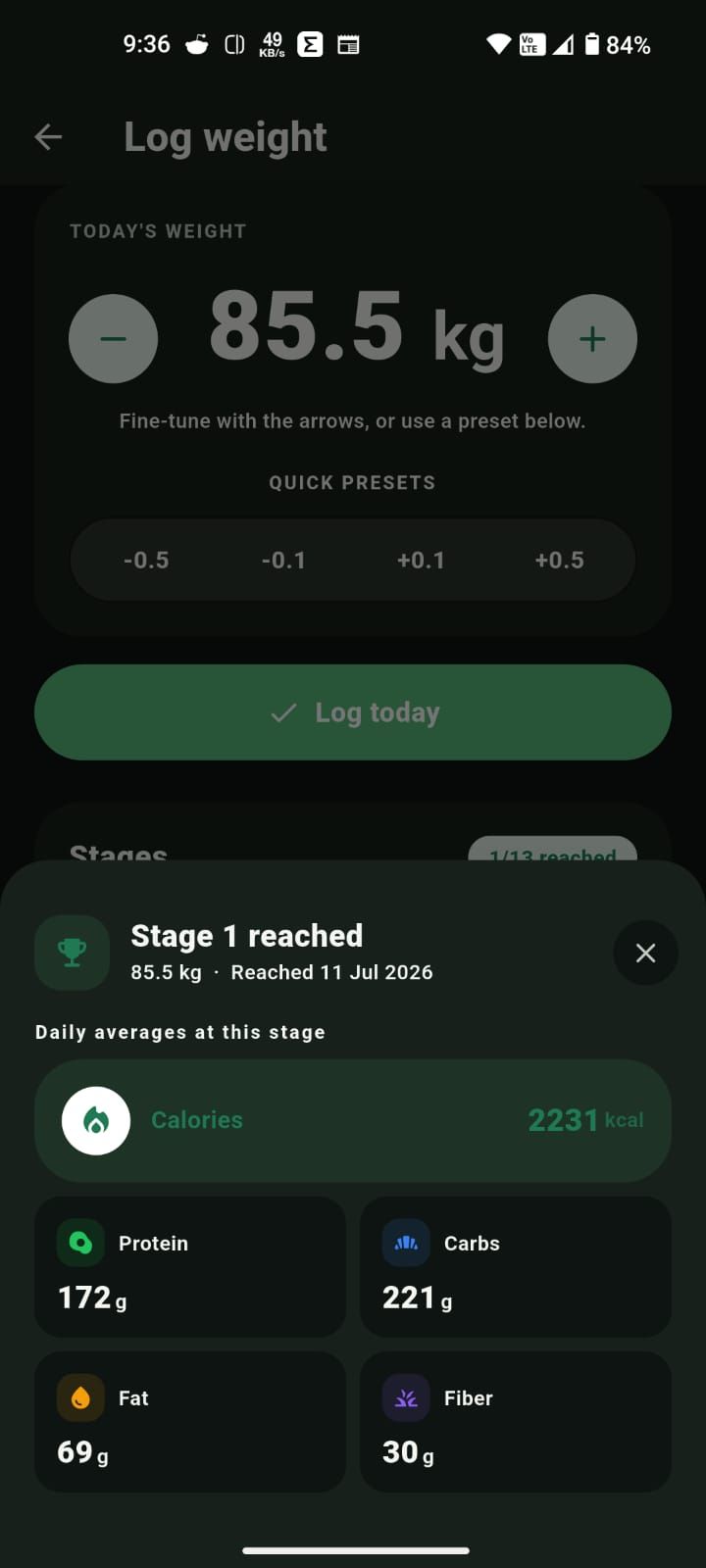
Quick weigh-ins
Fine-tune by 0.1 kg
Meal reminders
Gentle nudges at times you pick
Workout meals
Optional pre- and post-workout sections
Log any day
Backfill from the calendar
Quick add
What would you like to log?
New in the beta
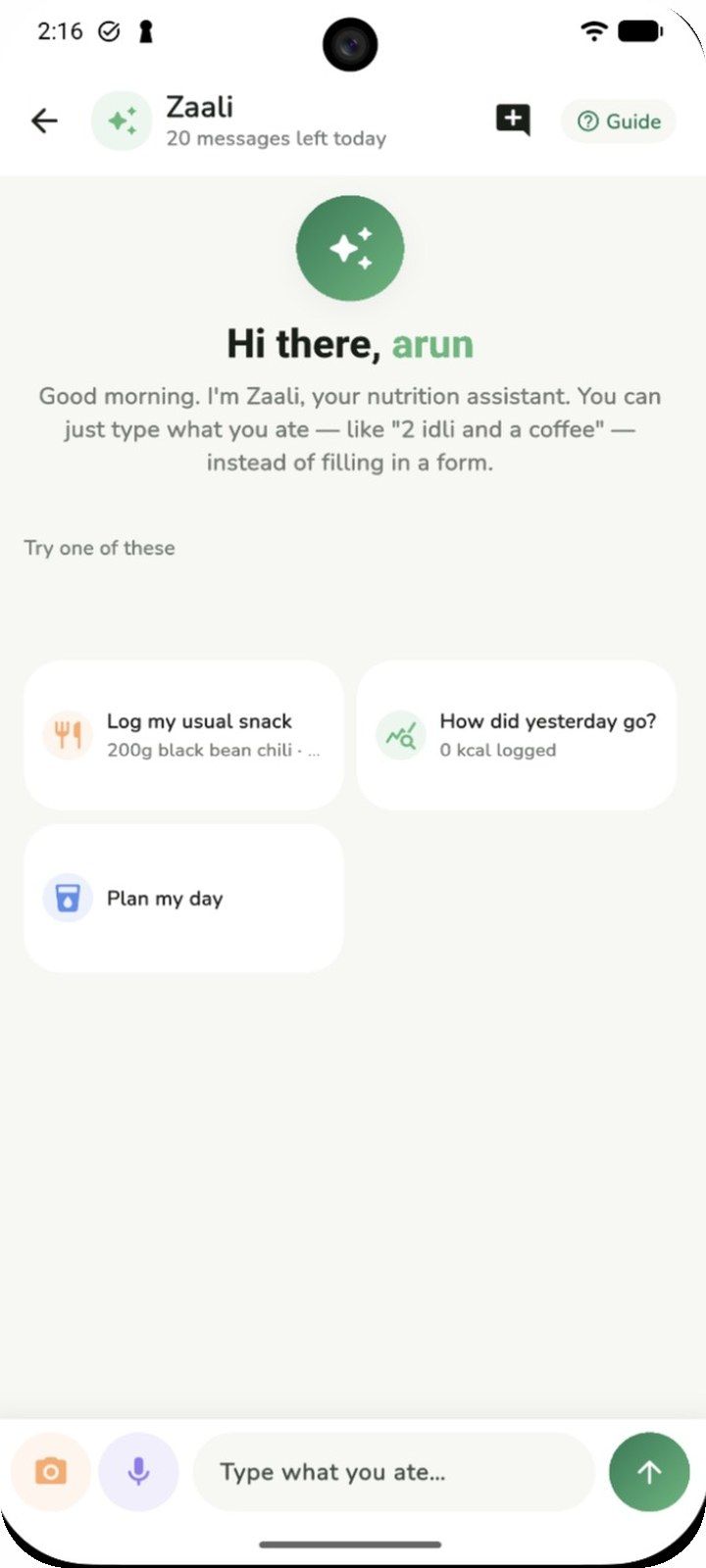
Open the ✦ tab and just talk to Zaali. Type or say what you ate, snap a photo, or tap a suggestion like “How did yesterday go?” or “Plan my day”. Zaali logs it for you and answers in plain language.
Zaali shares general habit guidance, not medical advice. A daily message allowance applies.
What's in the beta
All of it is free while Zaalios is in beta.
Type “2 idlis, sambar and filter coffee”, say it out loud, snap a photo, pick one from your gallery, or scan a barcode. AI turns it into calories, protein, carbs, fat and fiber.
Chat to log meals, ask how yesterday went, or get help planning your day.
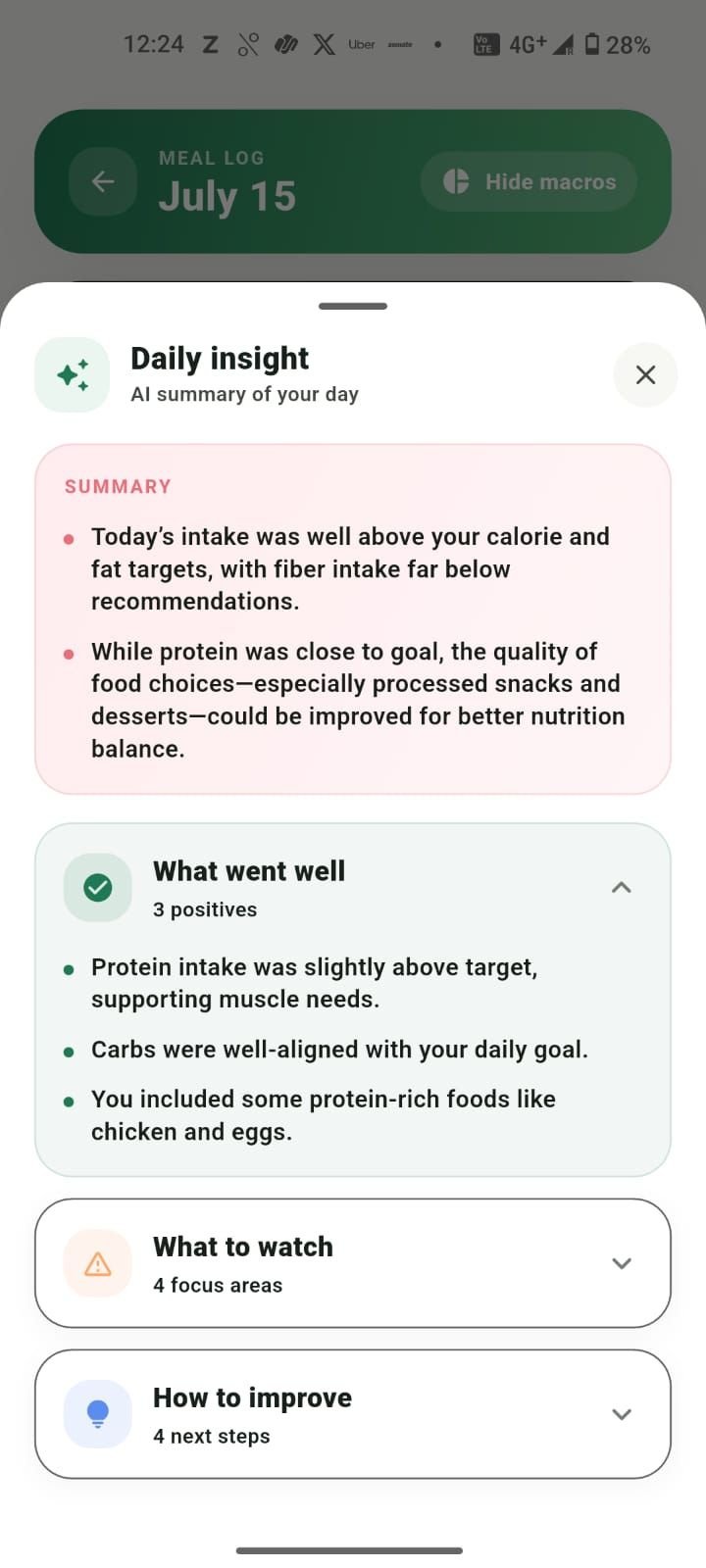
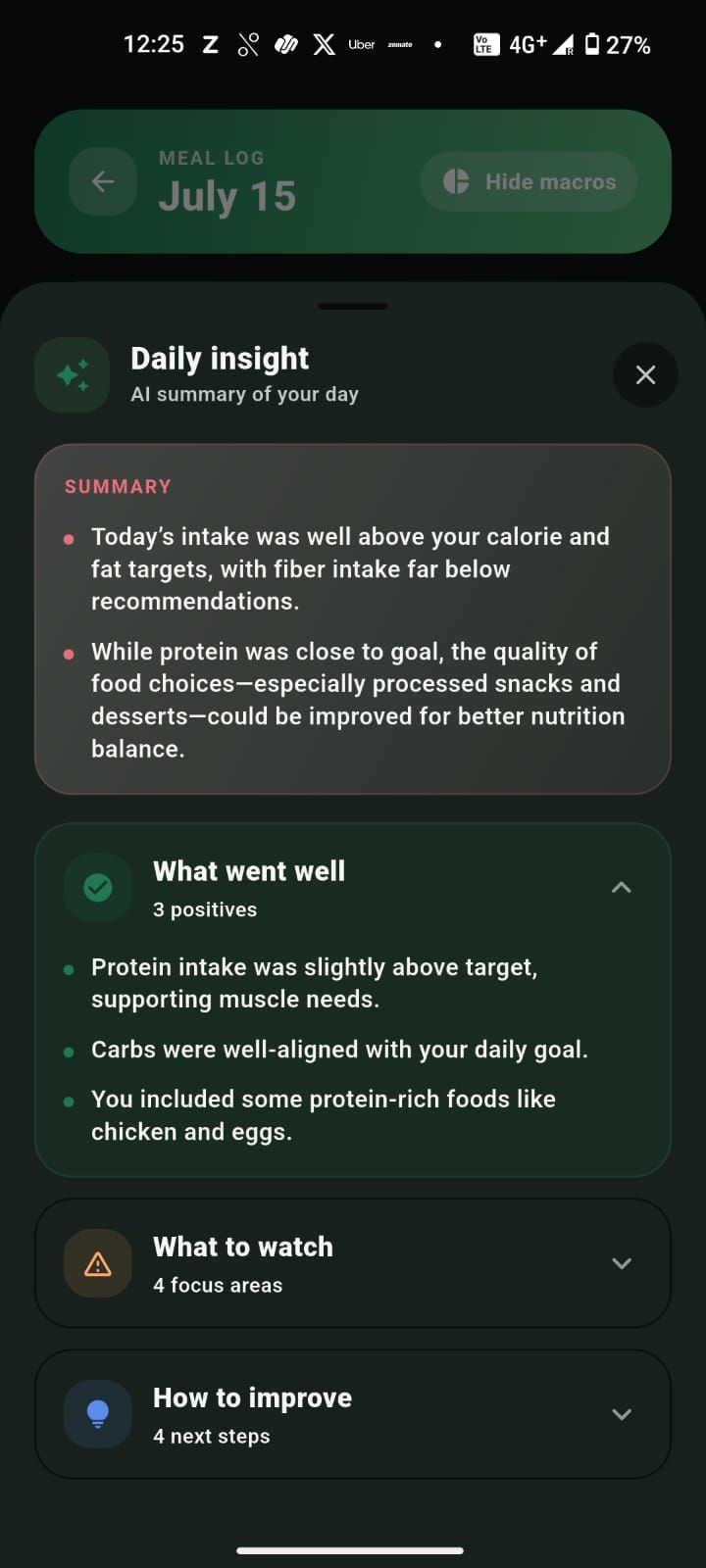
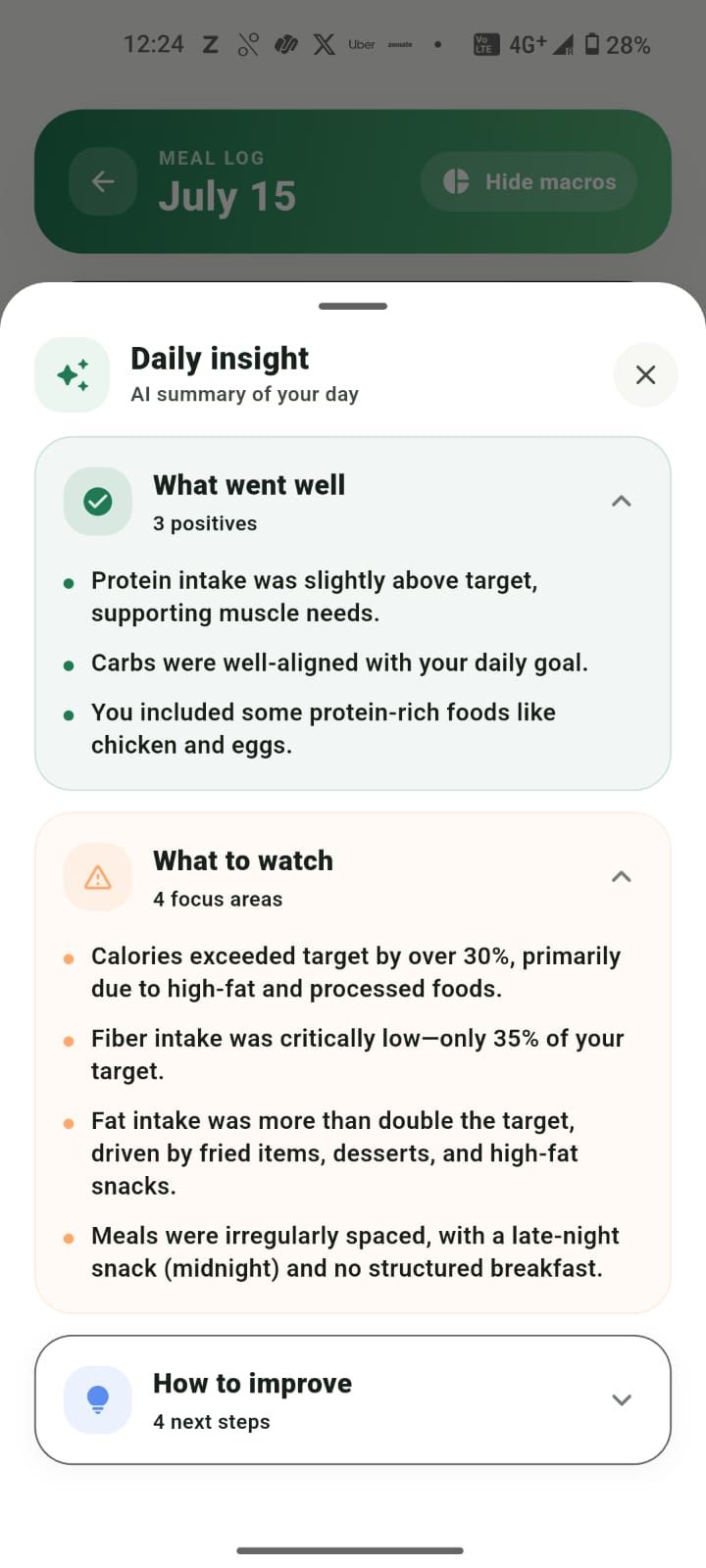
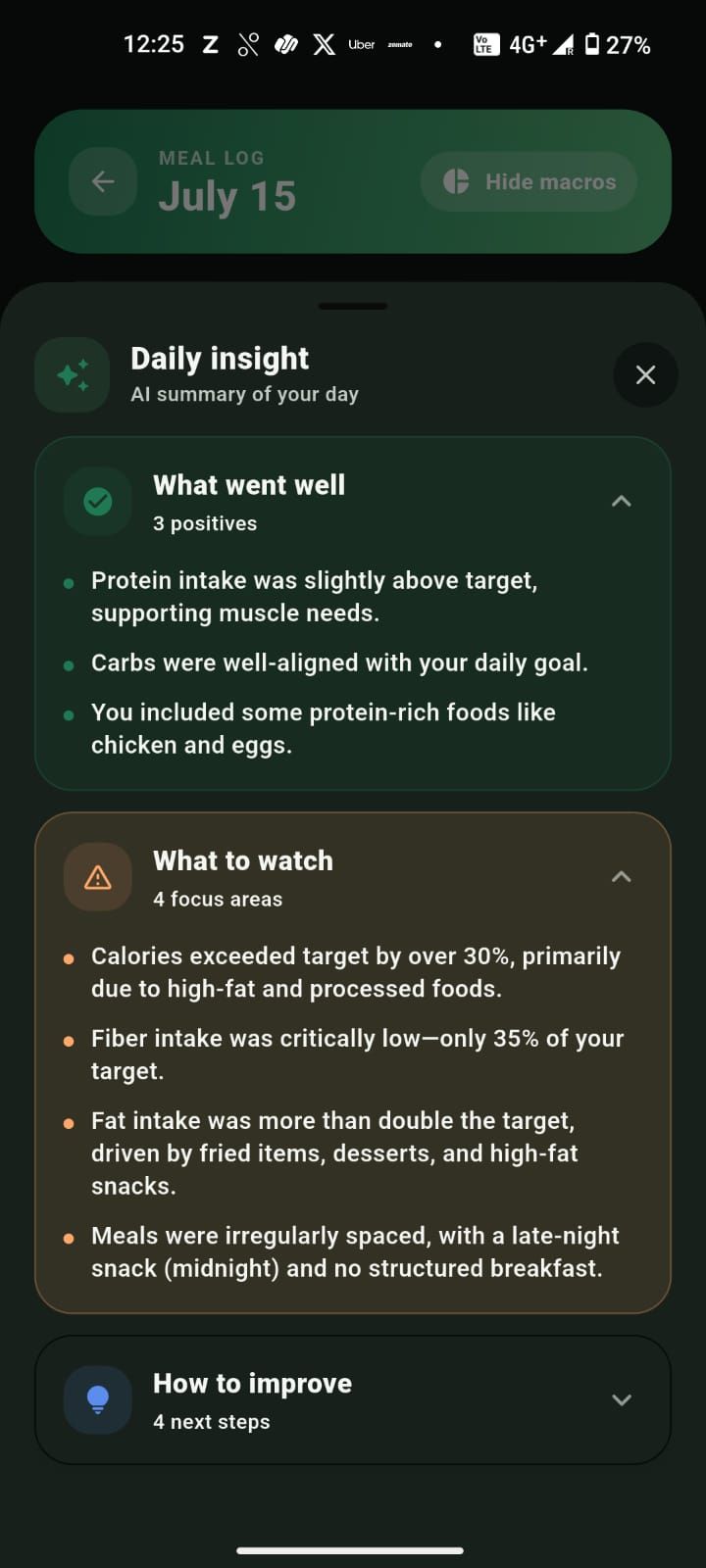
Tap Insight for a short summary: what went well, what to watch, and a few practical steps for tomorrow.
Add 150, 250, 500 or 750 ml and watch your hydration goal fill up right on the home screen.
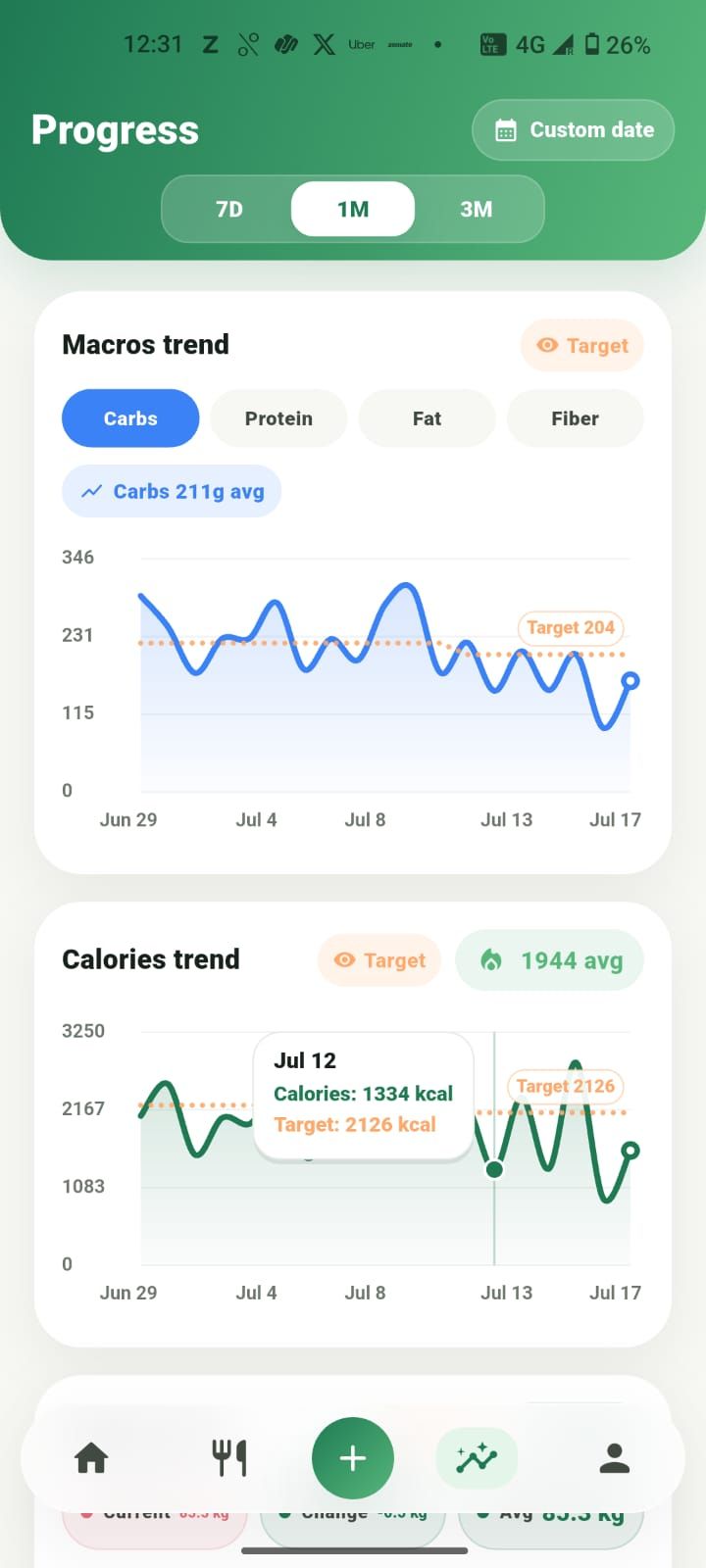
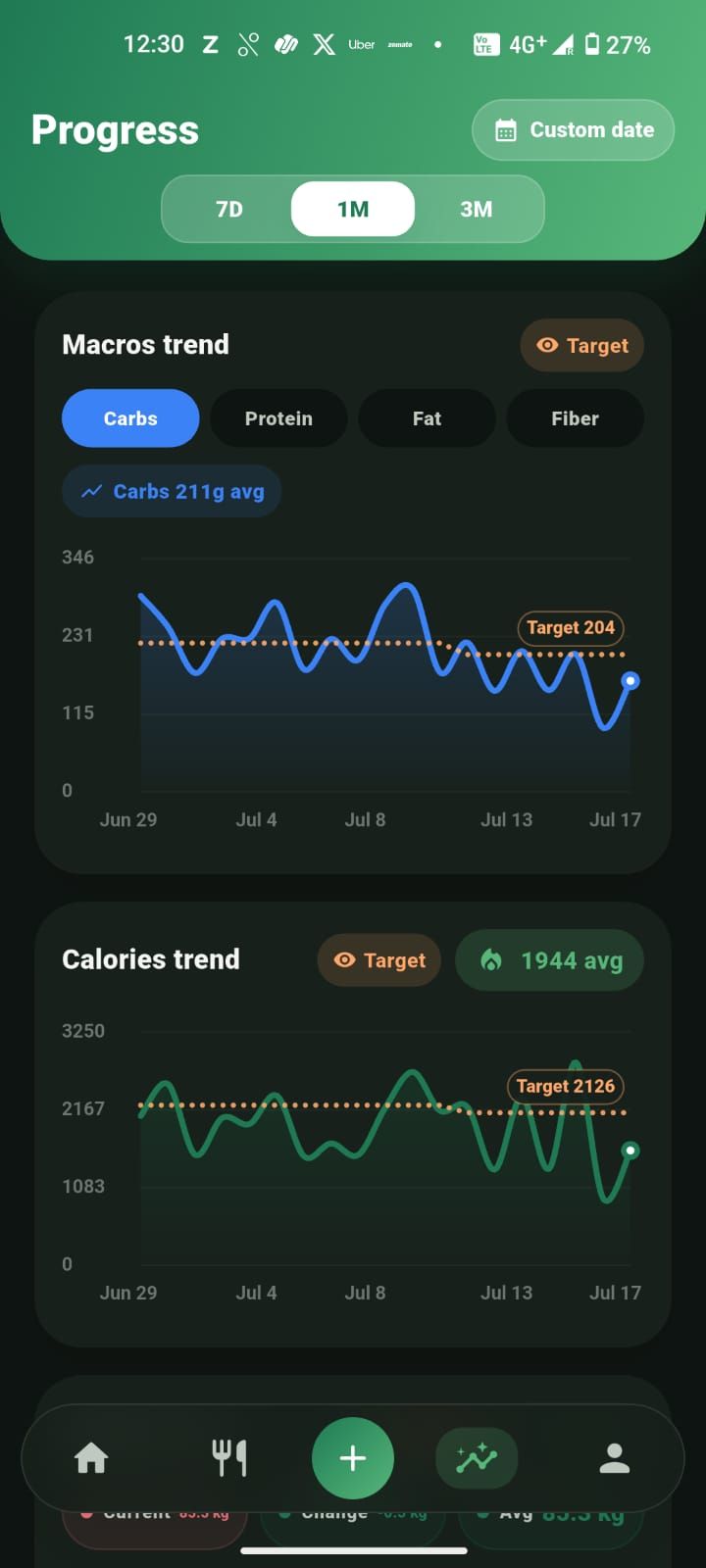
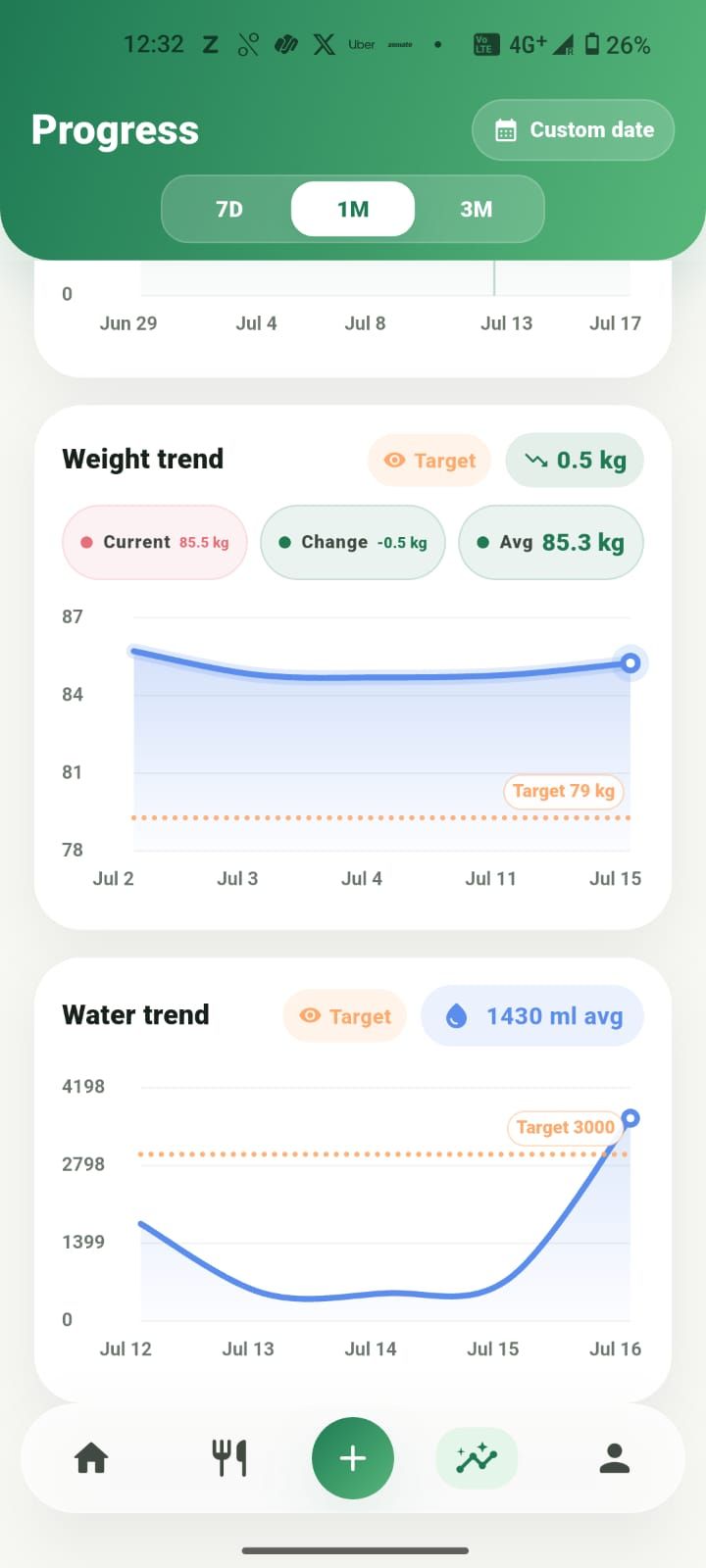
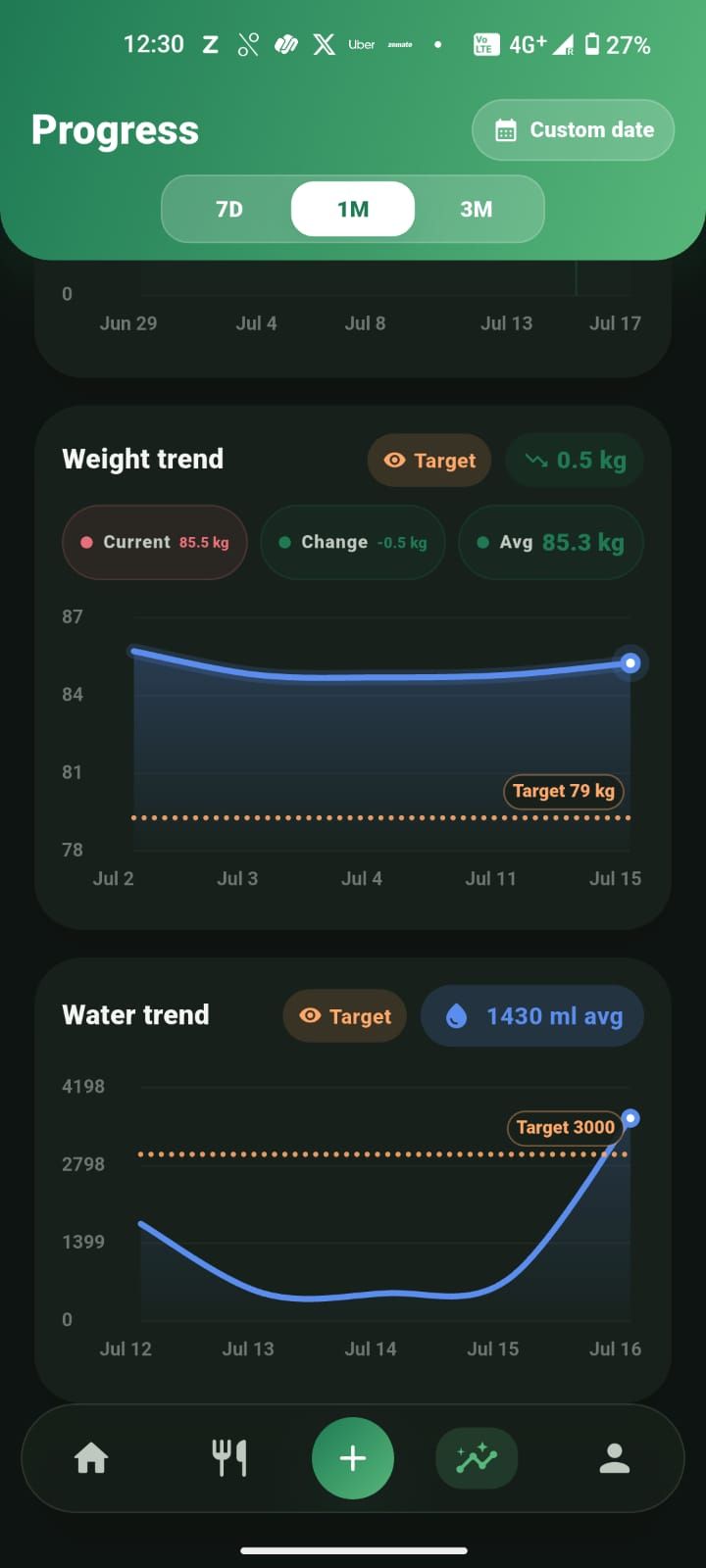
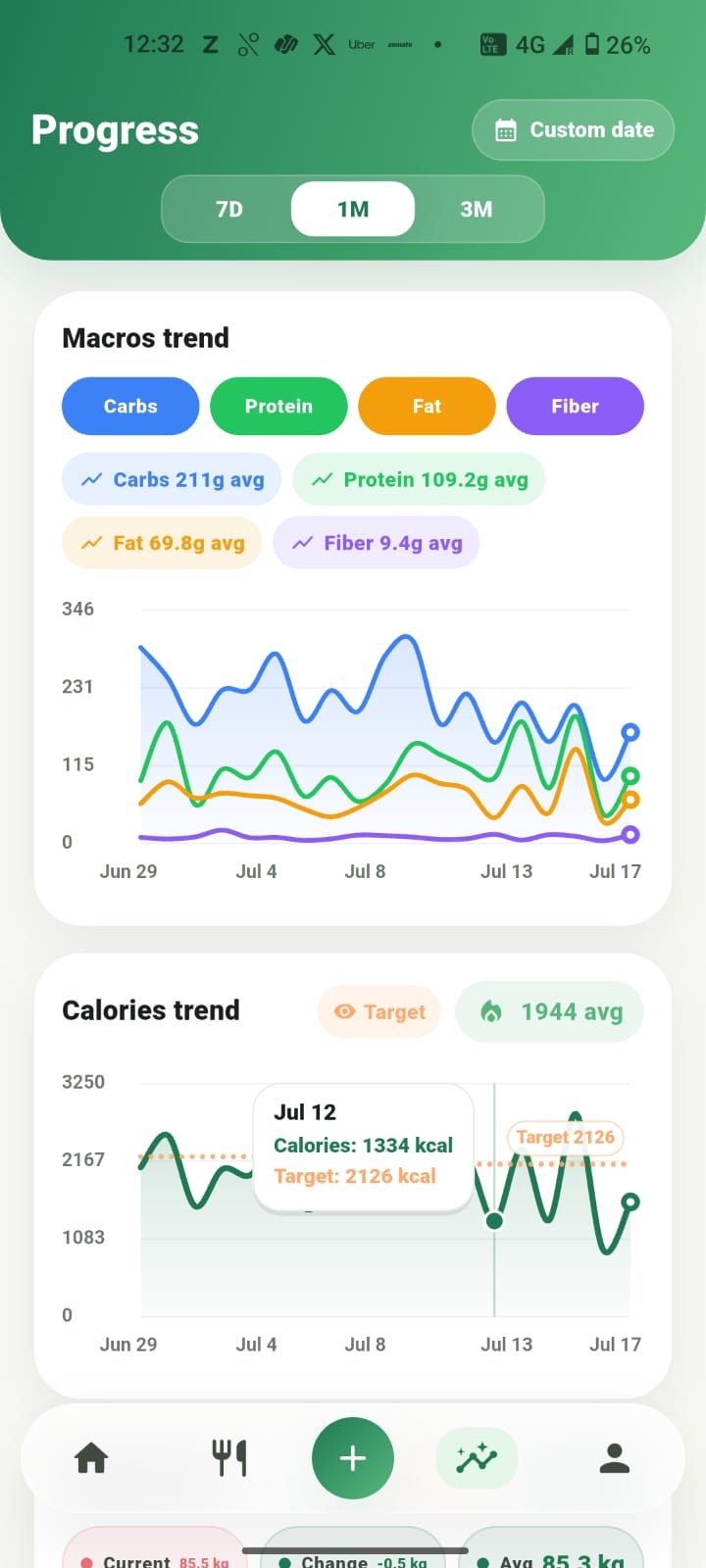
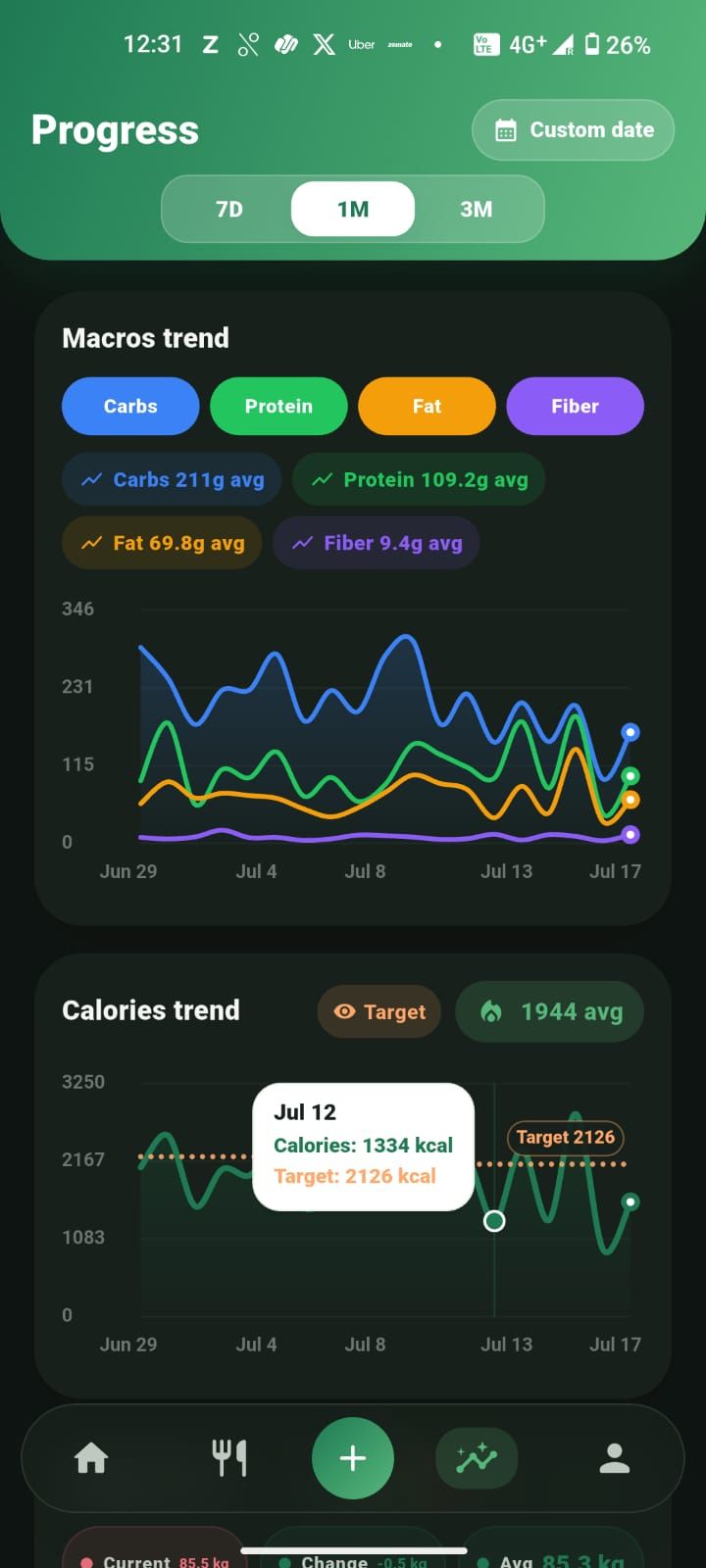
Calories, each macro and weight, with your target drawn on the chart. Pick a range or a custom date window.
Your goal is split into realistic stages. Each one has a due date, and Zaalios marks it when you reach it.
Actionable feedback
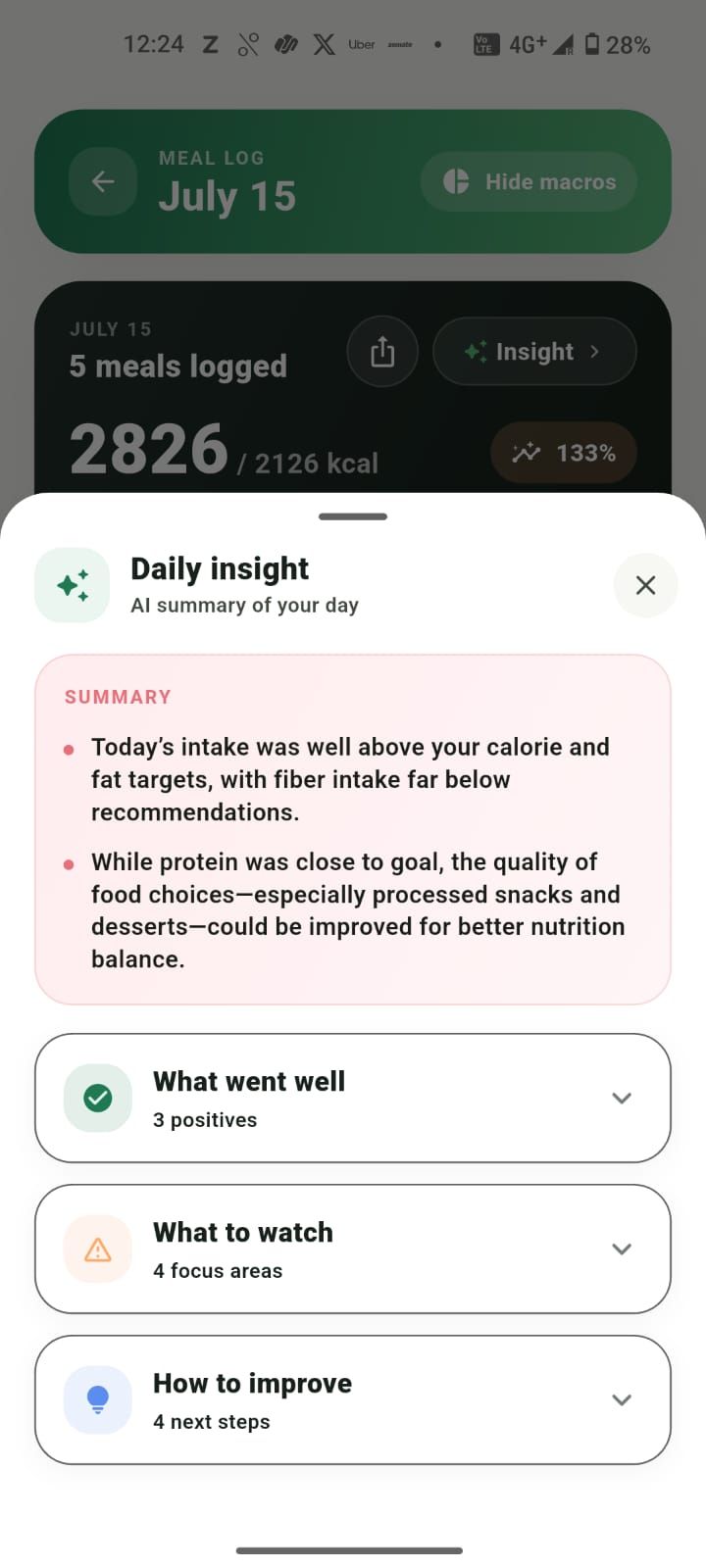
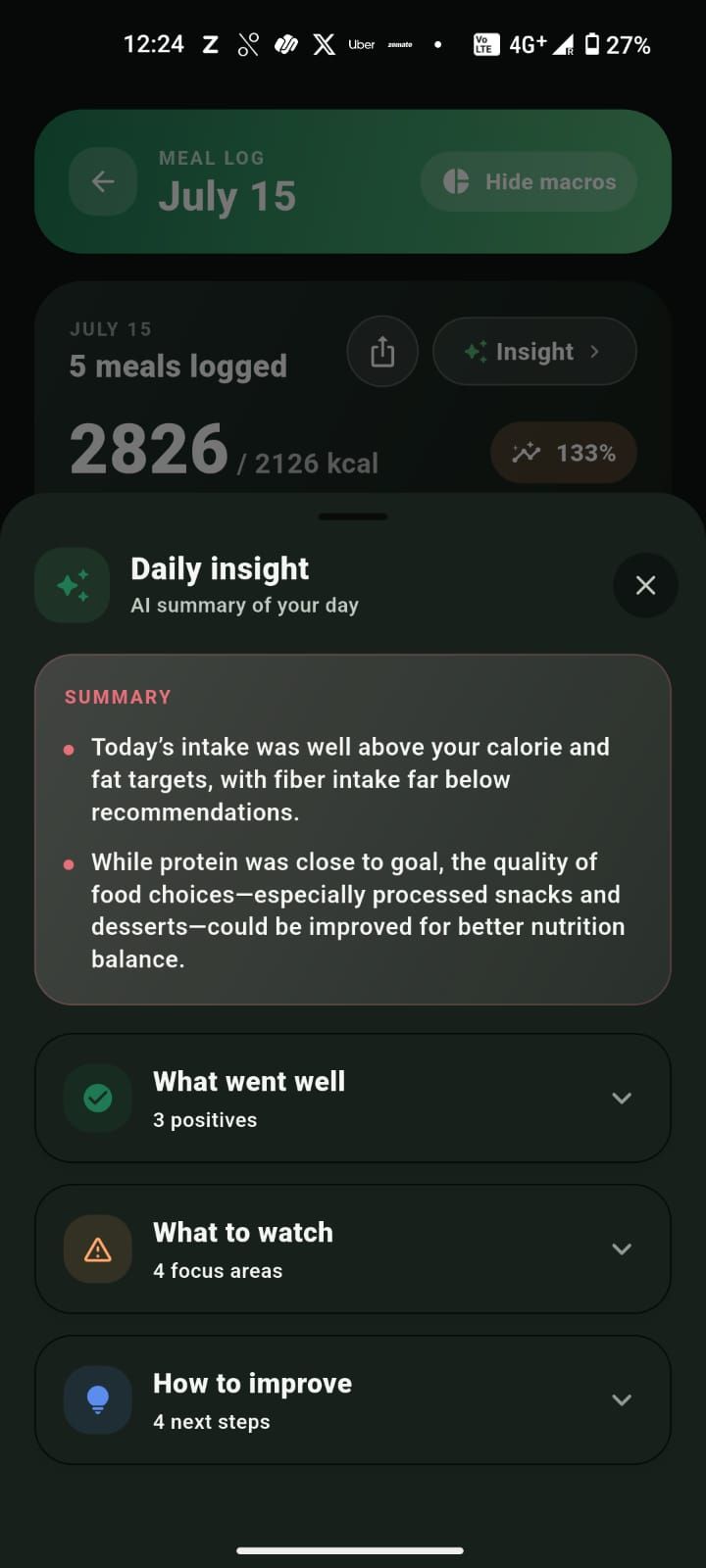
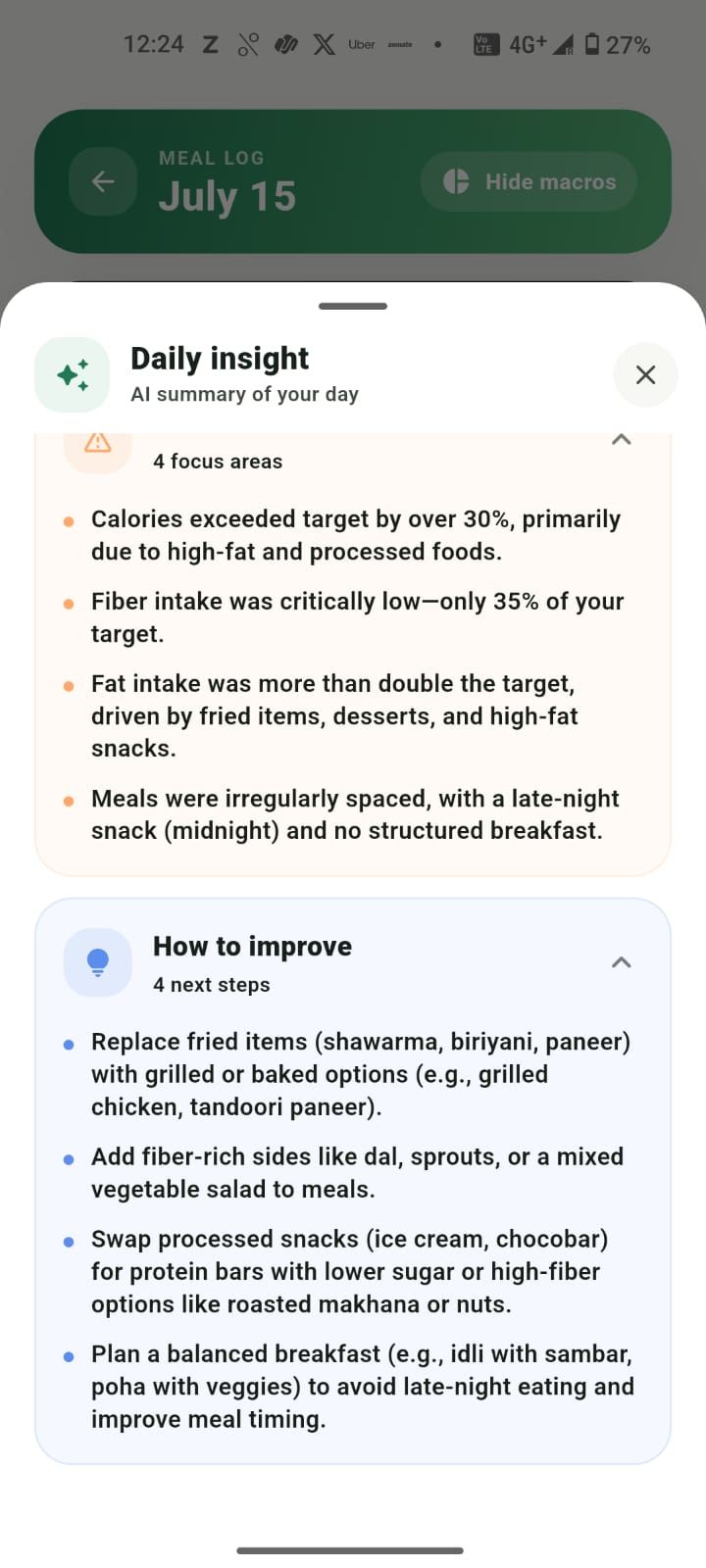
Tap Insight on any day. Zaalios reads your log and gives you a short, plain-spoken summary in three parts, with a few concrete next steps. It's a nudge from a coach, not a report card.
Insights are general guidance for building habits, not medical advice.
Daily insight
AI summary of your day
What went well
What to watch
How to improve
Progress over perfection
The Progress tab zooms out to 7 days, a month or three months, or any custom range. Your targets sit right on the chart, and your goal weight is broken into 14-day stages you can actually reach.
Calories trend
Macros trend · Carbs
Stages
2/8 reached83.4 kg
Due 29 Sep · Reached 27 Sep
82.8 kg
Due 13 Oct · Reached 12 Oct
82.2 kg
Due 27 Oct
81.6 kg
Due 10 Nov
No learning curve. You can log your first meal within a minute of opening the app.
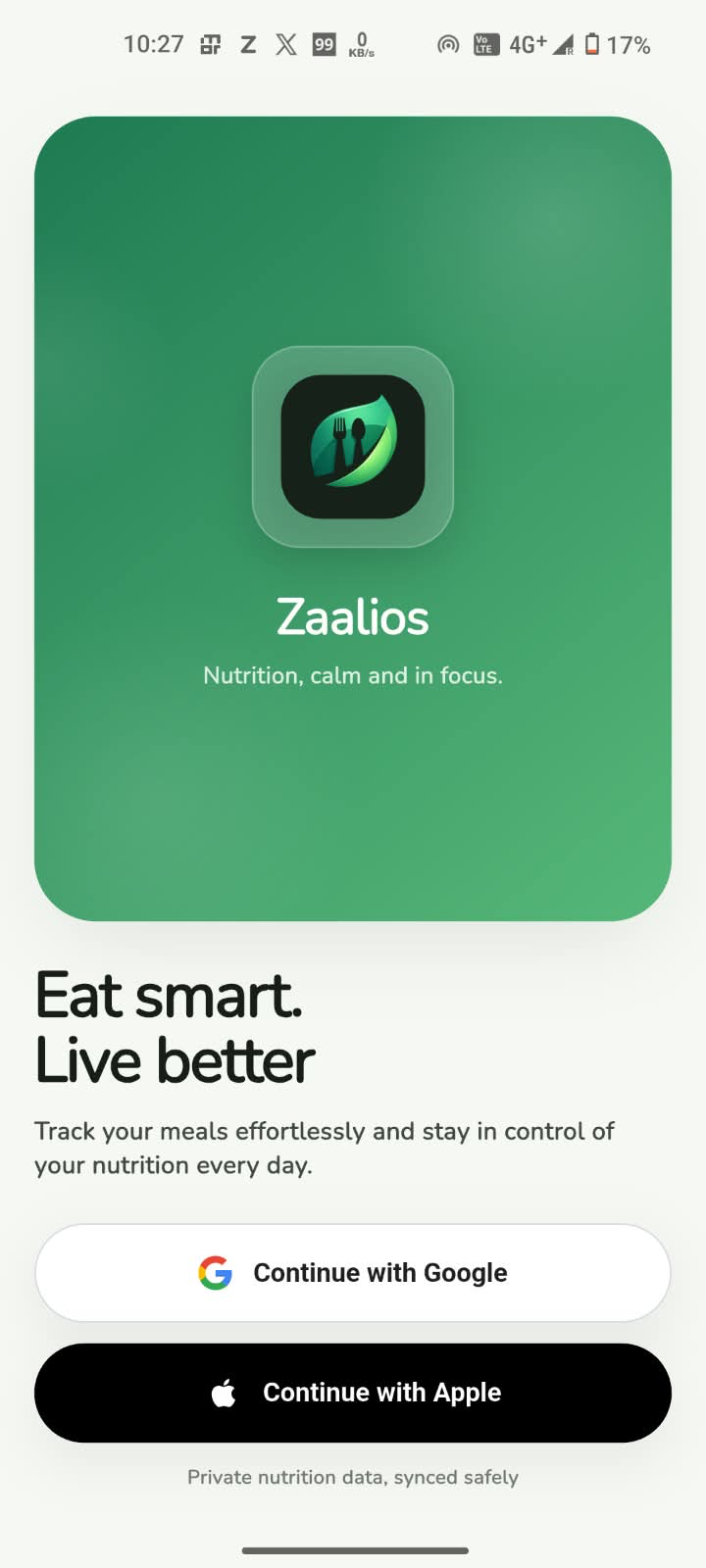
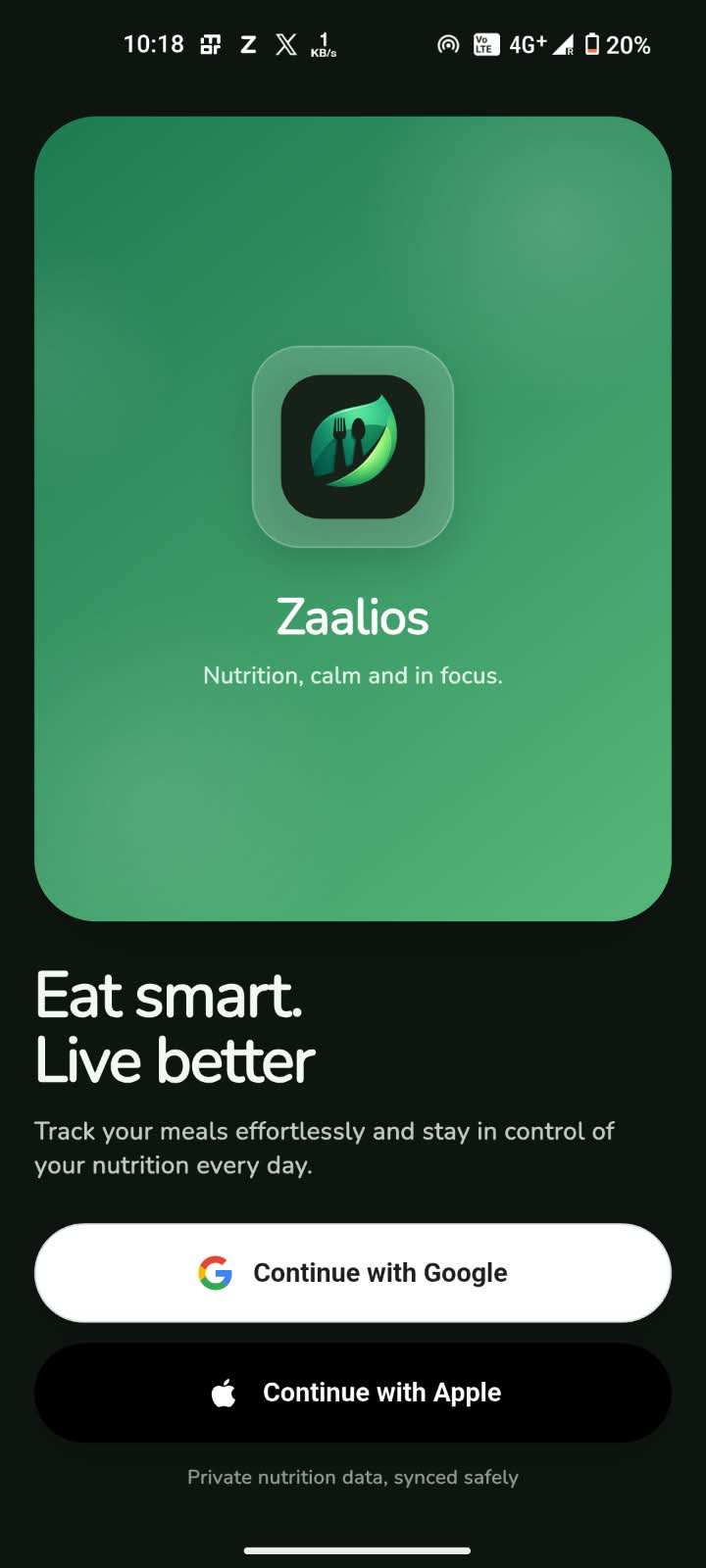
Sign in with Google or Apple, add a few basics and pick a goal. Zaalios works out your calorie and macro targets.
Food, water or weight, all from one button. Describe meals in your own words.
Check the dashboard, open your daily insight, and see progress build over weeks.
Take the tour
Pick a part of the app and swipe through the real screens, in light or dark.
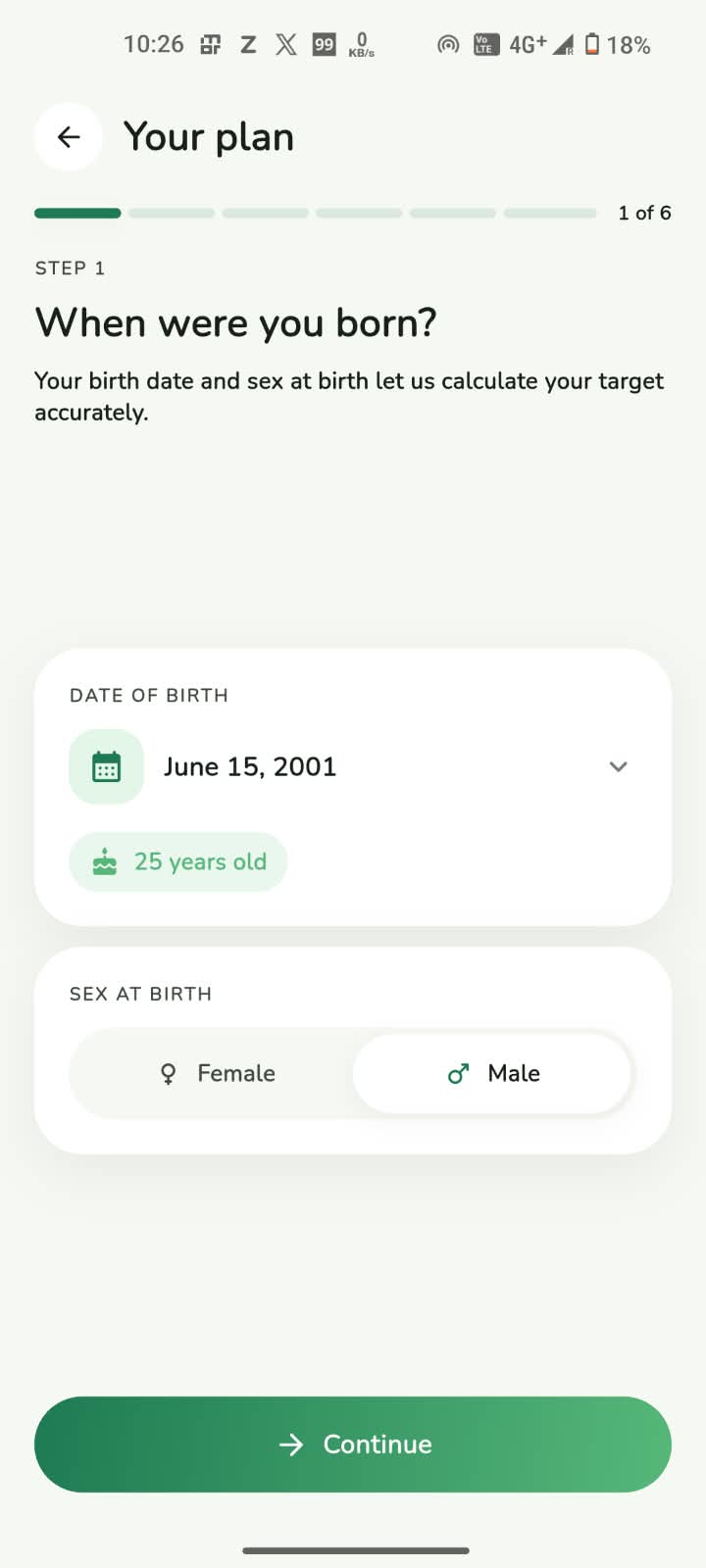
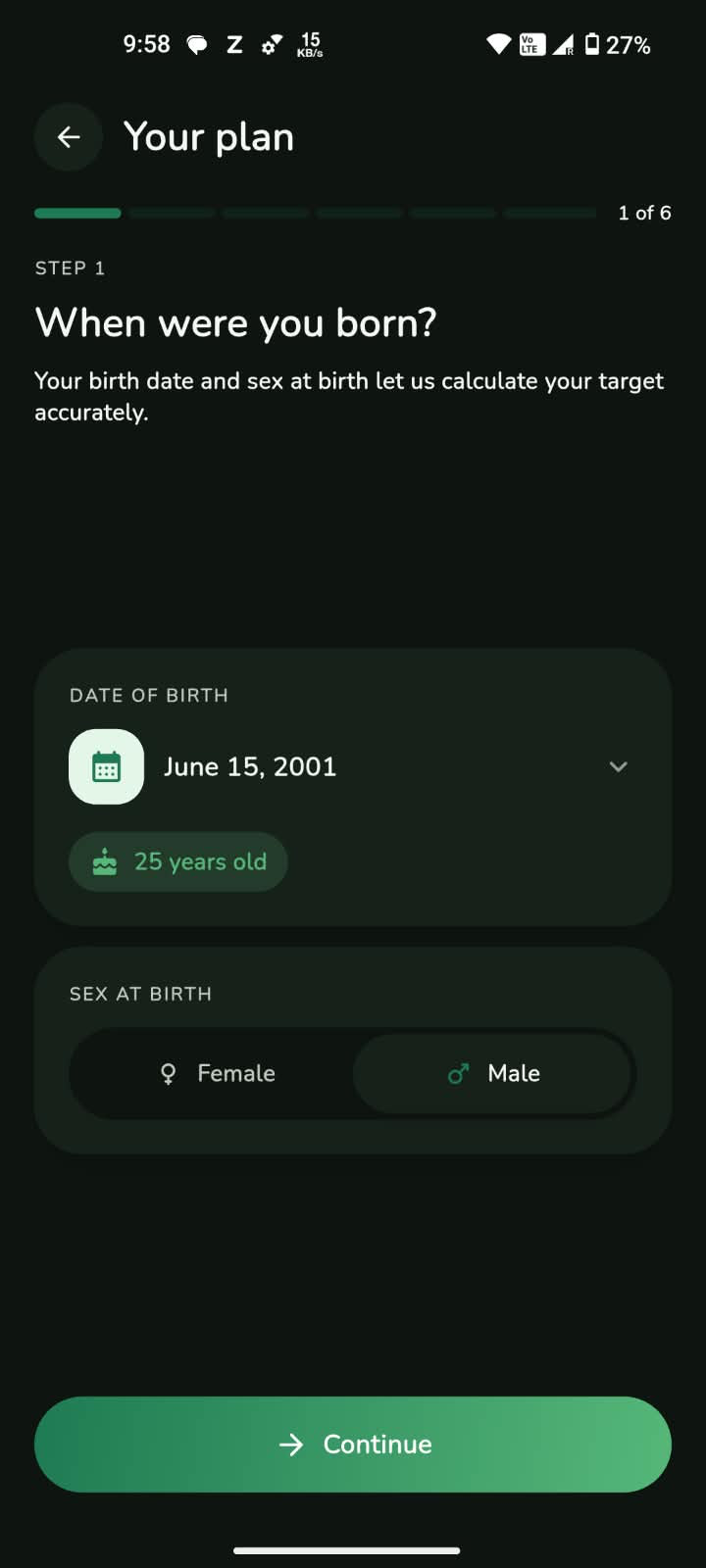
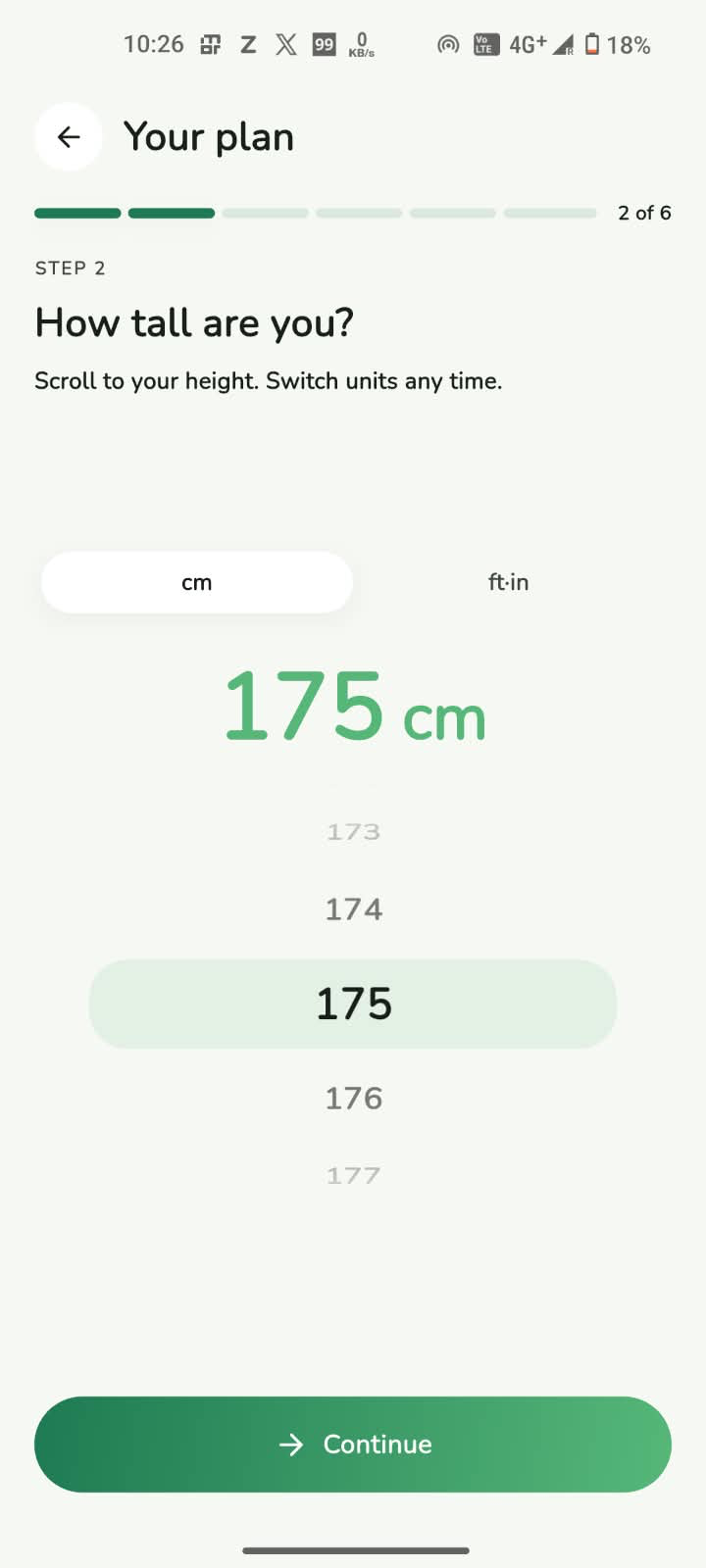
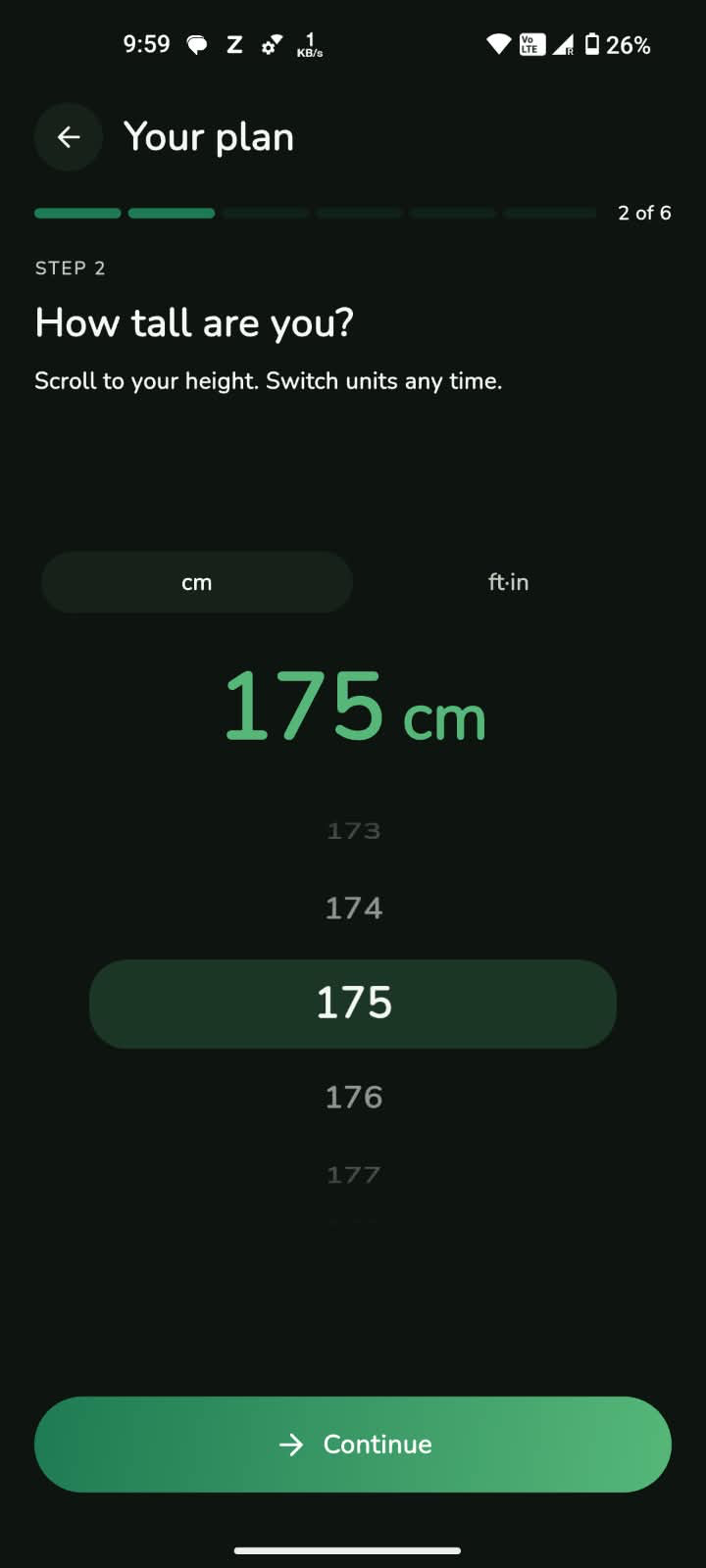
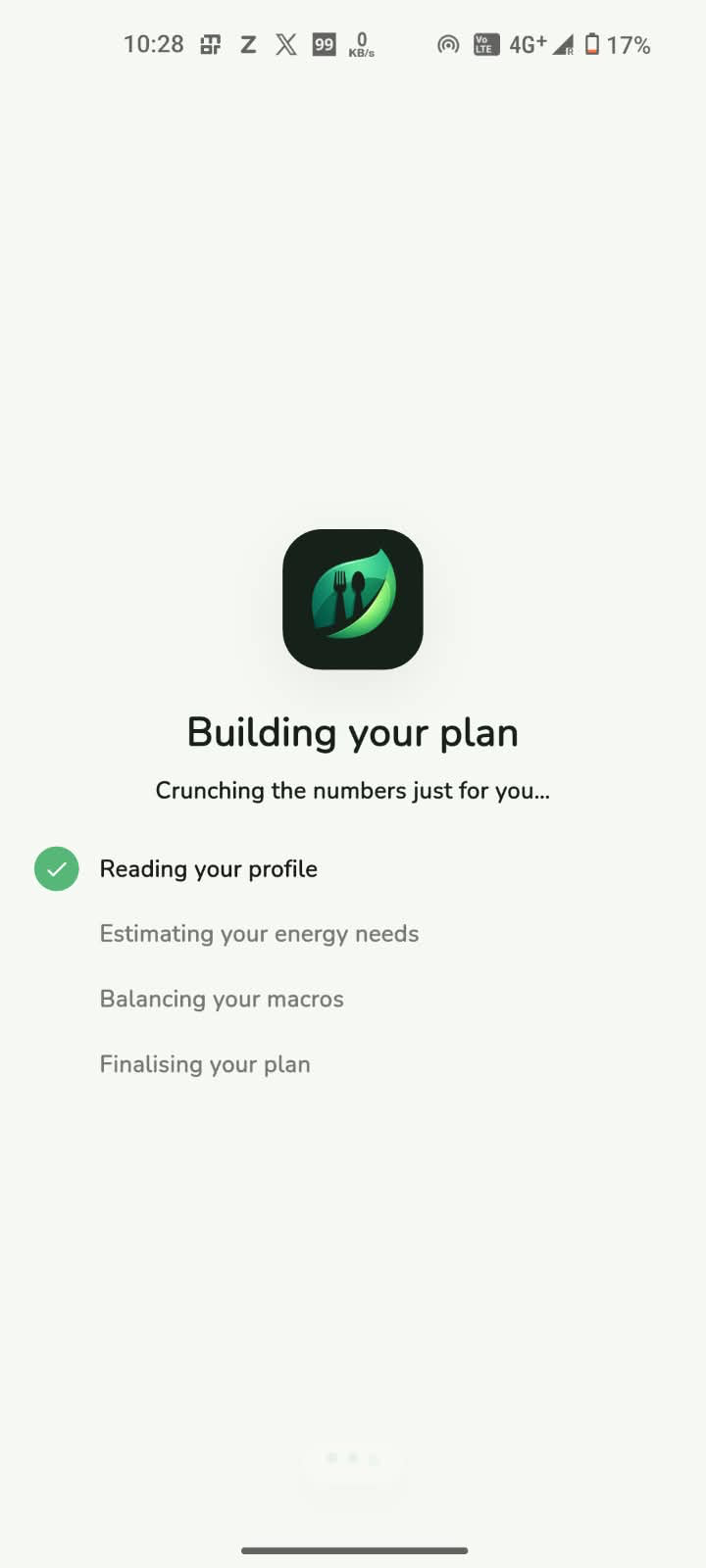
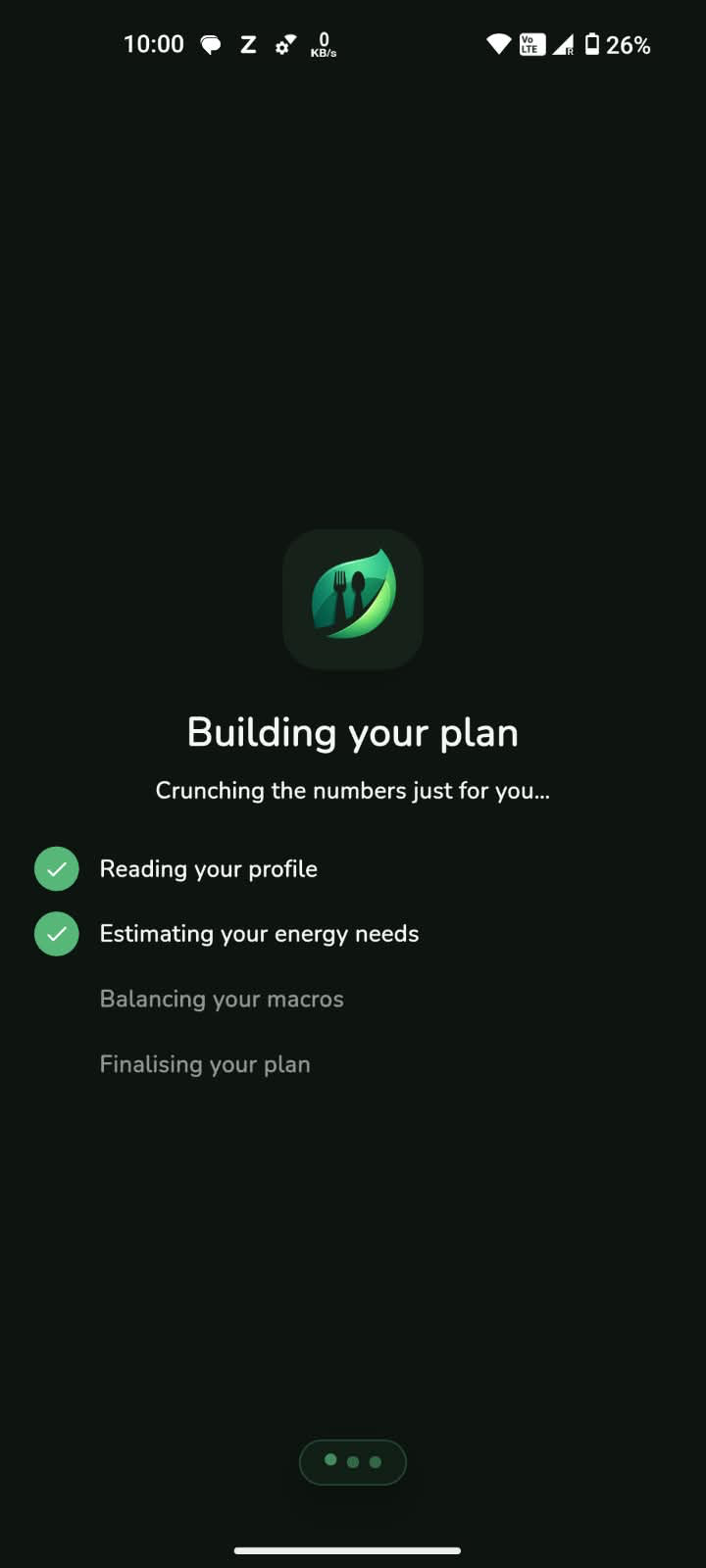
Step 1 · Setup
A short, friendly onboarding learns your goals and body basics, then calculates the calorie and macro targets that fit you.
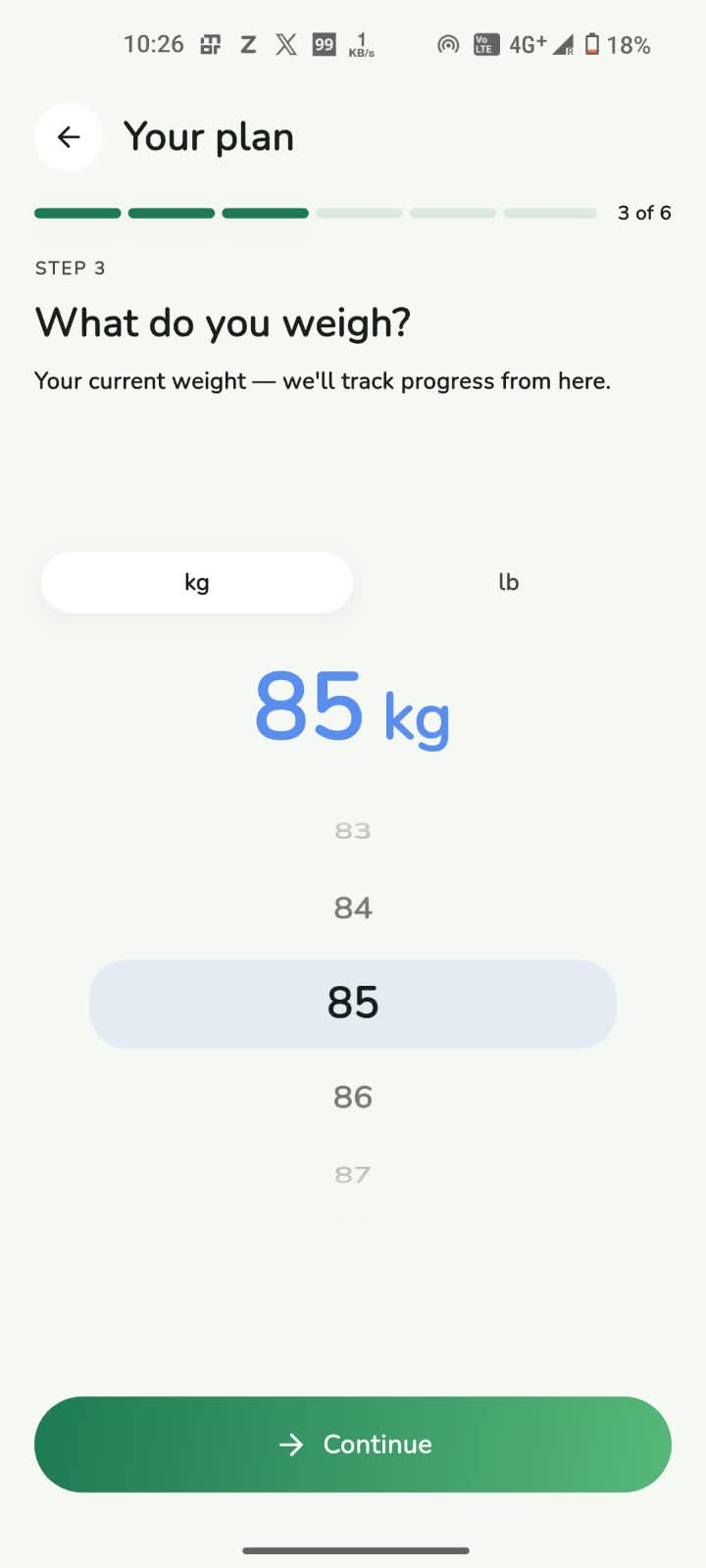
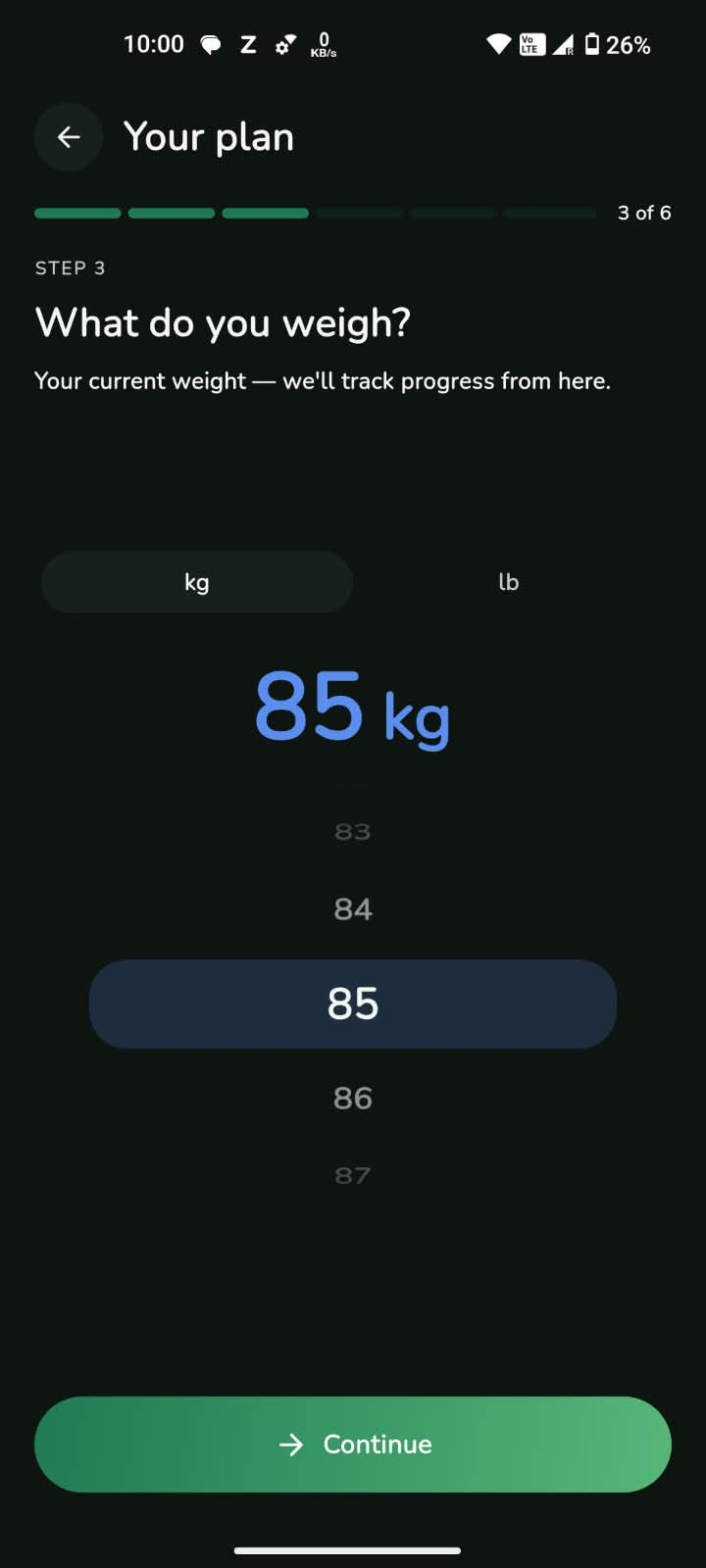
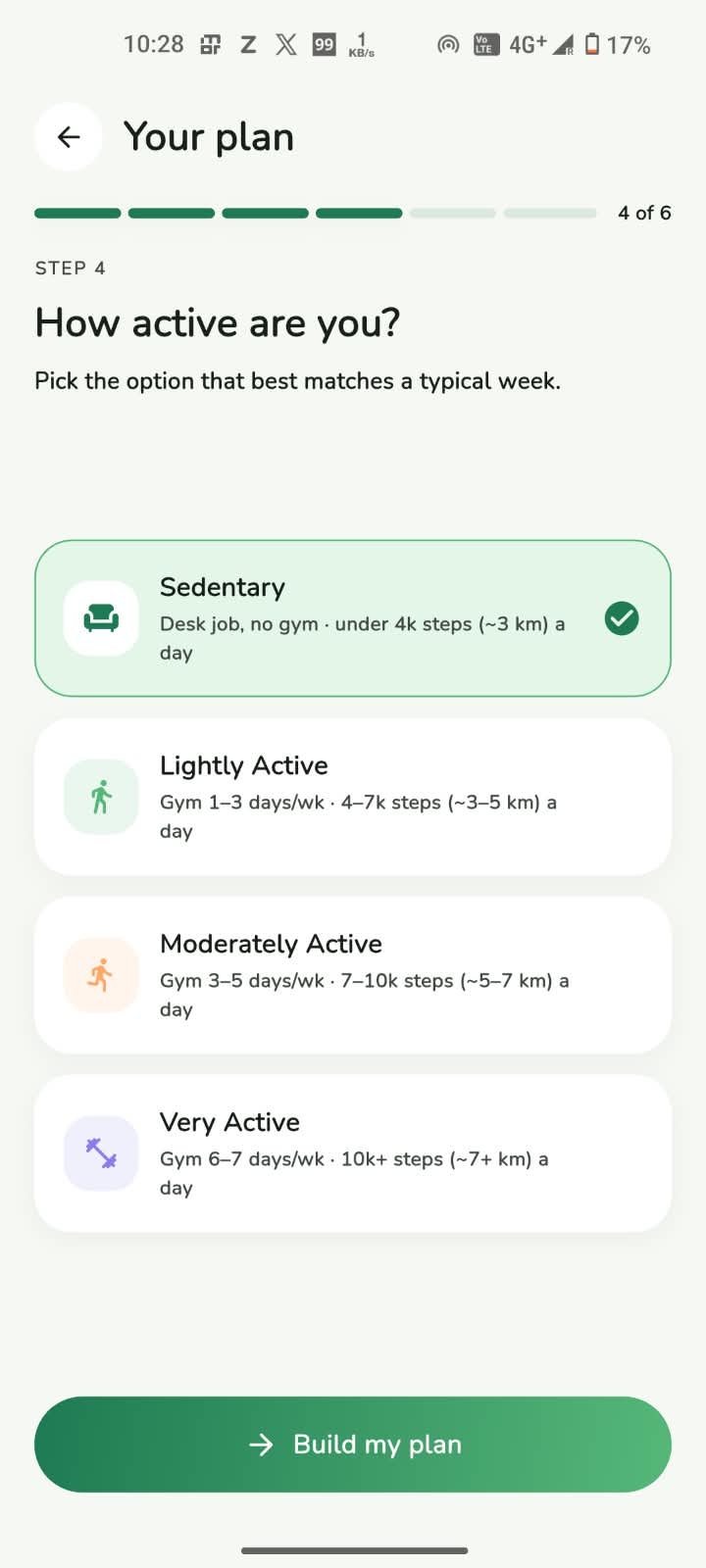
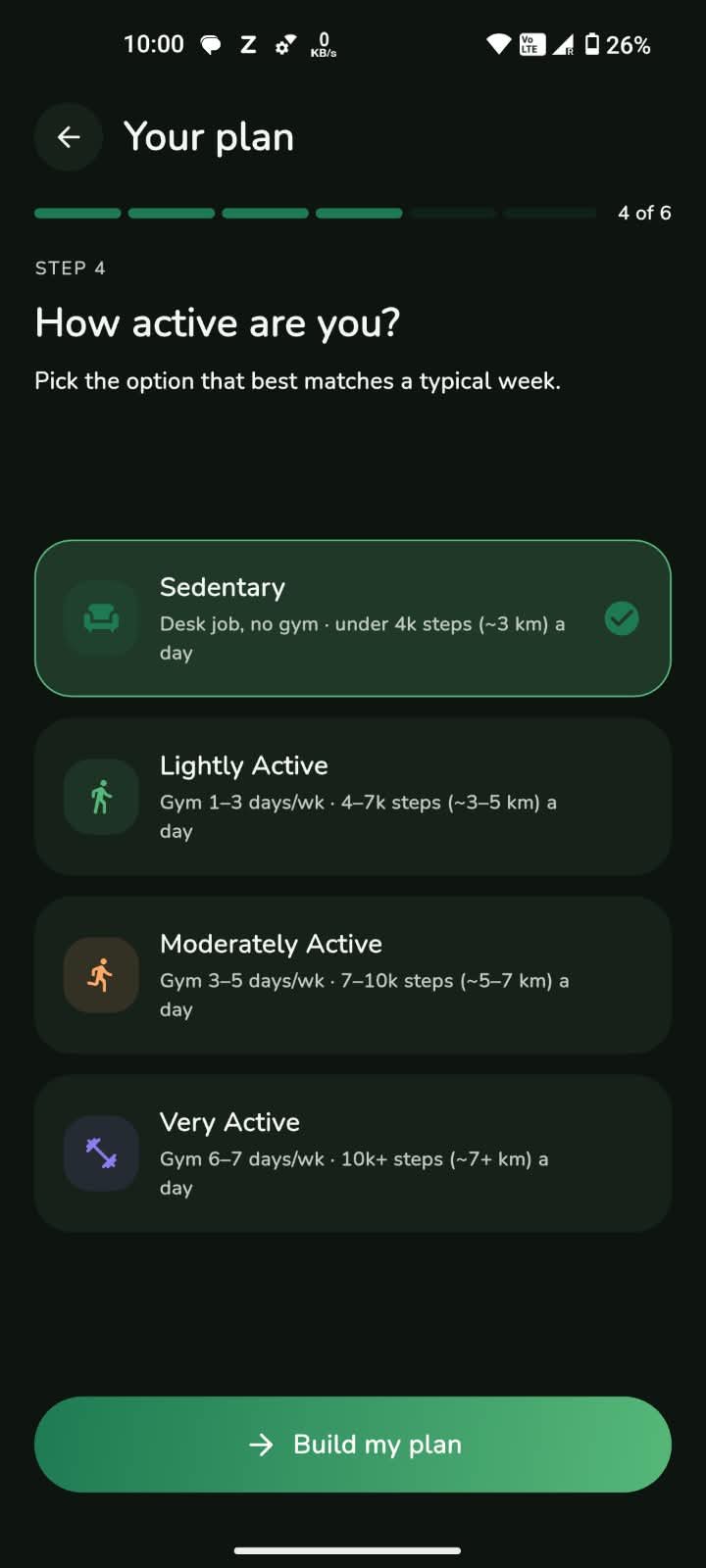
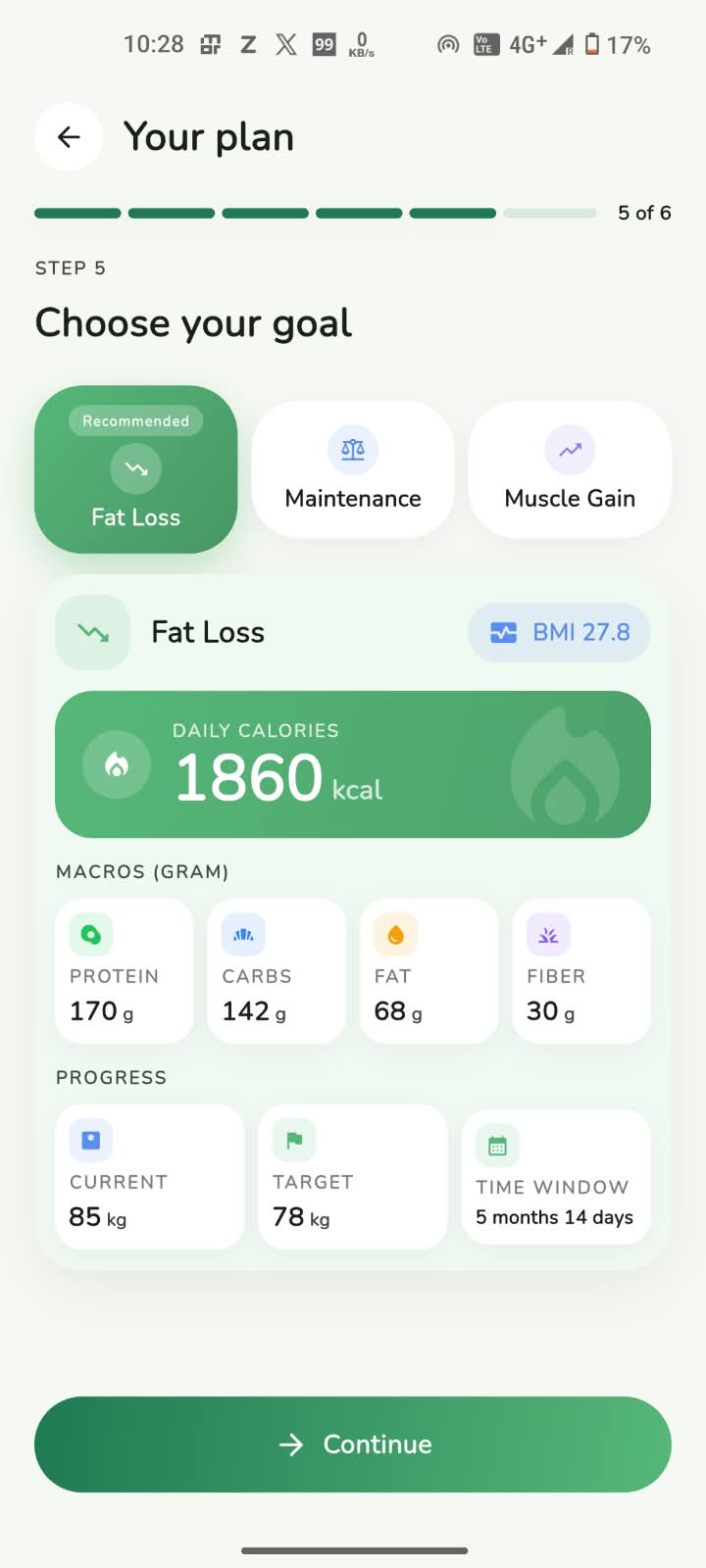
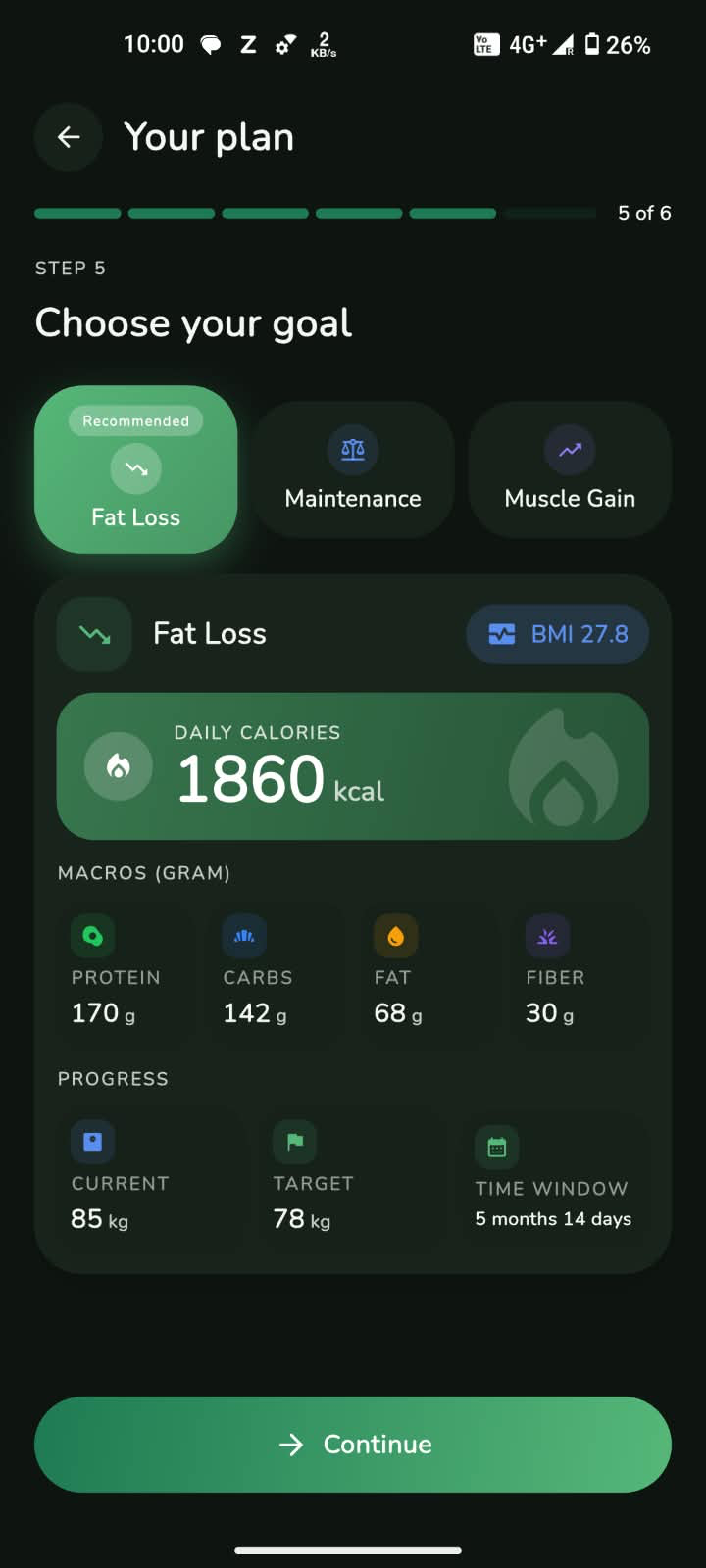
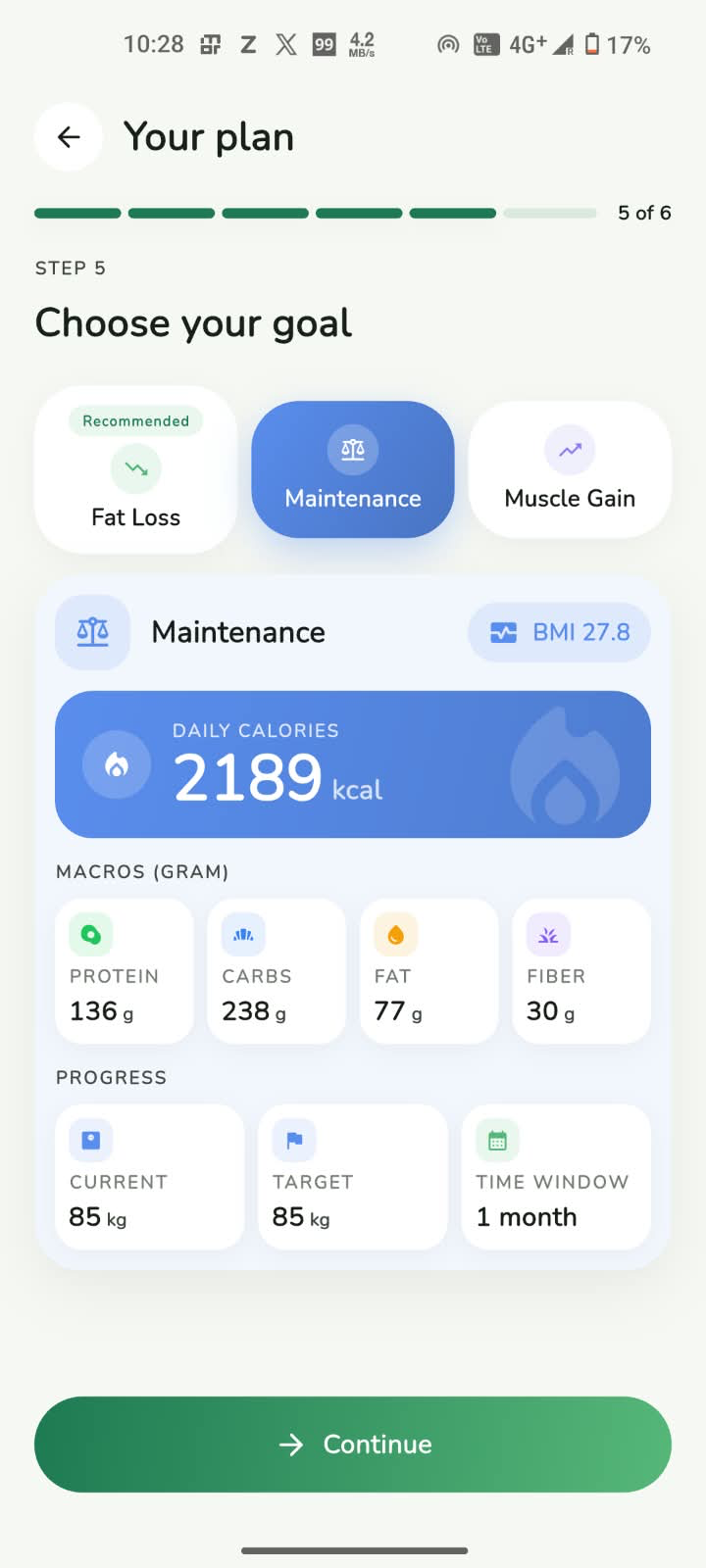
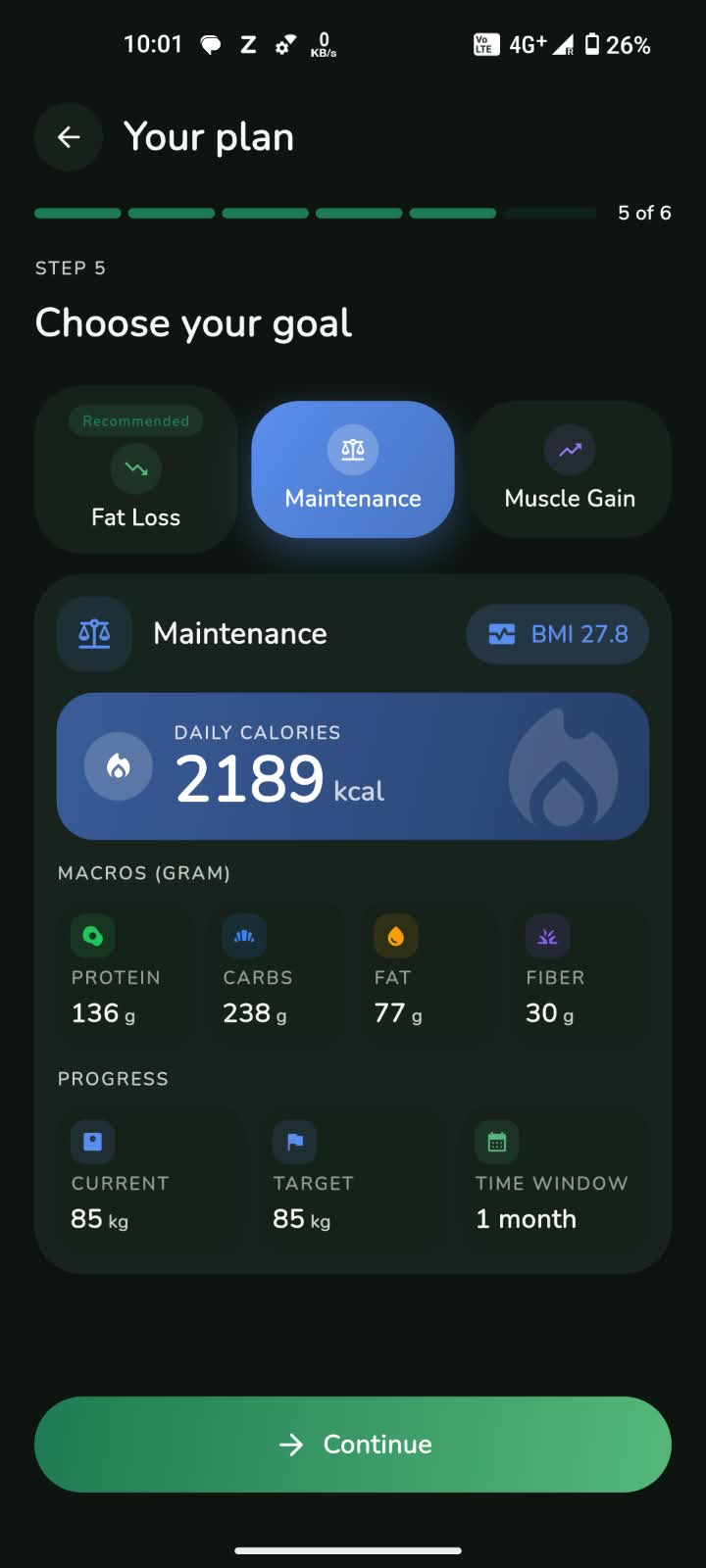
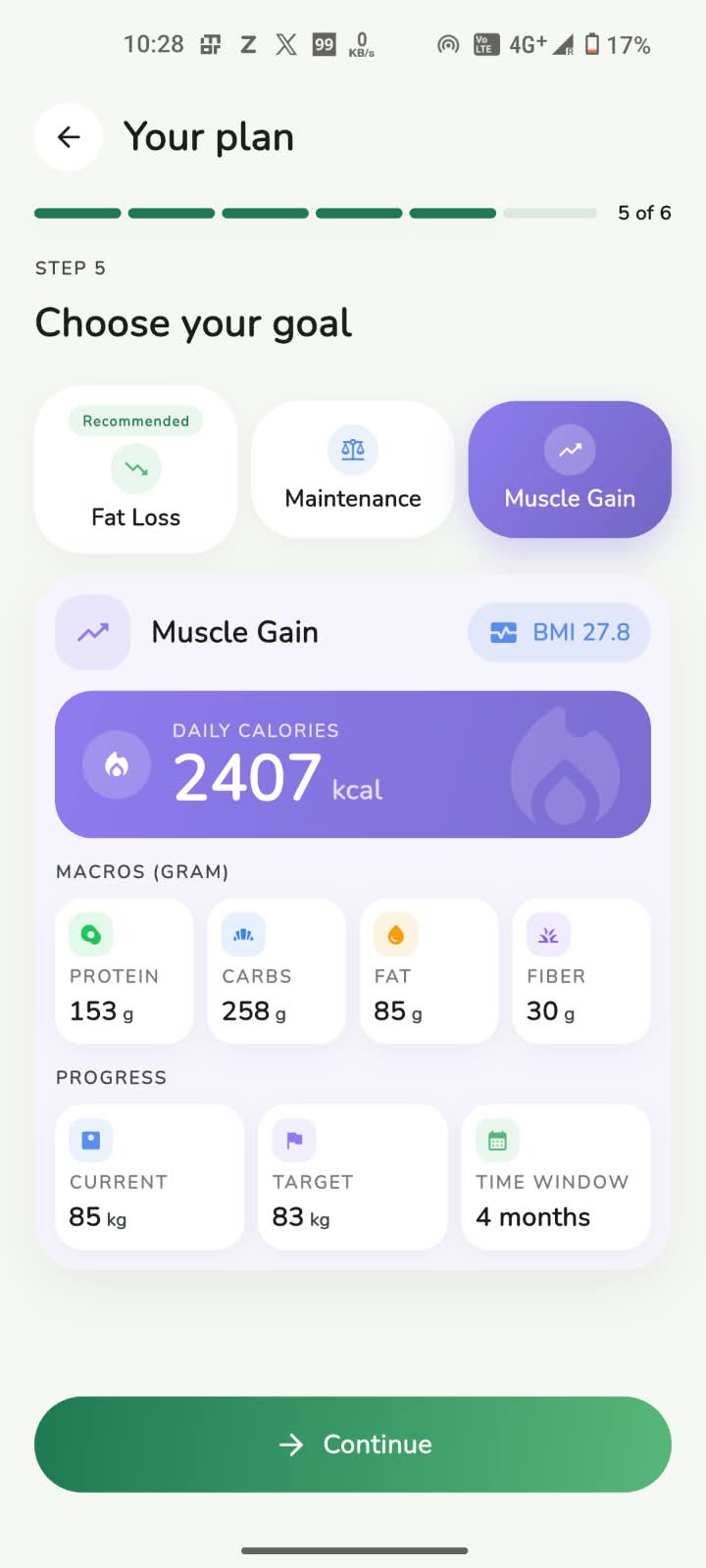
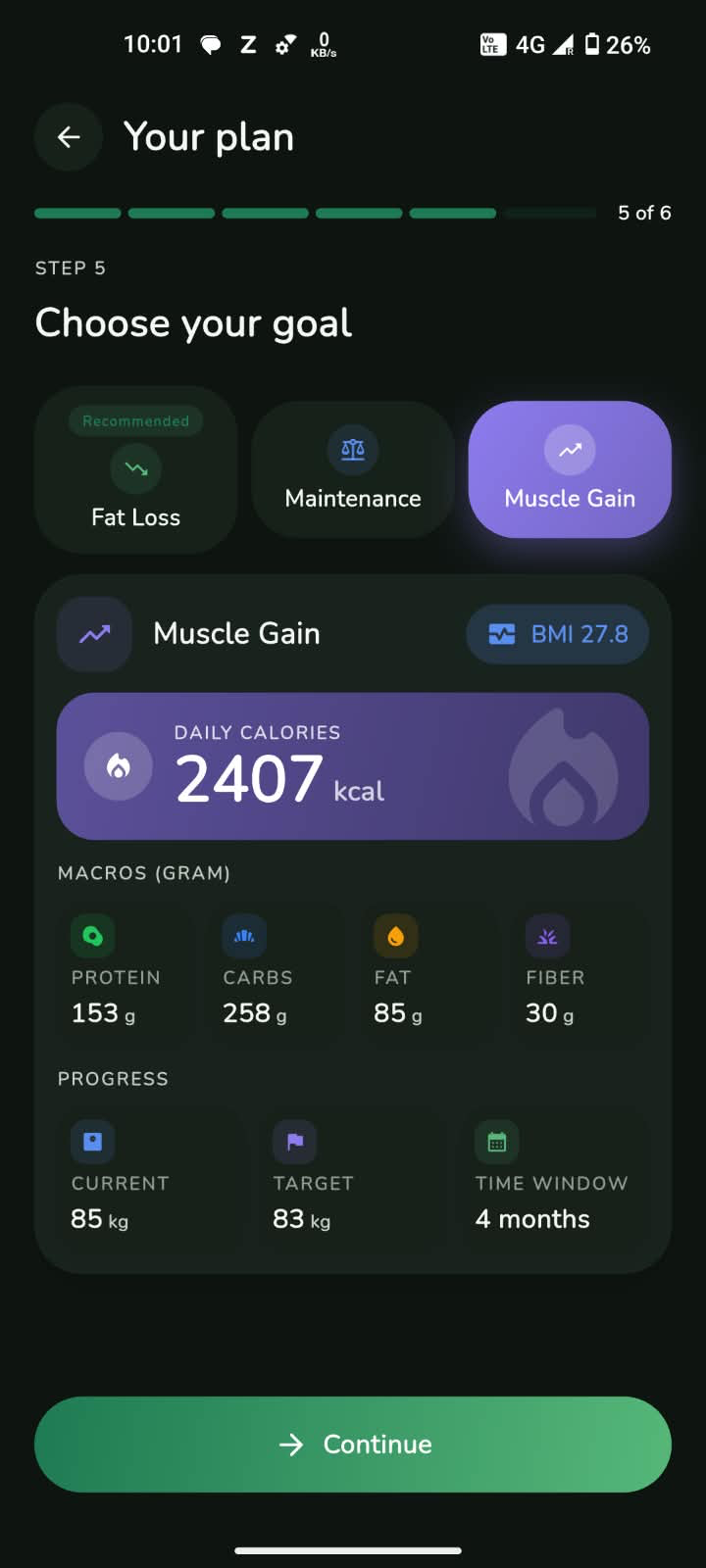
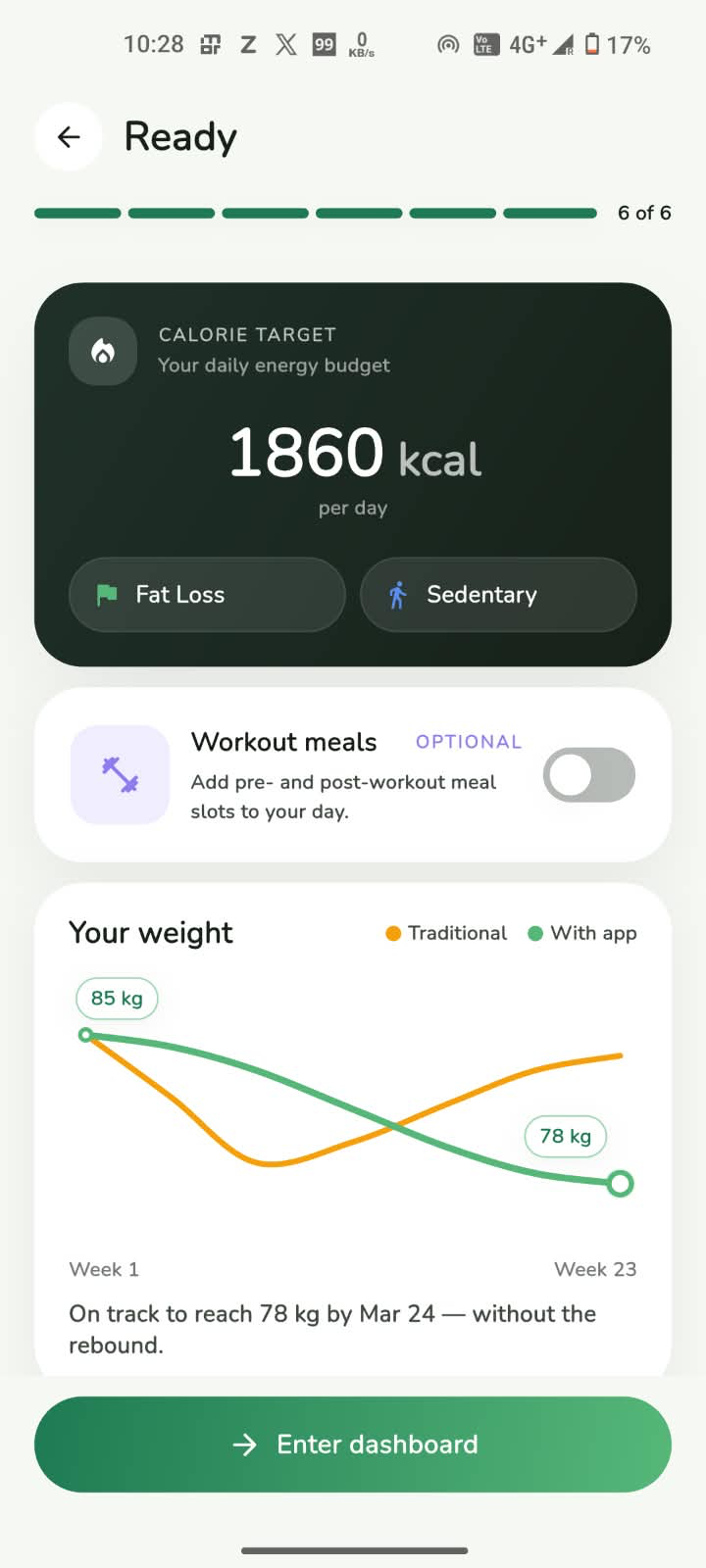
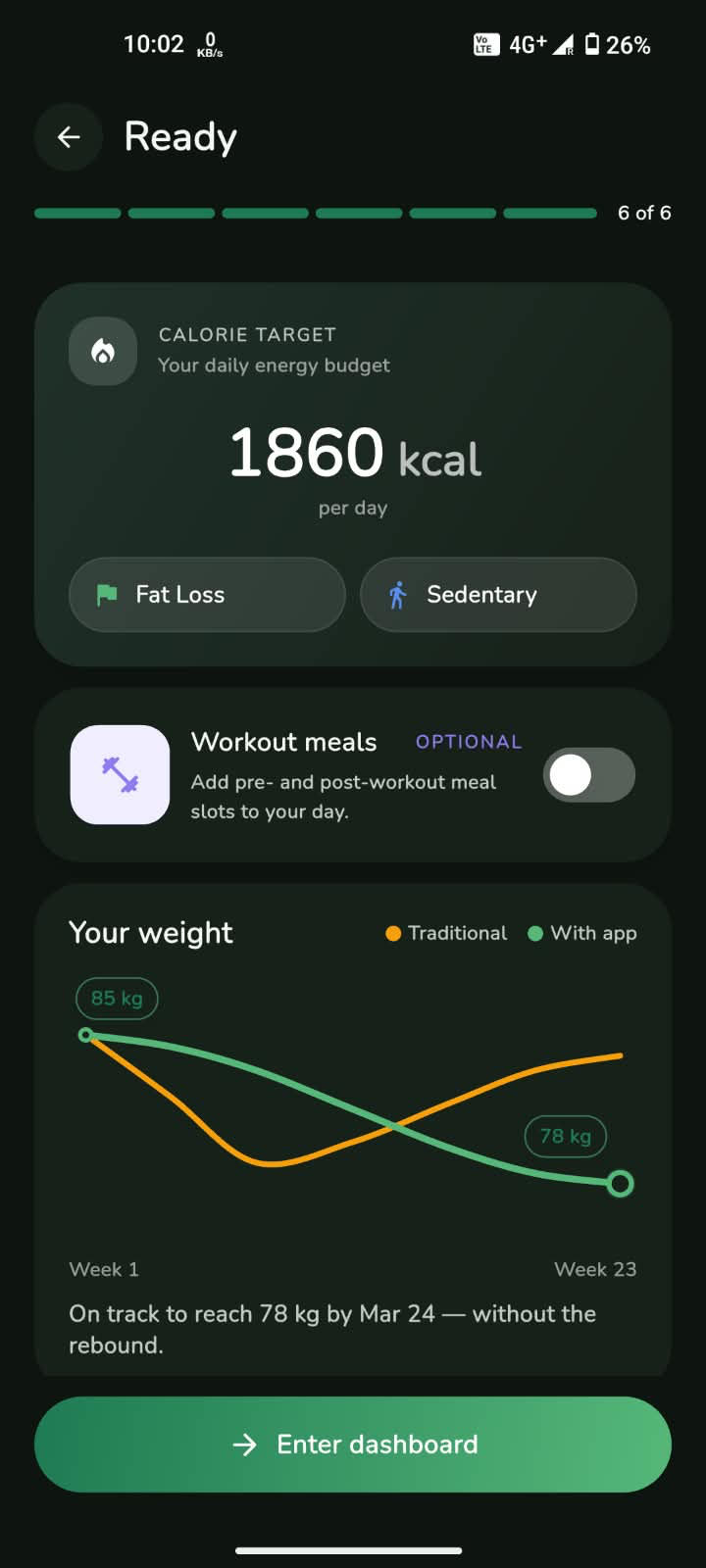
Step 2 · Your day
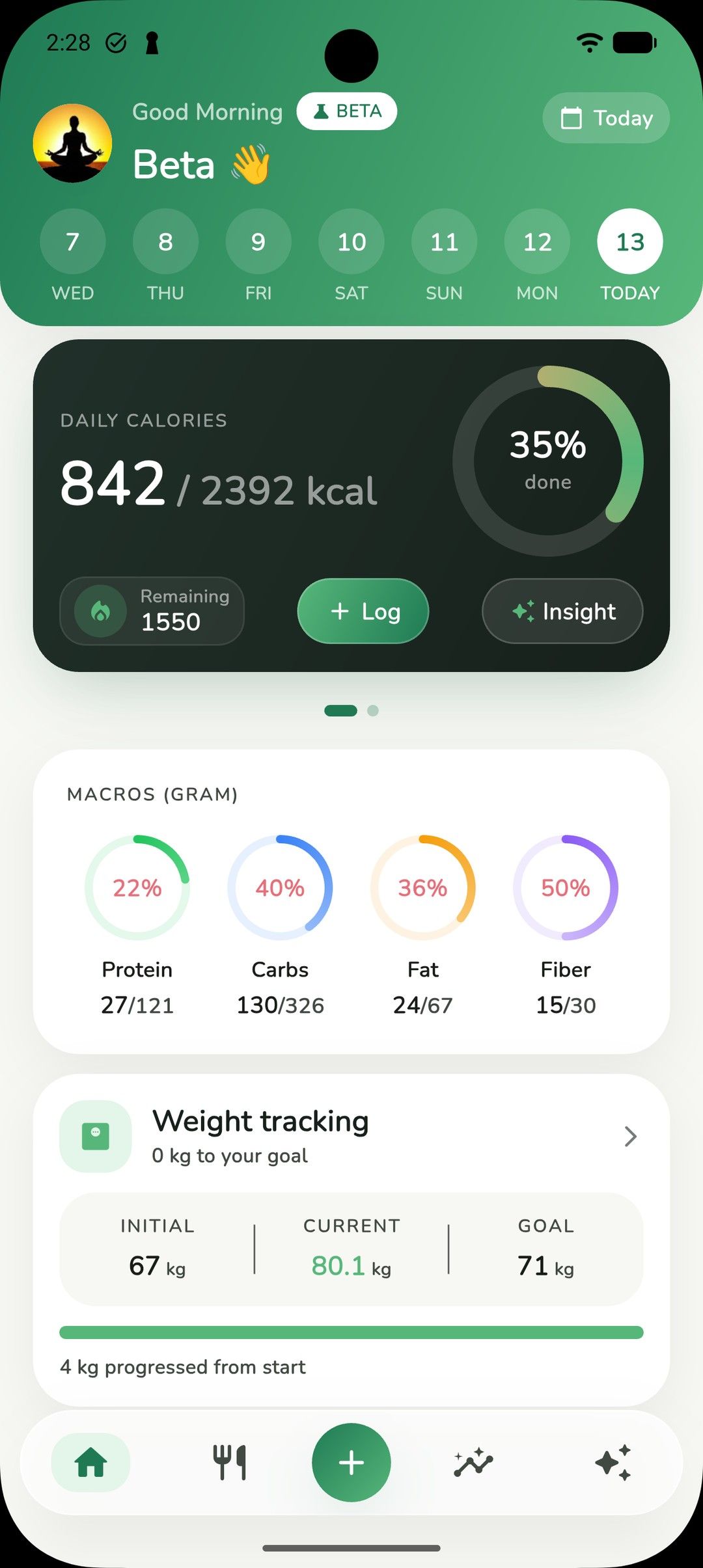
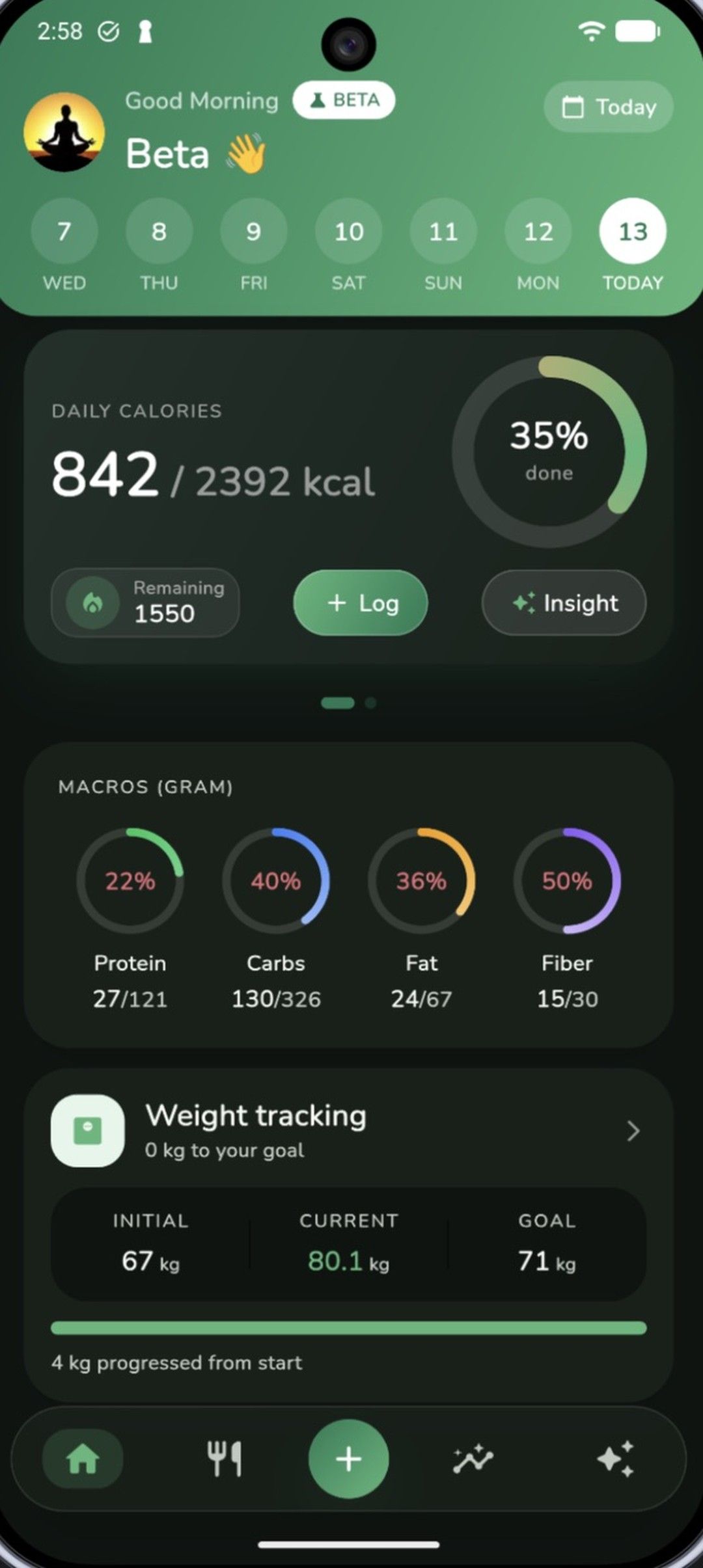
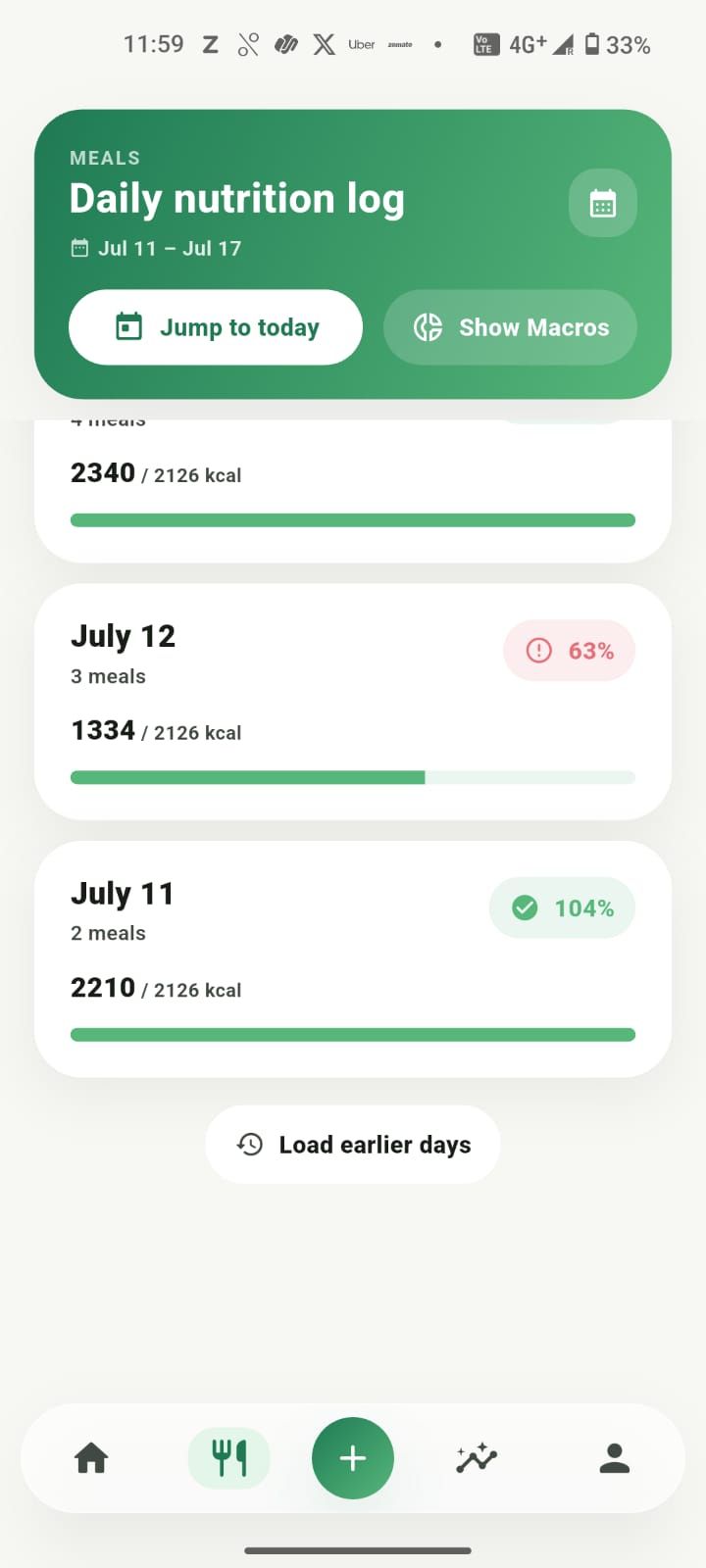
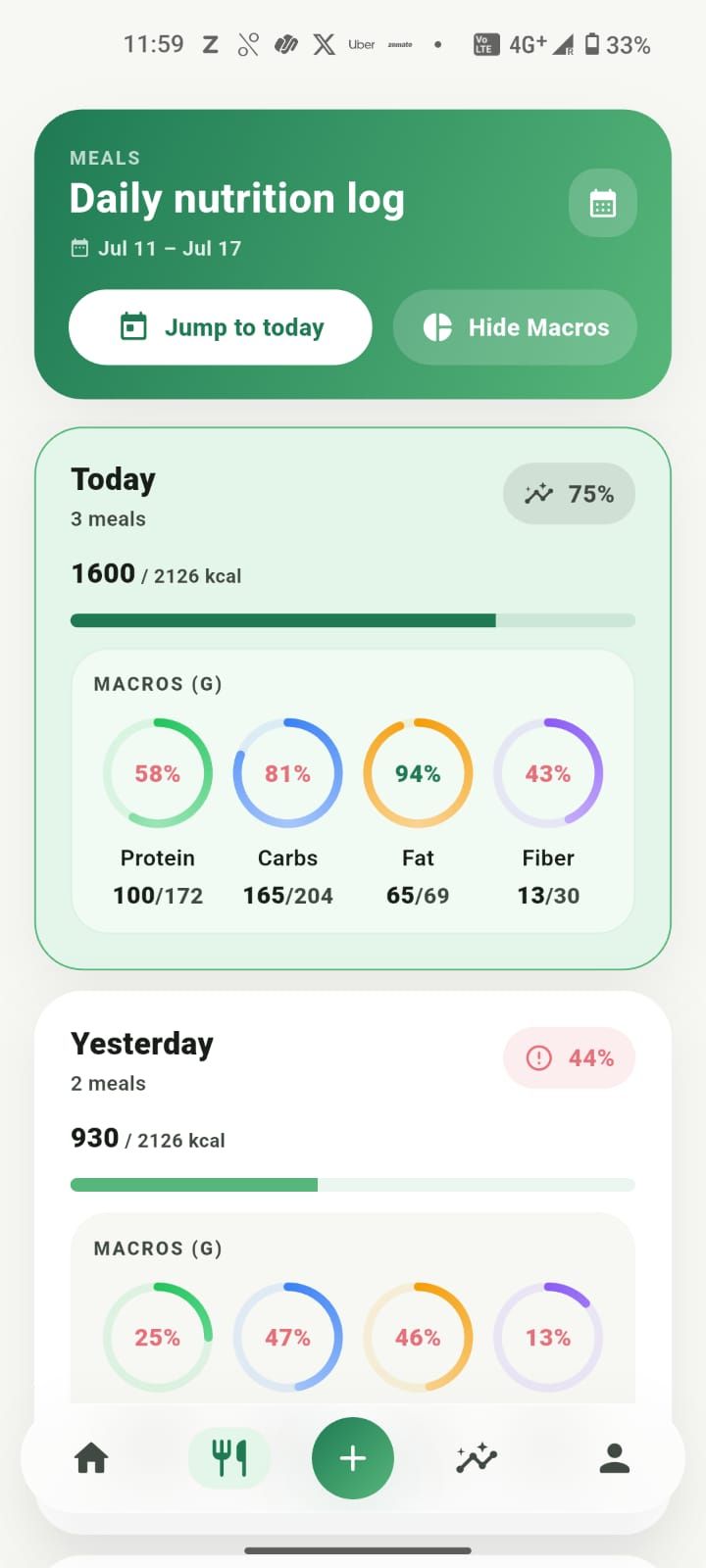
The home dashboard shows calories against your goal, macro rings, a swipeable hydration card, and your weight journey, all in one calm view.
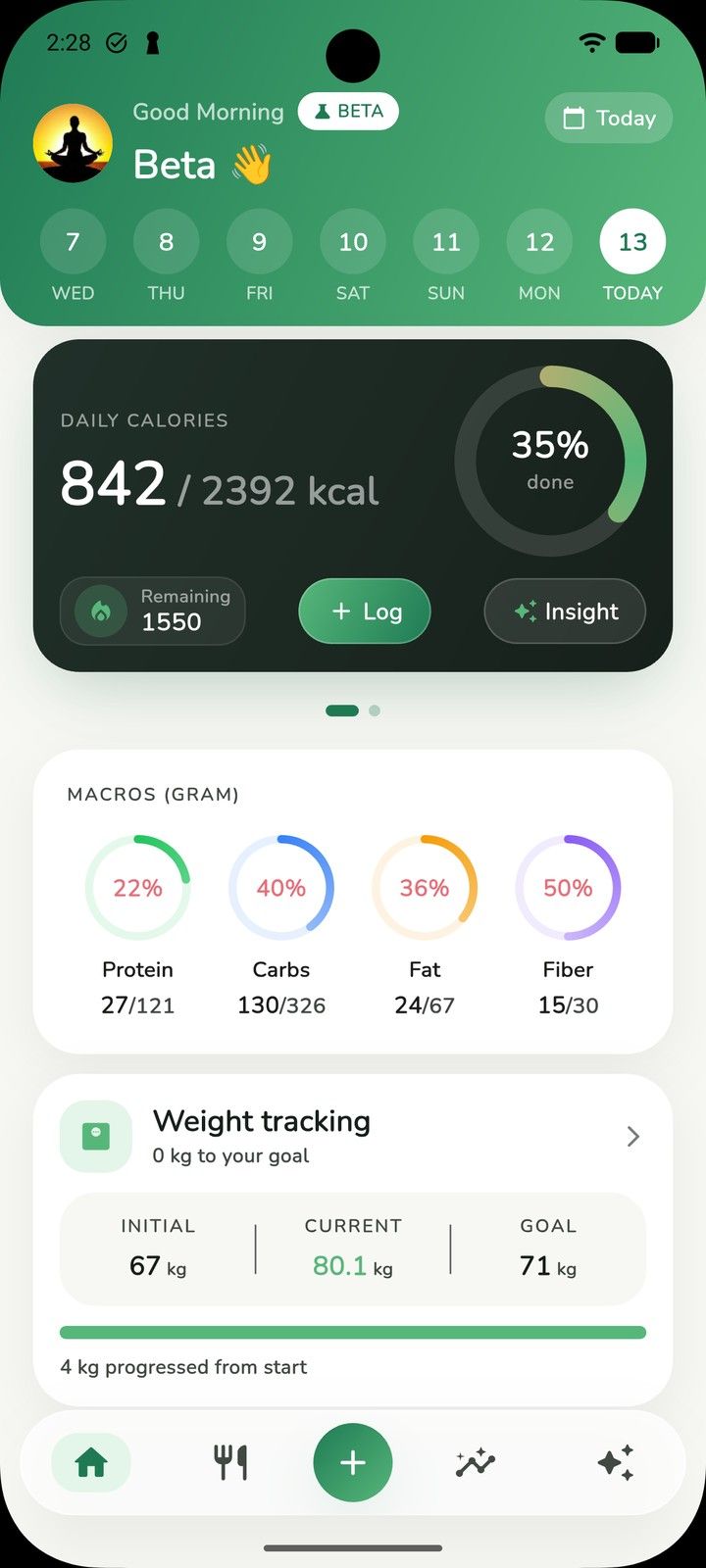
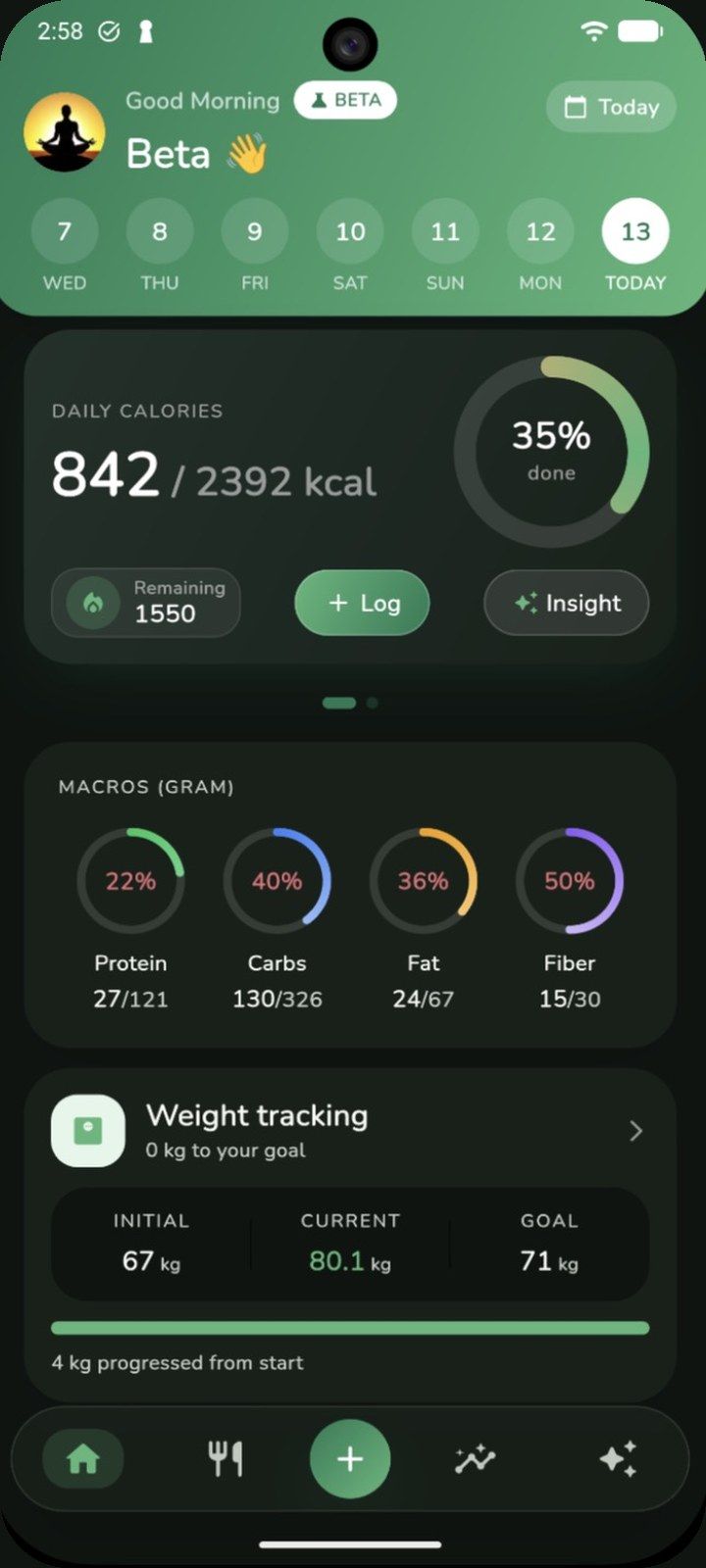
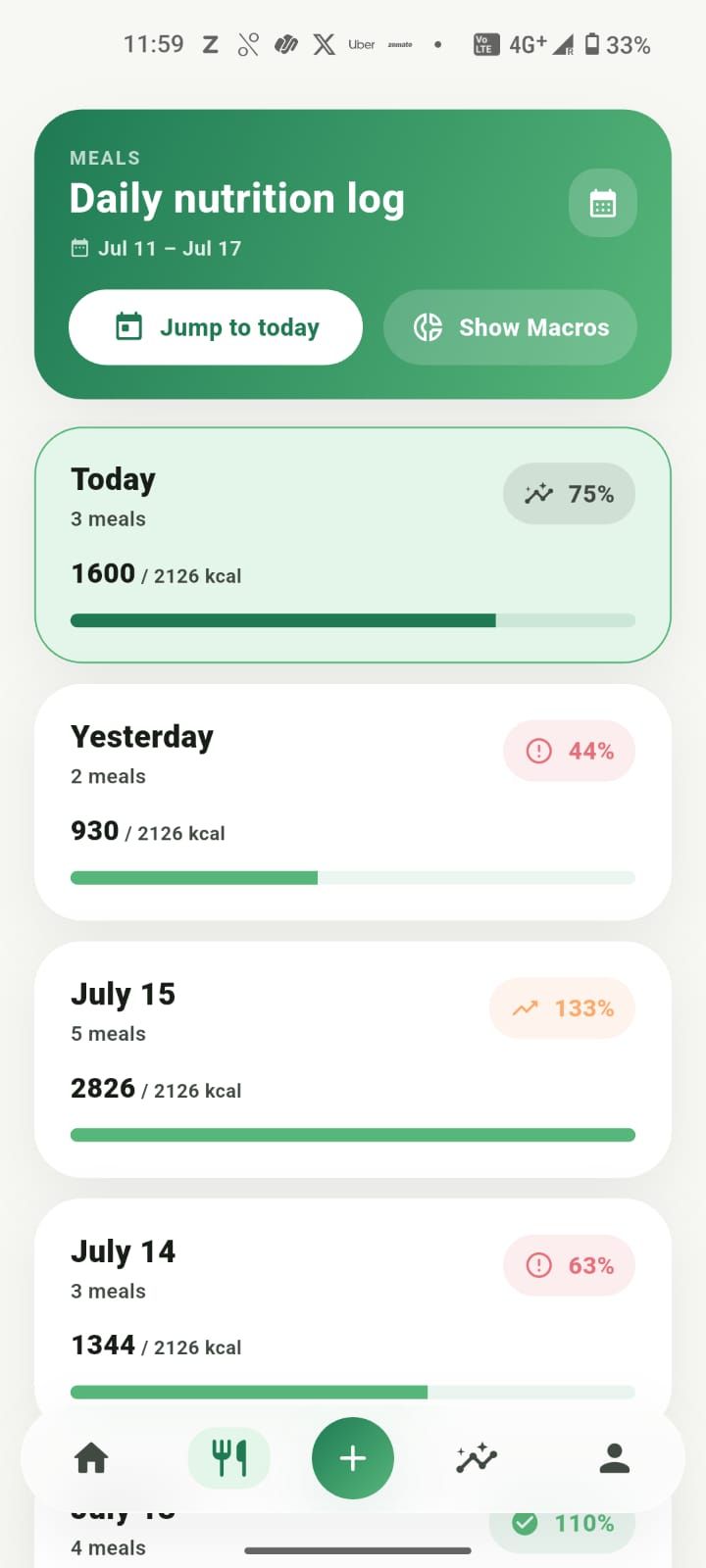
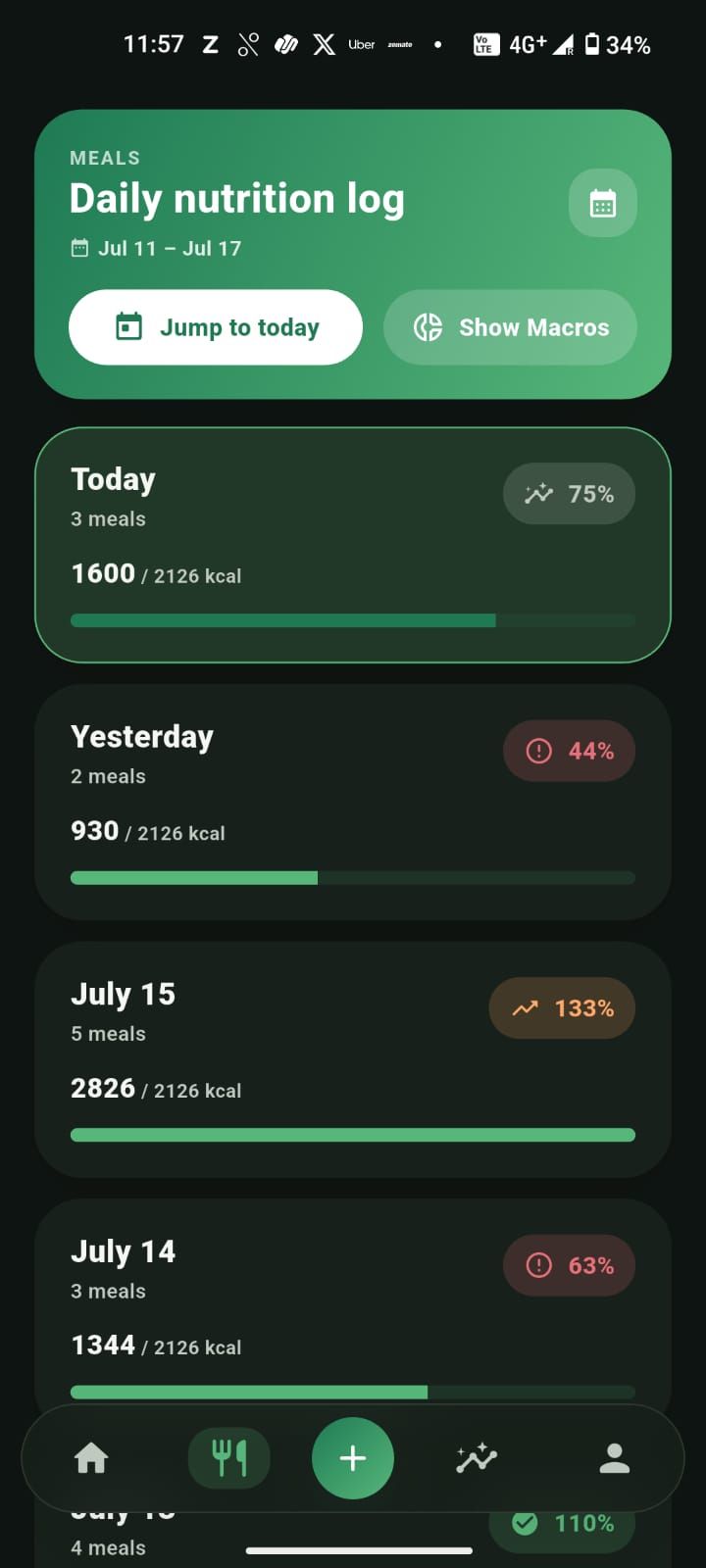
Step 3 · Log meals
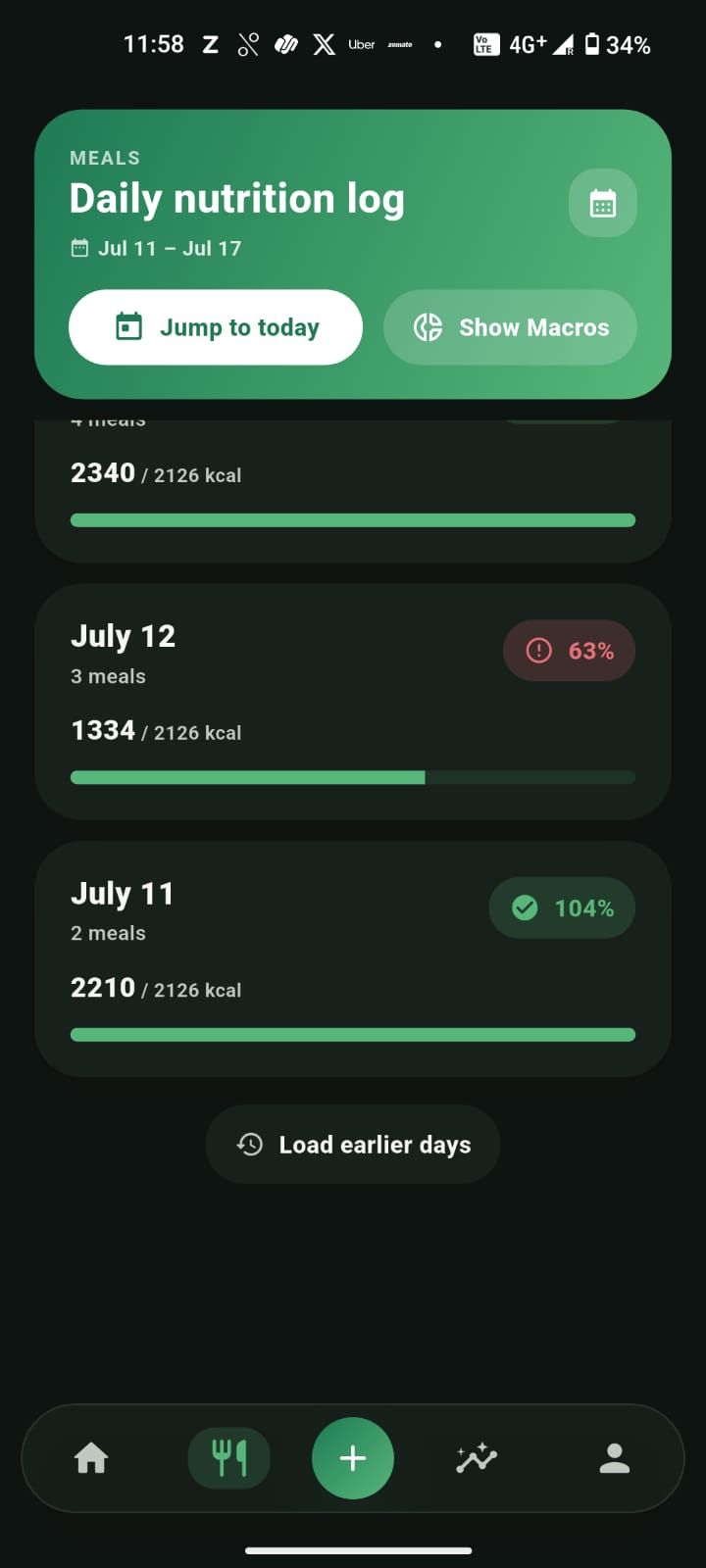
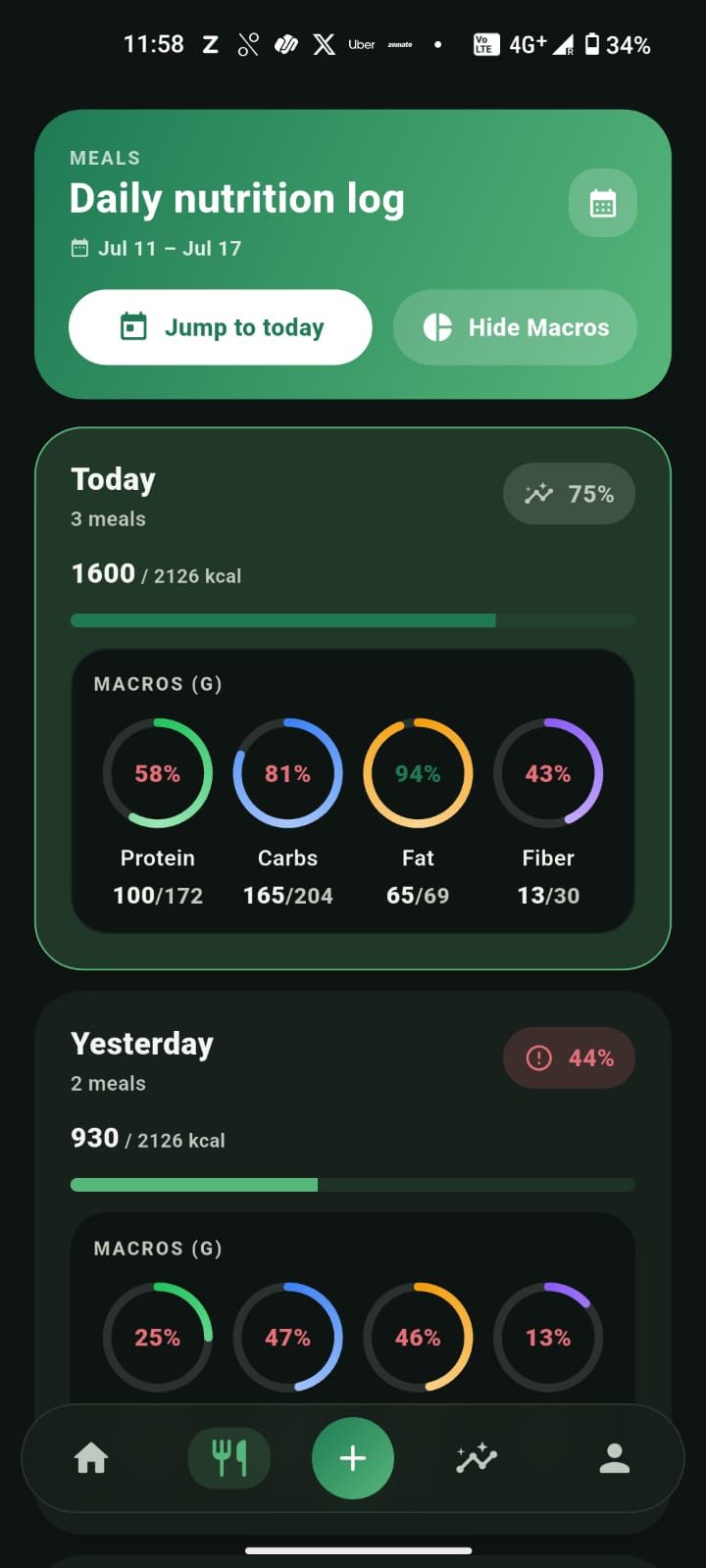
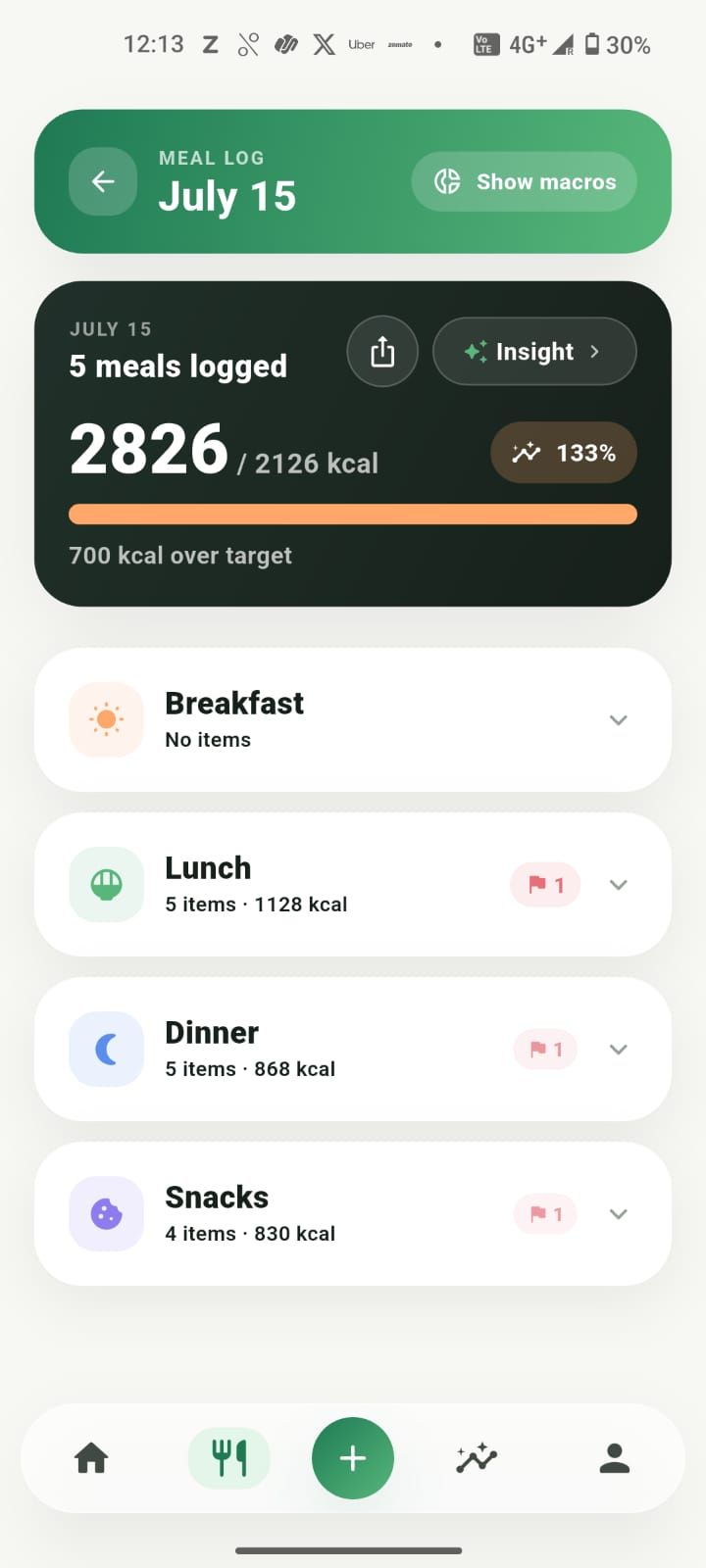
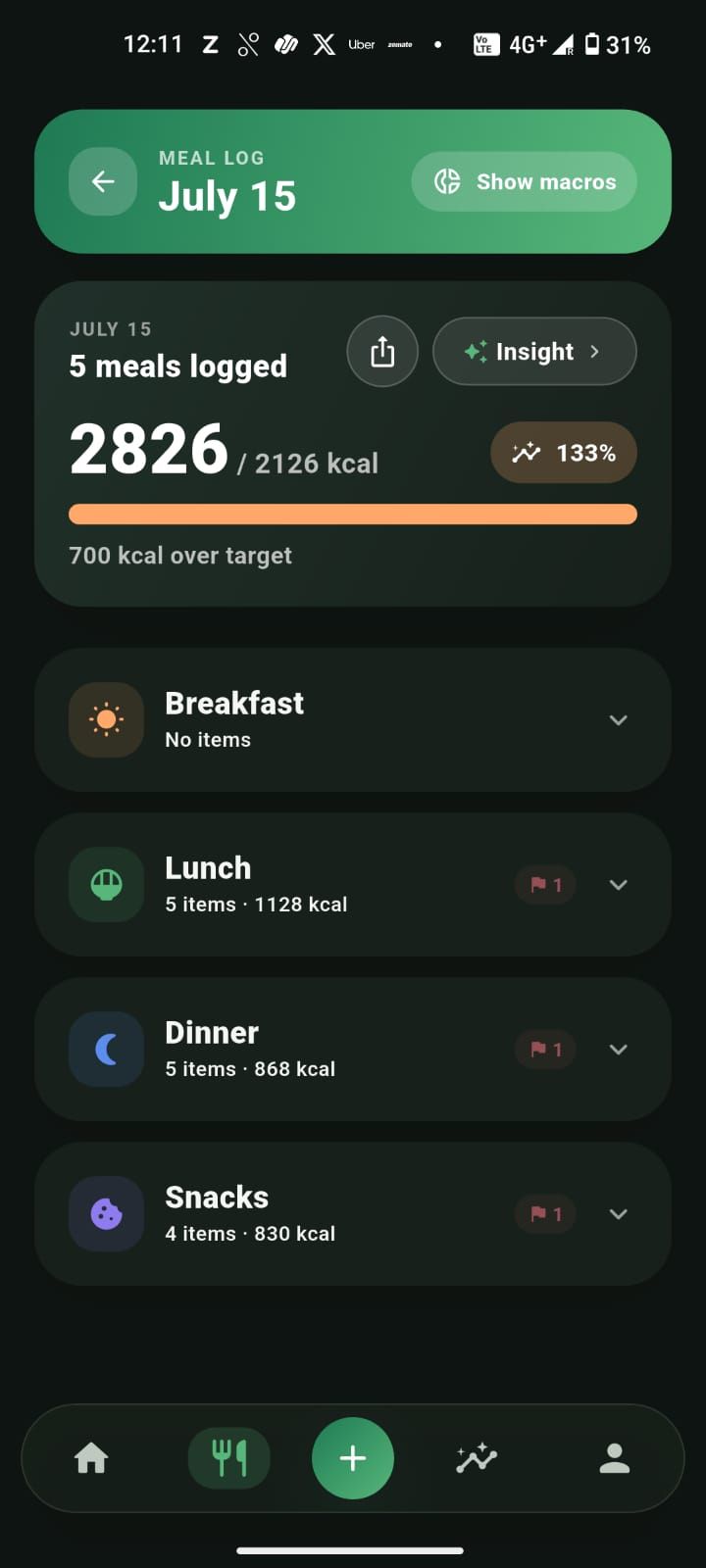
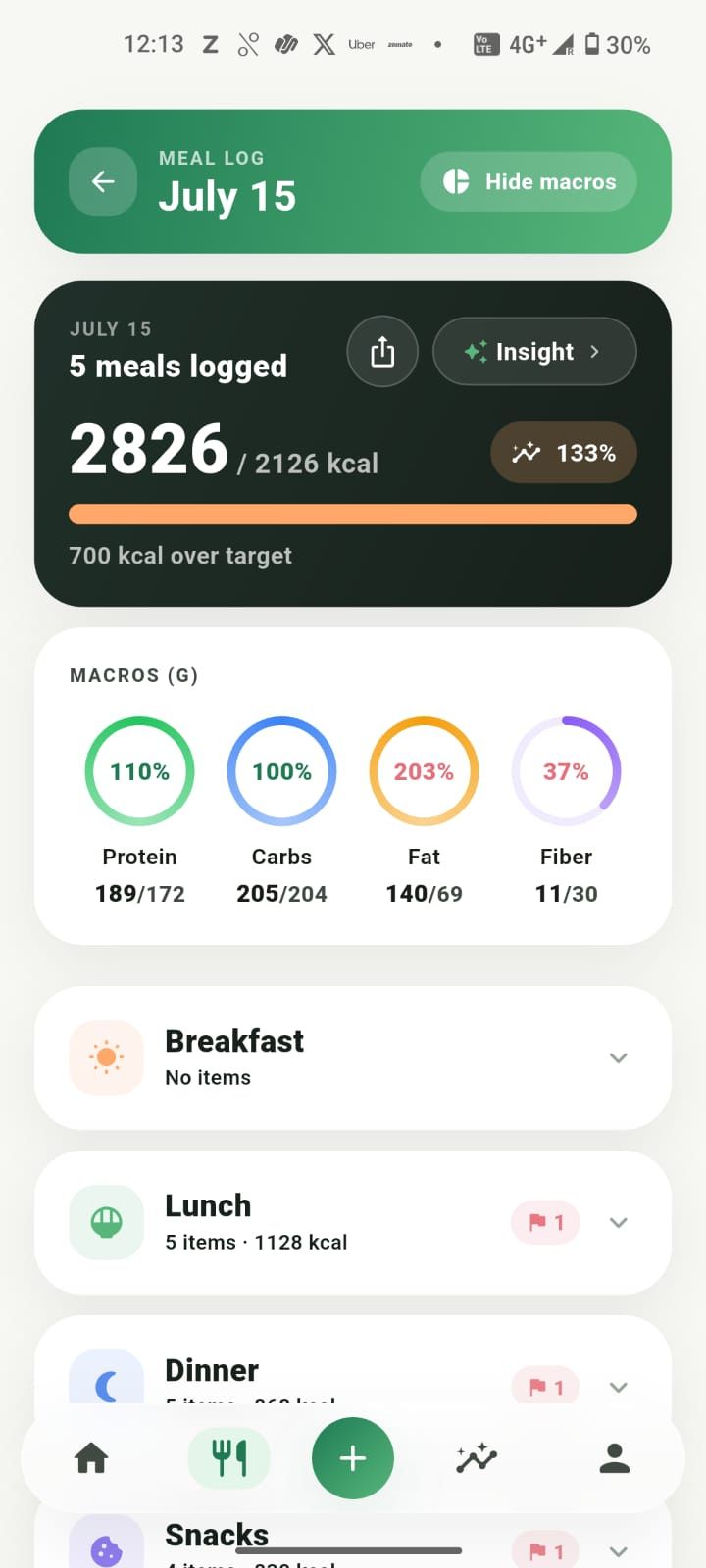
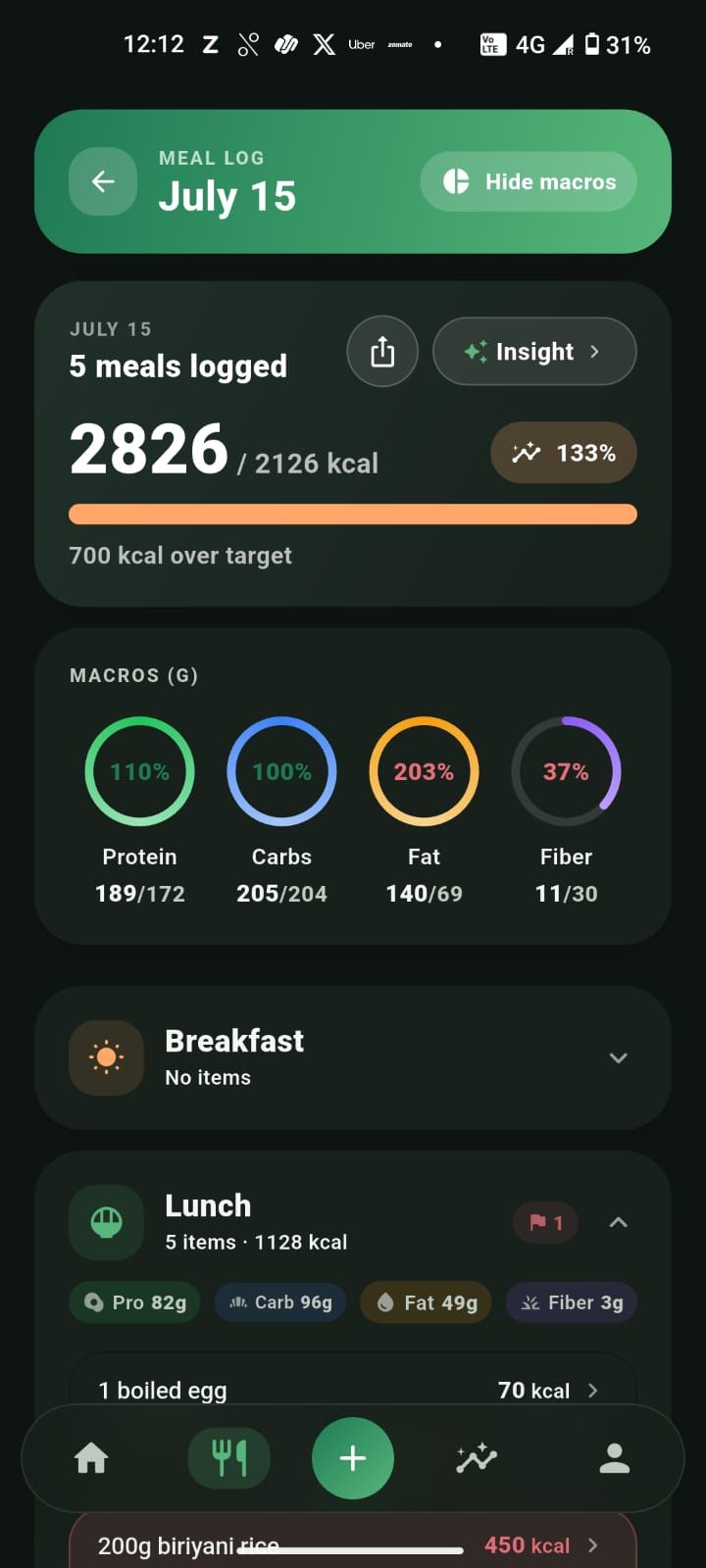
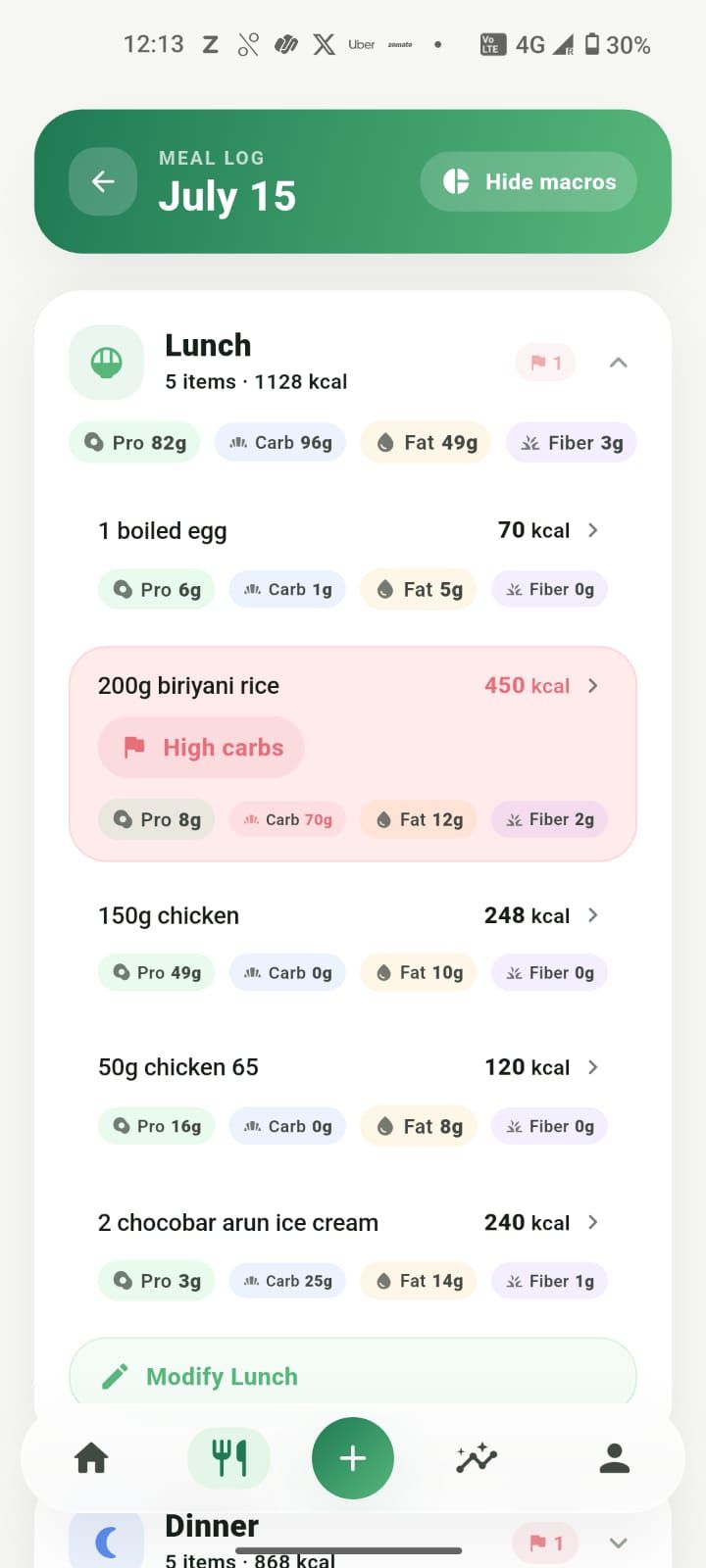
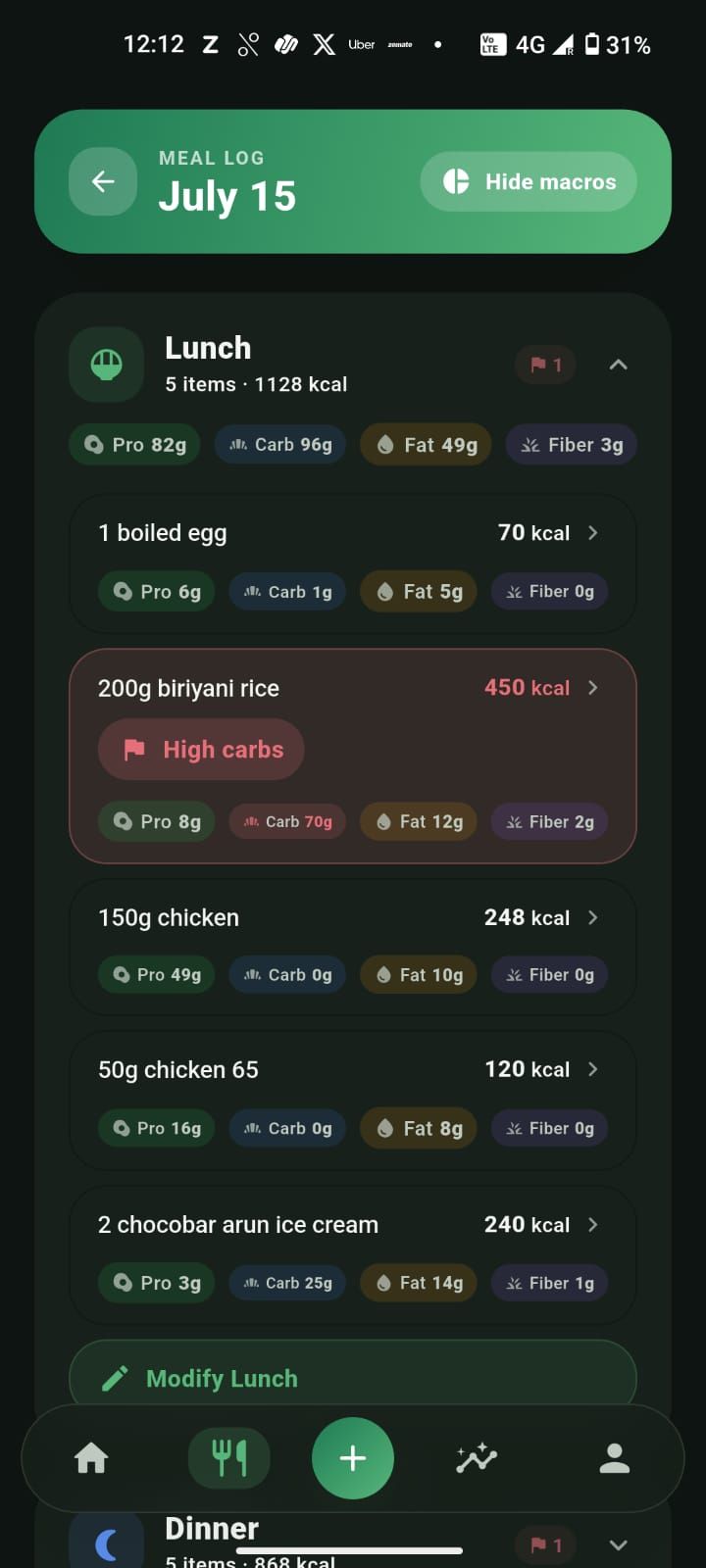
Write what you ate and Zaalios turns it into calories and macros. Browse the day, add or edit anything, and open a meal for the full breakdown.
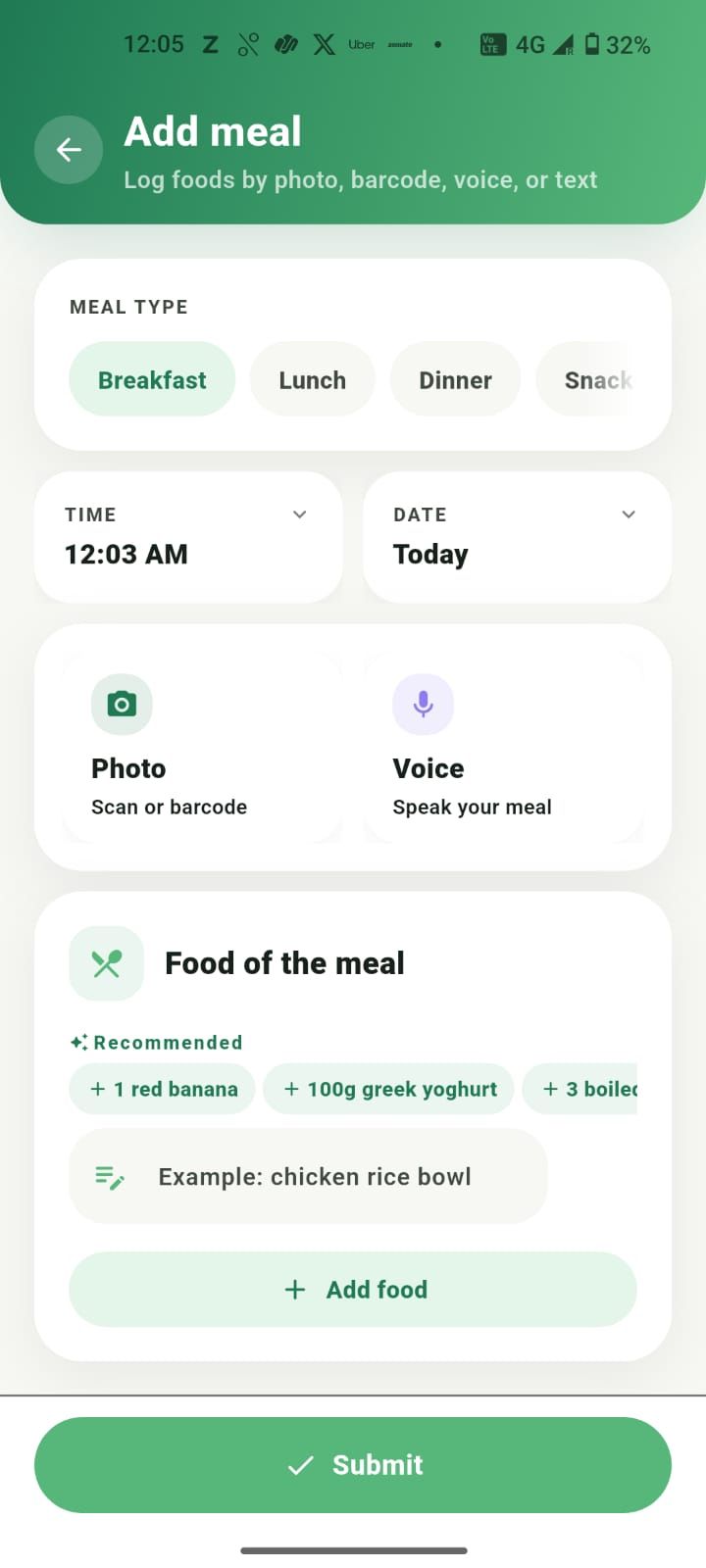
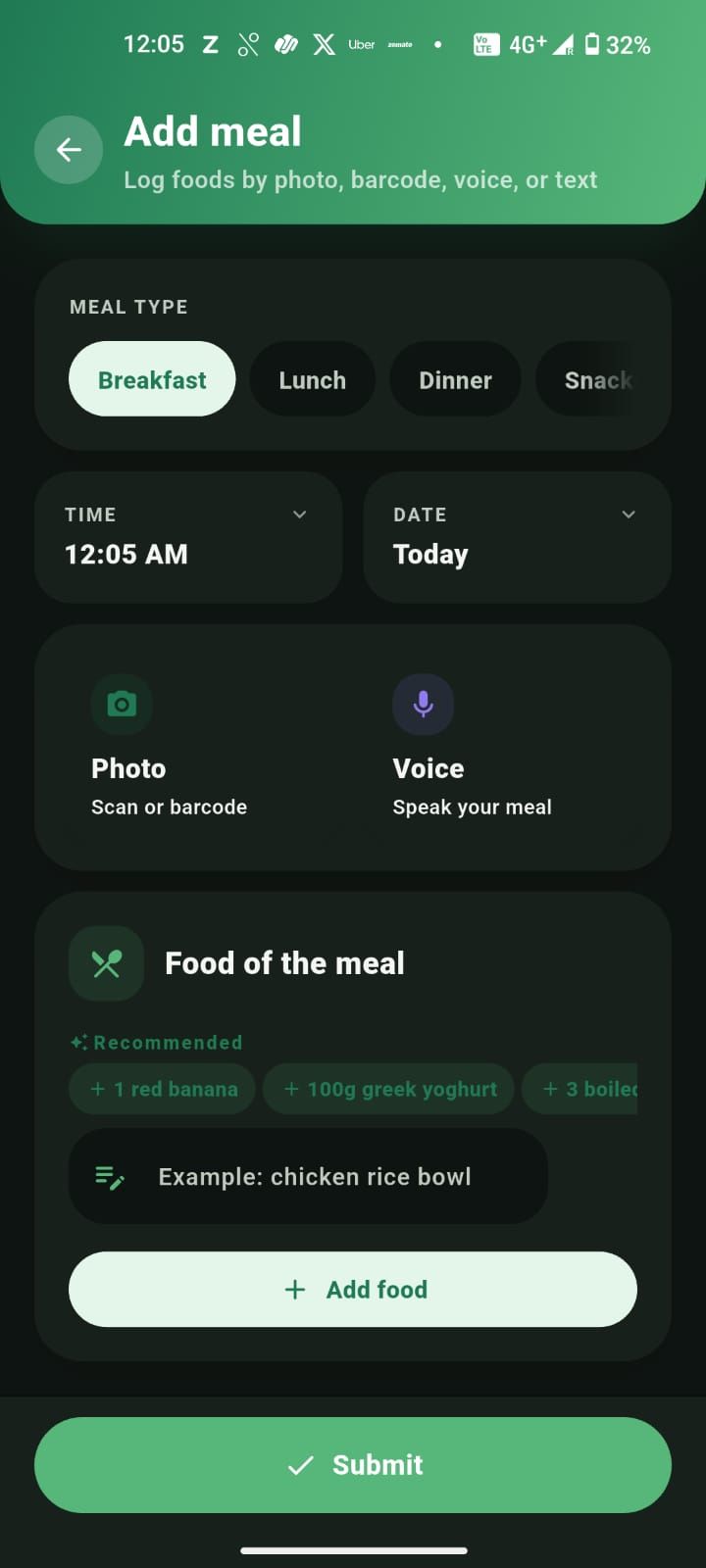
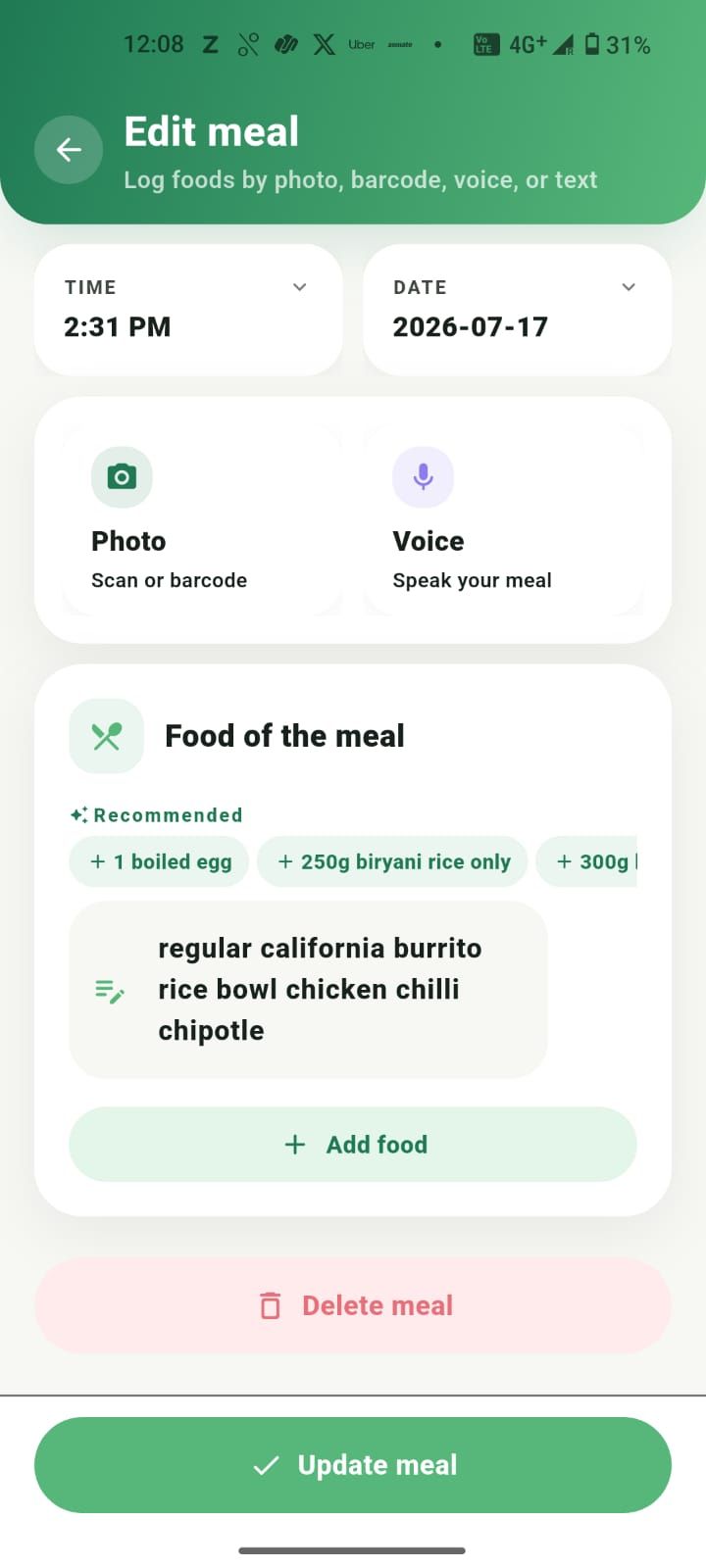
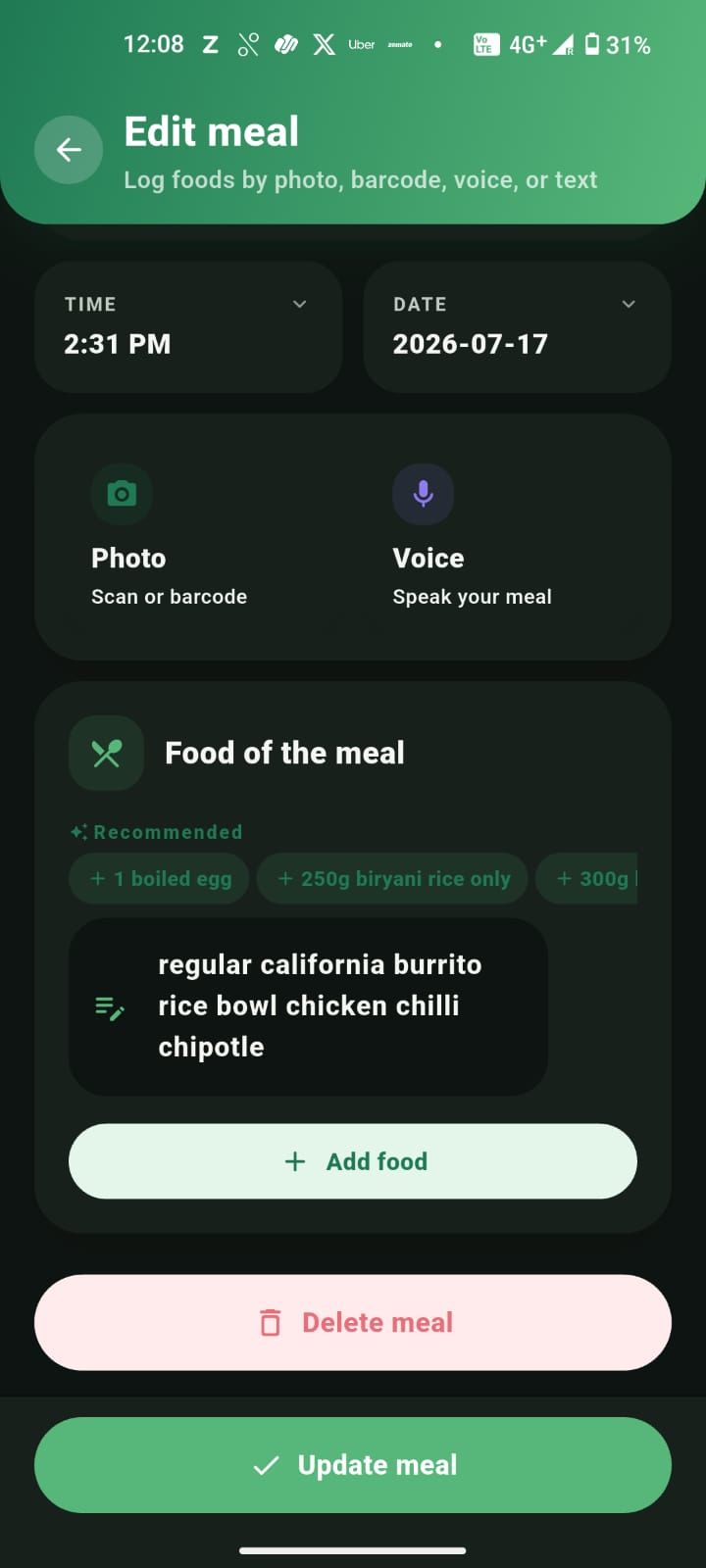
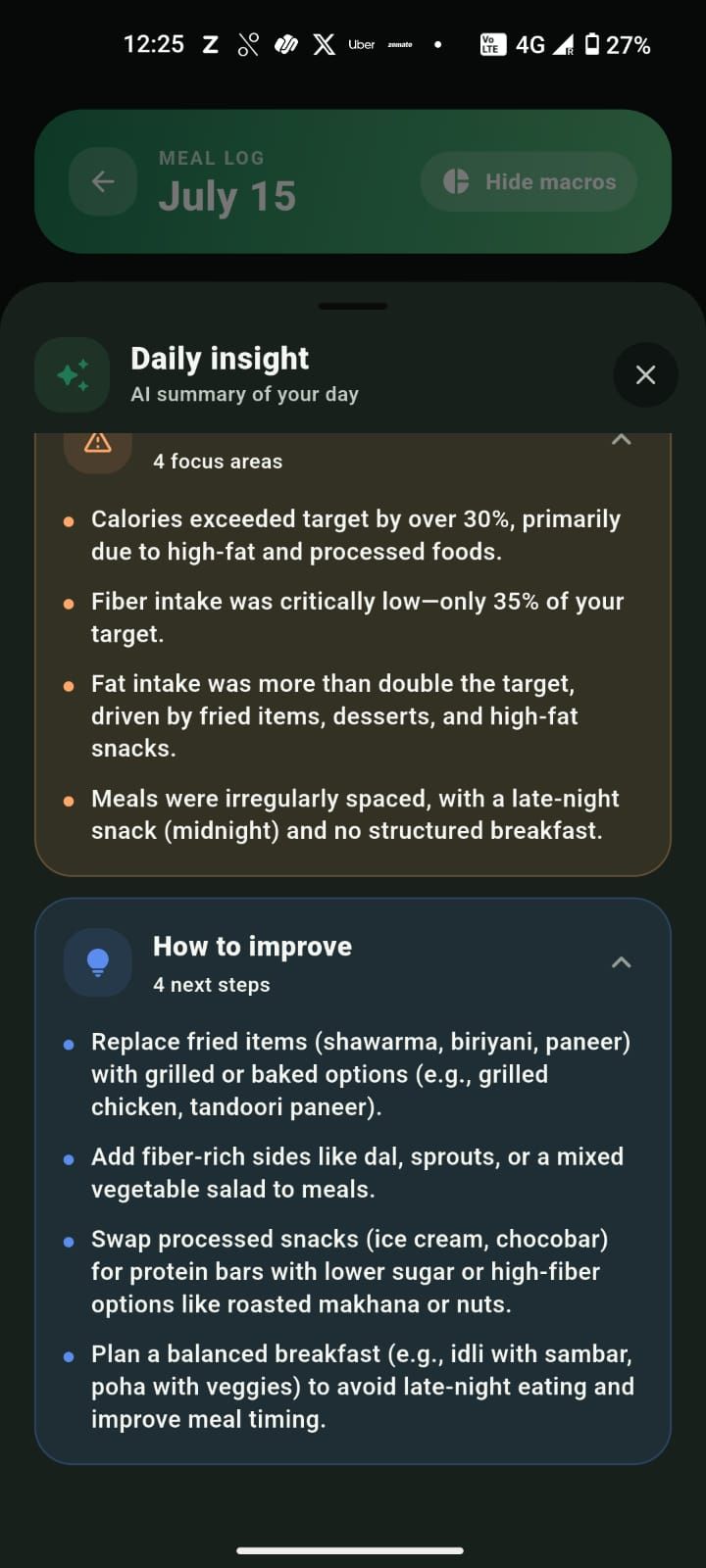
Step 4 · Understand
Daily insights turn your logs into a short, coaching-style summary, so you always know what went well and what to adjust tomorrow.
Step 5 · Ask Zaali
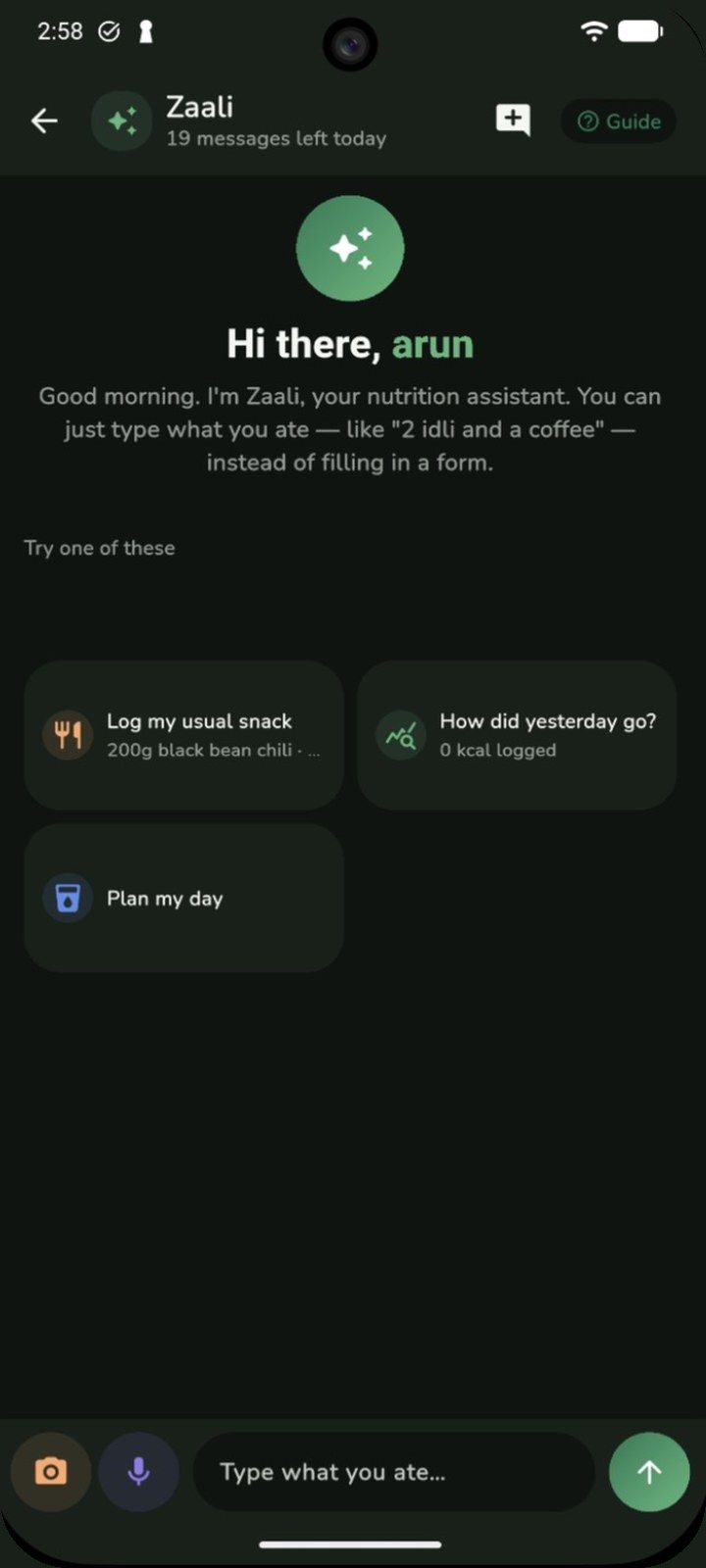
The Quick log tab opens Zaali. Type or say what you ate, snap a photo, or ask how yesterday went and what to eat today.
Step 6 · Progress
The Progress tab zooms out to the patterns that matter: calories, each macro and weight over 7 days, a month, three months or a custom range, with your targets on the chart.
Step 7 · Stay on track
Every 14 days, Zaalios logs a progress checkpoint for your active goal, comparing your expected weight milestone with where you actually are, so calorie guidance adapts to your real trend.
Step 8 · Stay in control
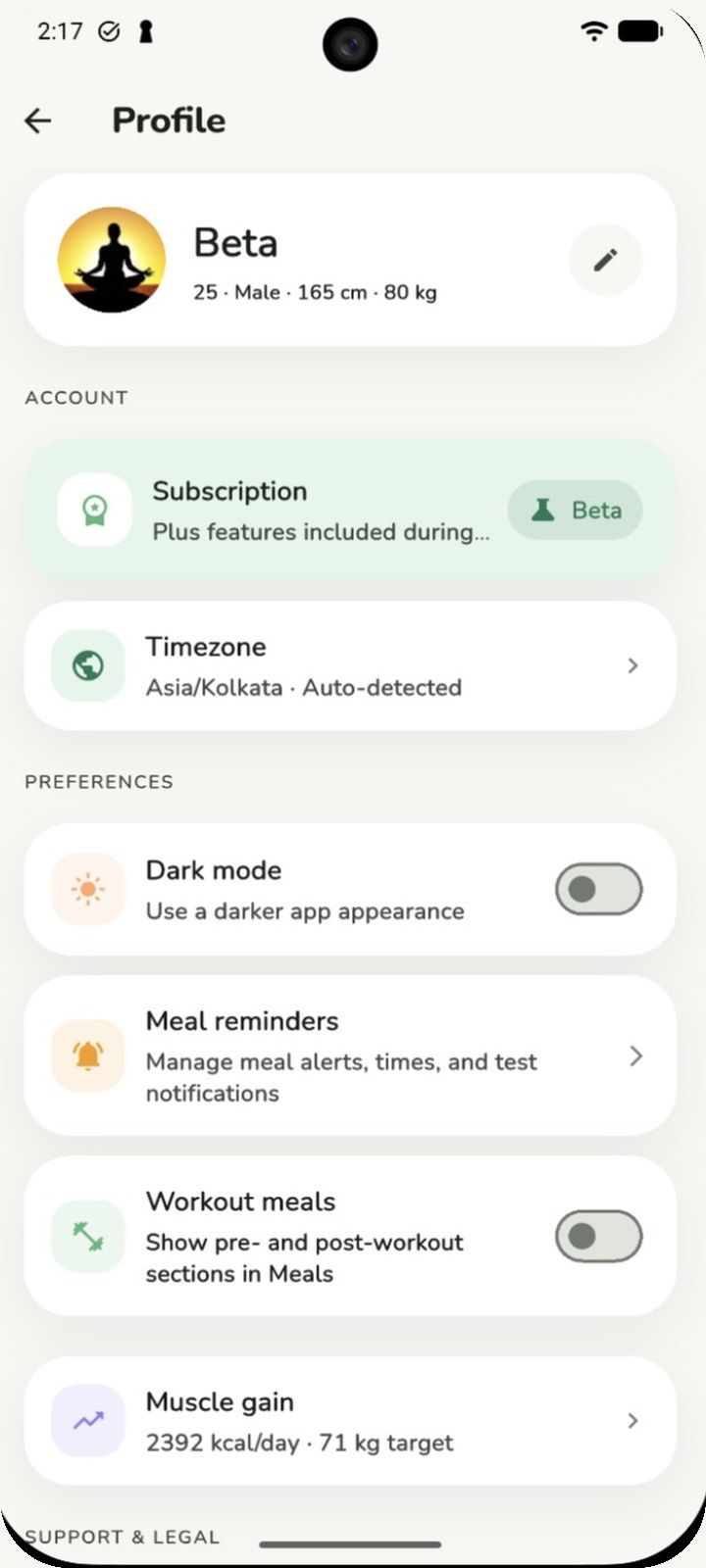
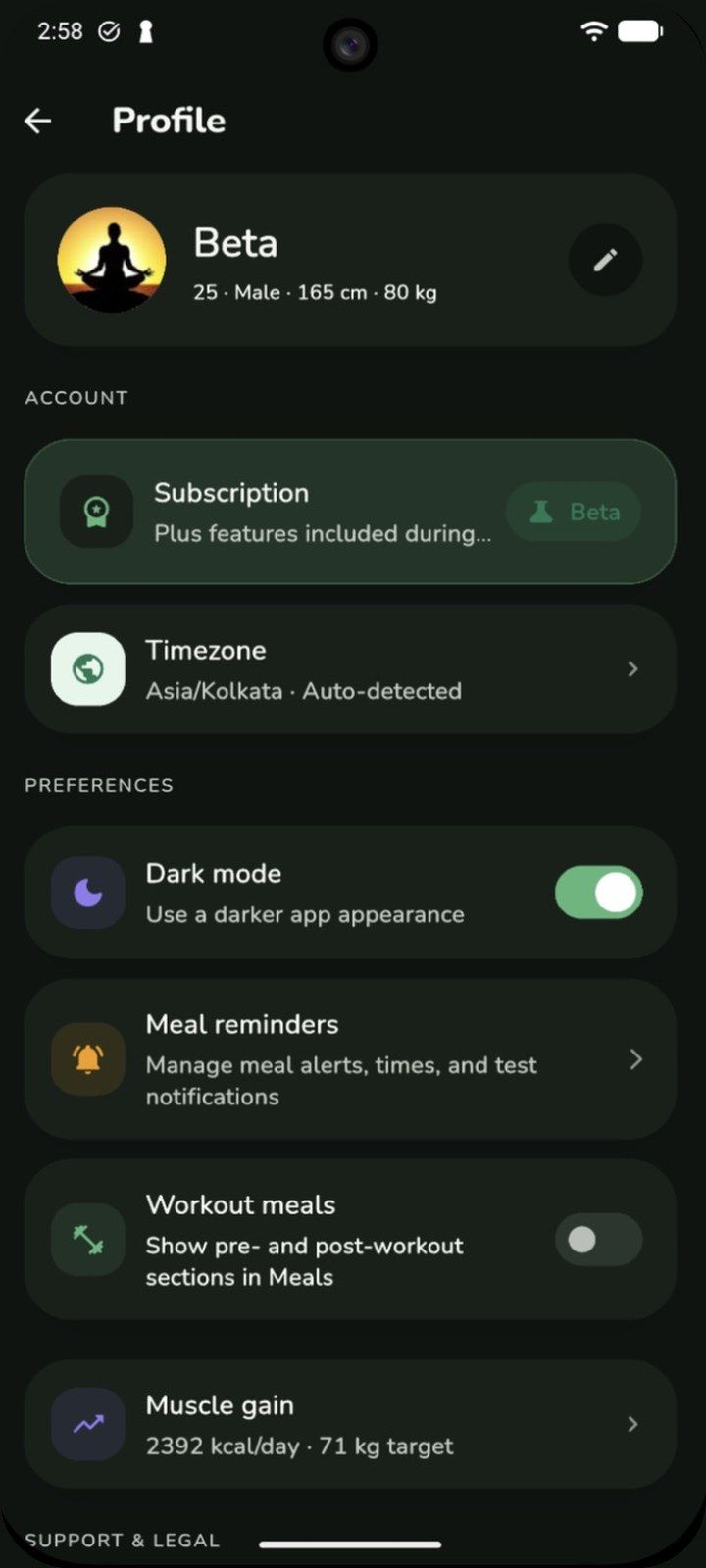
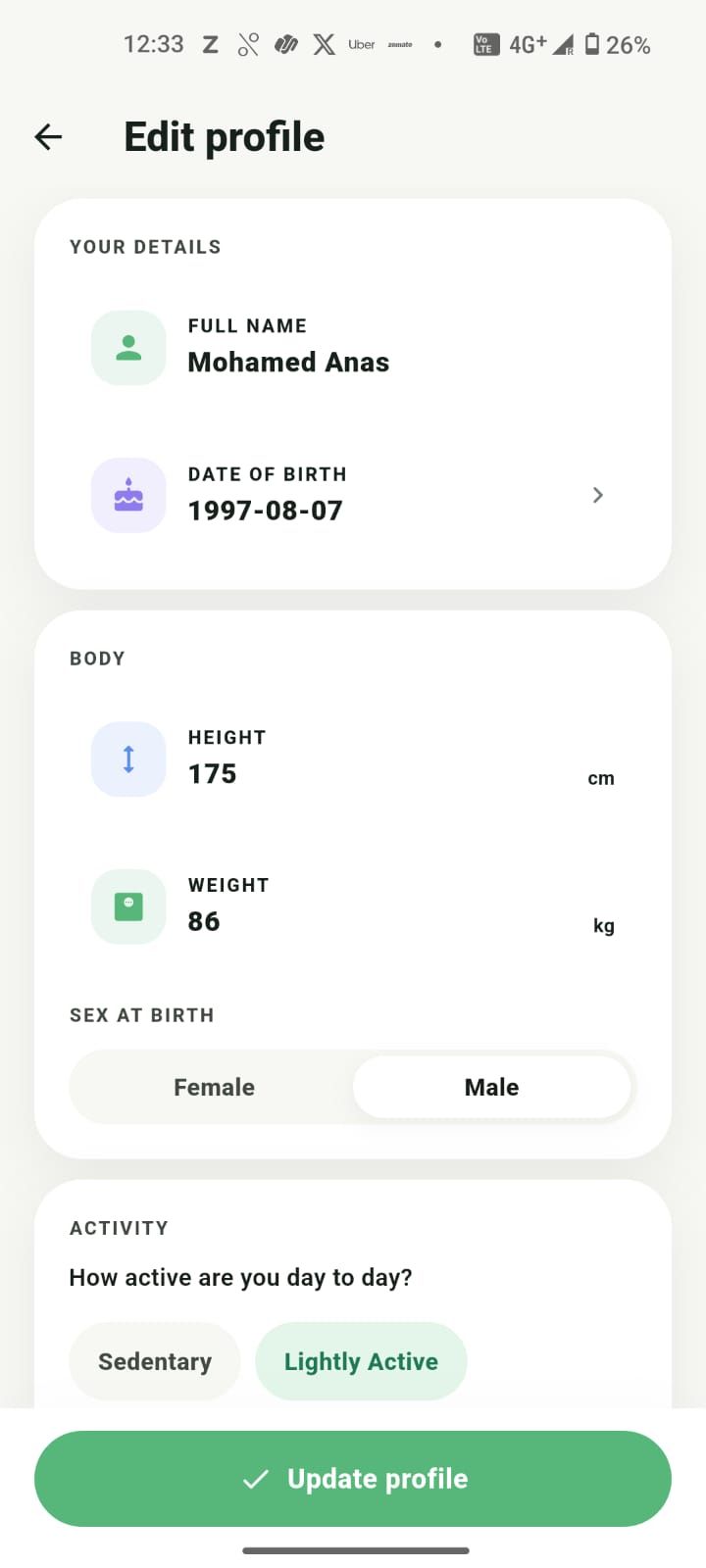
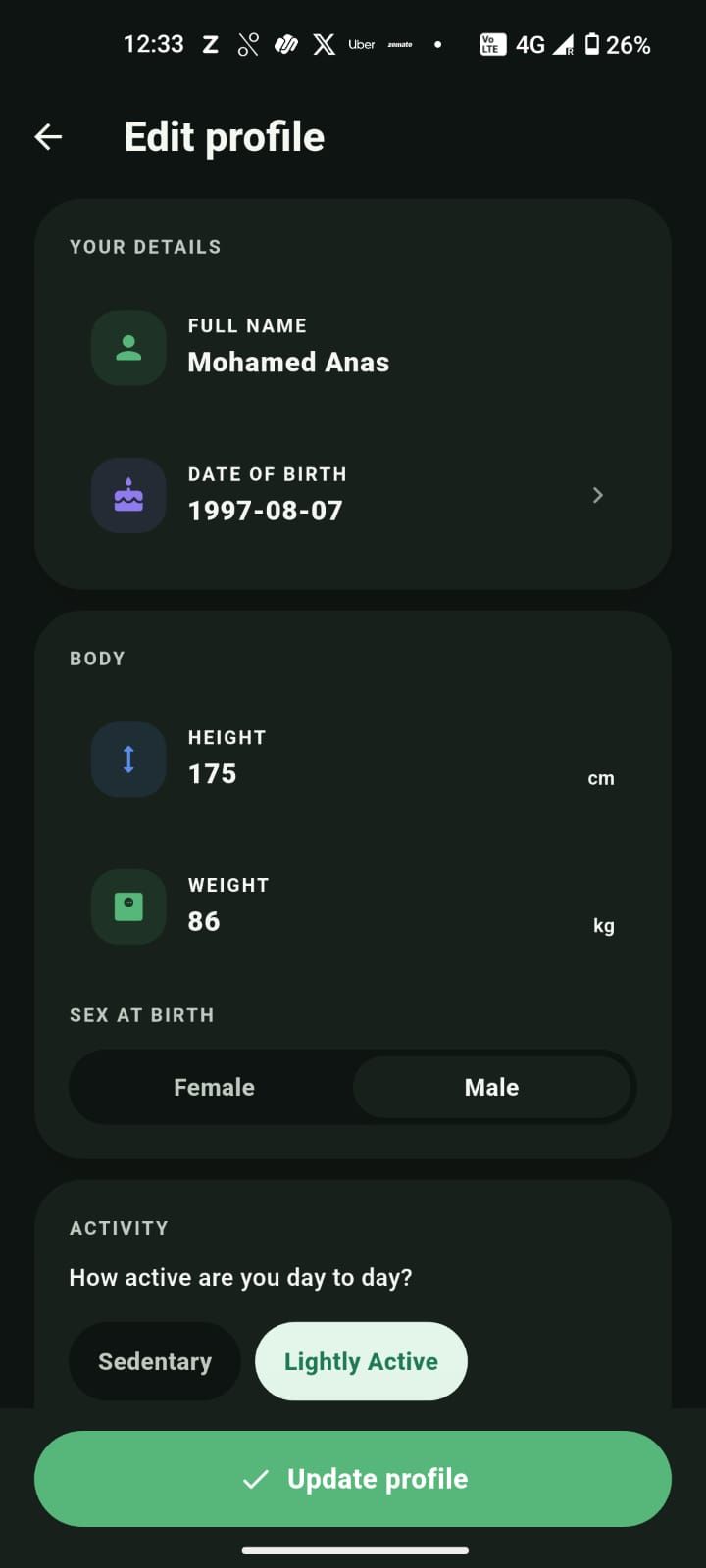
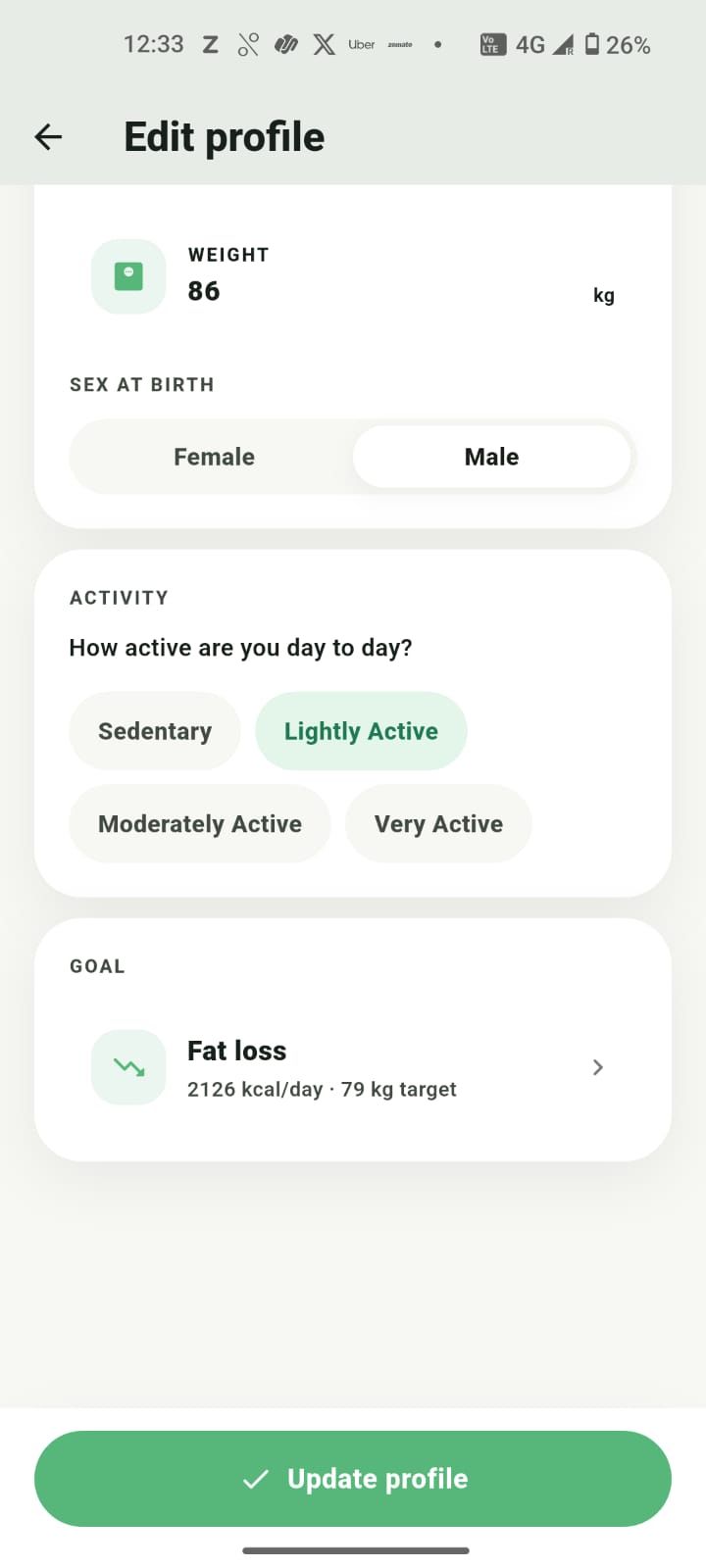
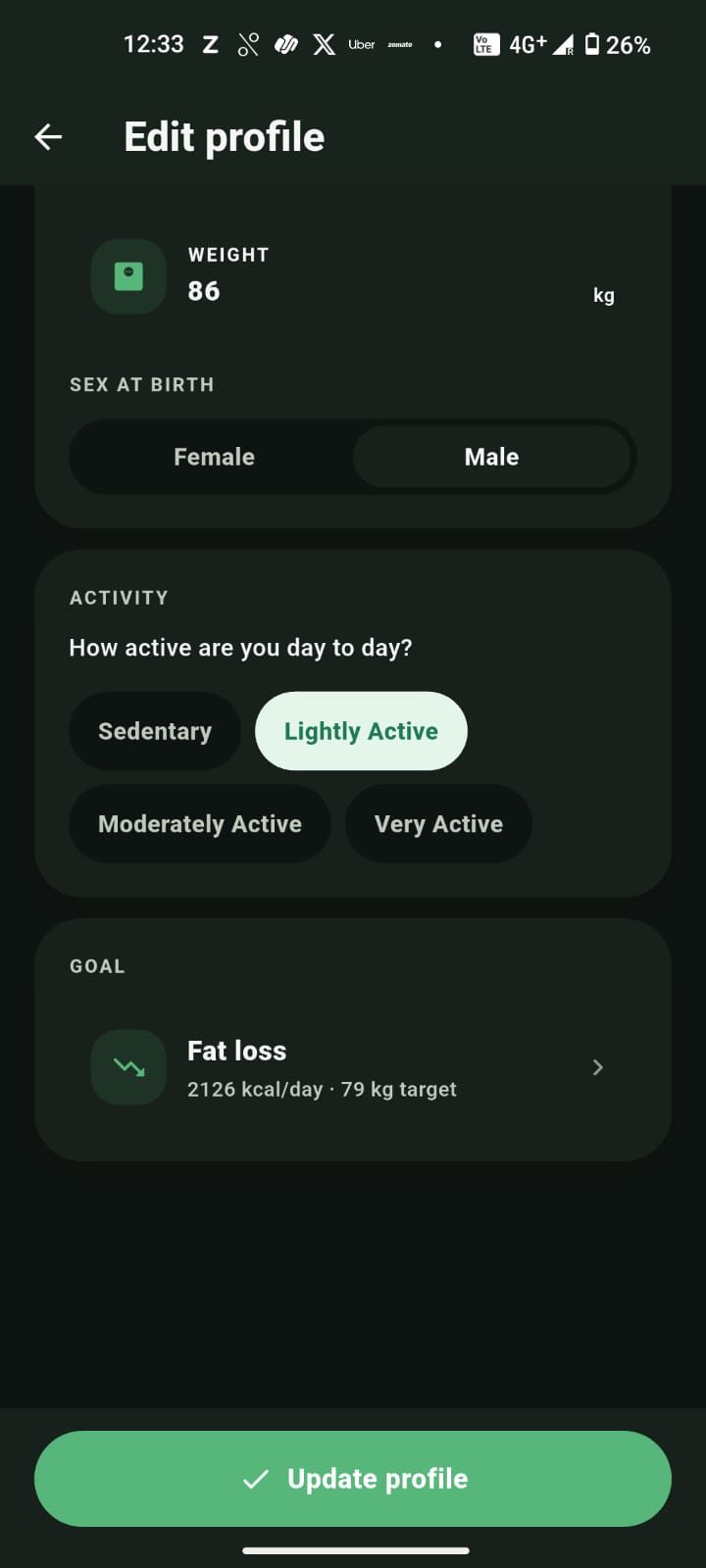
Review your profile, fine-tune your targets, and keep everything scoped privately to you. Adjust as your goals change.
Beta & pricing
Every feature, including Plus, is free during the public beta. Paid plans will come later on Android, and we'll tell you before anything changes.
Plus features included during beta
Freewhile we're in beta
iOS & Android · Sign in with Google or Apple
Free now, for everyone
Every feature, including Plus, is free while the beta runs. No card, no trial timer.
iPhone stays free
The iOS app is entirely free: no subscriptions or in-app purchases. After the beta we plan to offer Plus as a paid plan on Android; prices aren’t set yet.
Notice before any change
We’ll tell you in the app before anything about pricing changes for you.
Scoped to you
Your logs are tied to your Google or Apple sign-in and private by default.
Synced safely
Private nutrition data, synced safely.
Yours to delete
Delete your account and data any time from the app.
No. Describe your meal in your own words, like "chicken salad and rice," and Zaalios estimates the calories and macros for you. It is accurate enough to build consistent habits without weighing every plate.
Type what you ate the way you would say it, or use your voice, a photo, a picture from your gallery, or a barcode scan. Zaalios turns it into calories, protein, carbs, fat and fiber, so logging a meal takes seconds instead of searching a food database.
Zaali is the nutrition assistant in the ✦ Quick log tab. Type or say what you ate, or snap a photo, and Zaali logs it for you. You can also ask things like "How did yesterday go?" or "Plan my day". There's a daily message allowance, and answers are general habit guidance, not medical advice.
Yes. Tap the + button and pick Food, Water or Weight. Water has one-tap amounts from 150 to 750 ml, and weight can be fine-tuned in 0.1 kg steps. Both show up on your home screen and in your Progress trends.
Estimates are designed for consistency, not lab precision. The goal is progress over perfection: an approximate but consistent daily log beats an occasional perfect one. You can always adjust items when you want more detail.
Yes. Your nutrition data is scoped to your identity, kept private, and synced safely, never sold. You stay in control of what you log.
You sign in with Google or Apple to keep your data tied to you and synced across devices. Phone sign-in is planned. Setup is quick, so you can start logging right after onboarding.
Yes. Zaalios is in public beta, and every feature, including Plus features, is free while the beta runs. On iPhone, Zaalios is entirely free, with no subscriptions or in-app purchases. On Android, we plan to offer Plus as a paid plan after the beta. Prices aren't set yet, and we'll tell you in the app before anything about pricing changes for you.
Zaalios is live on the App Store and Google Play for anyone to download. "Beta" means we're still polishing: you get new features and fixes often, and some screens may change as we learn from how people use the app.
Email [email protected] with your question, and include the email you sign in with and your phone model if it's about a problem in the app. You'll find more help on the Support page at zaalios.com/support.
Zaalios is free on iOS & Android while we're in beta.
Free during beta