
How it works
From meal to insight in four steps
Zaalios keeps tracking light so you actually stick with it. Here's the whole loop, as it works in the beta today.
The four steps
Step 1 of 4
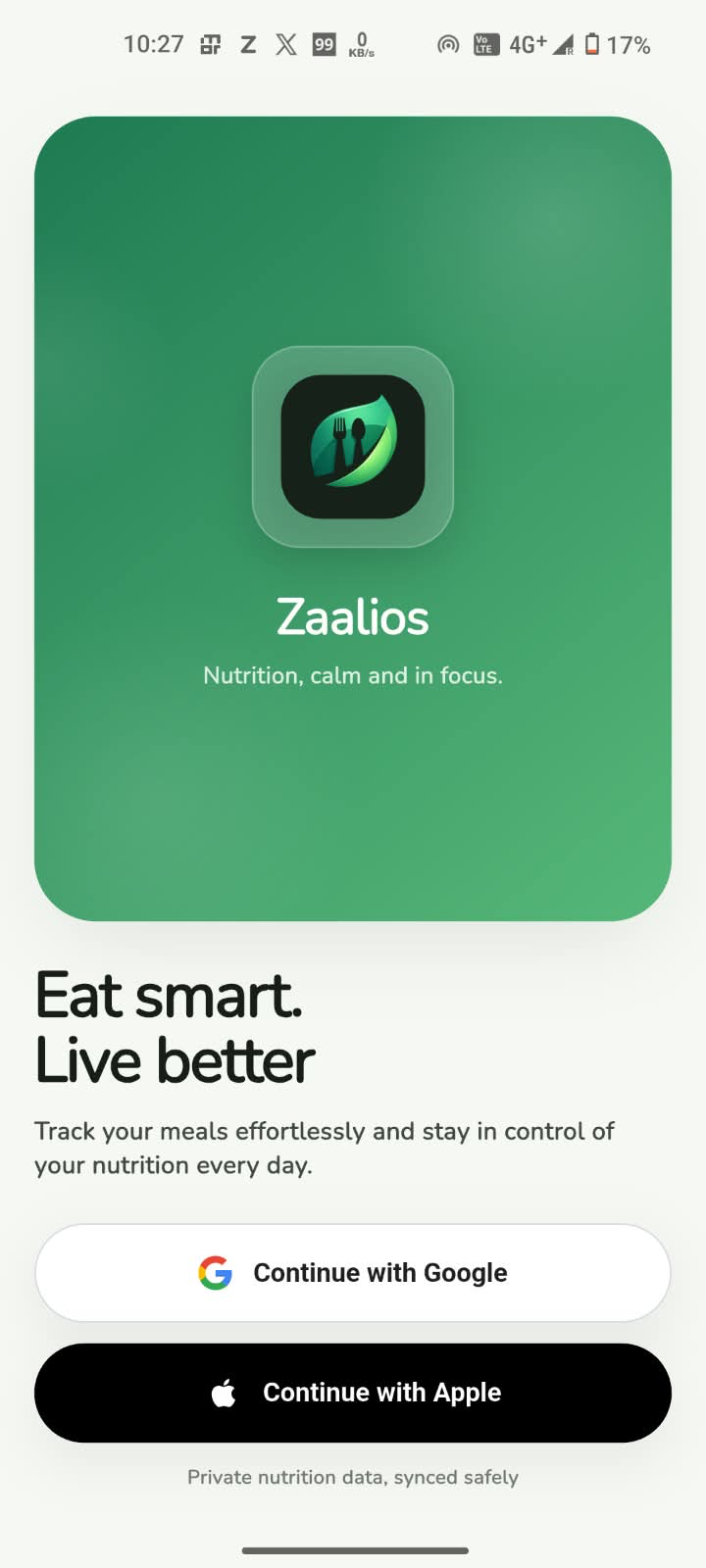
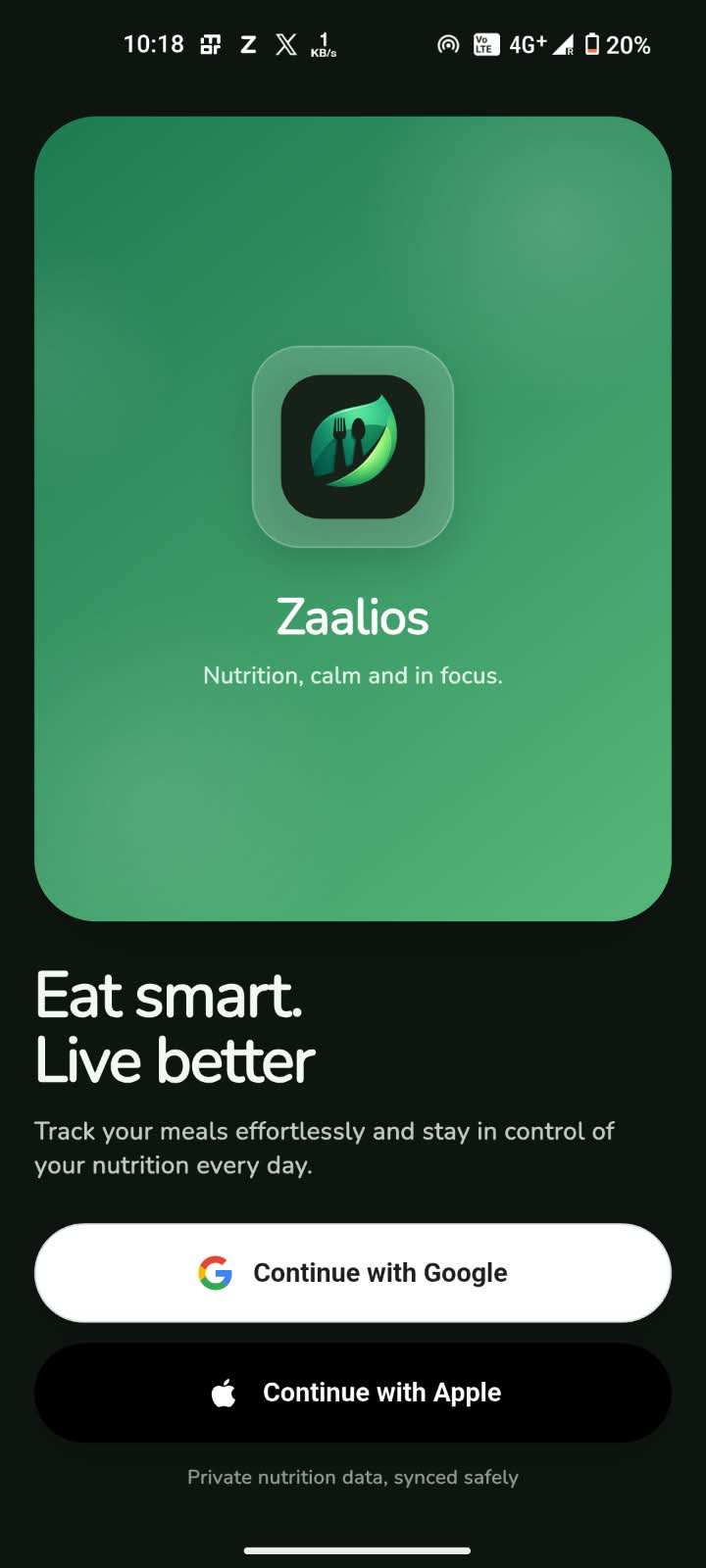
Set up once, get your targets
Sign in with Google or Apple and tell Zaalios a few basics: age, sex, height, weight, activity and your goal. It works out daily calorie and macro targets for you.
- About a minute
- Lose, gain or maintain
- Change goals any time
Step 2 of 4
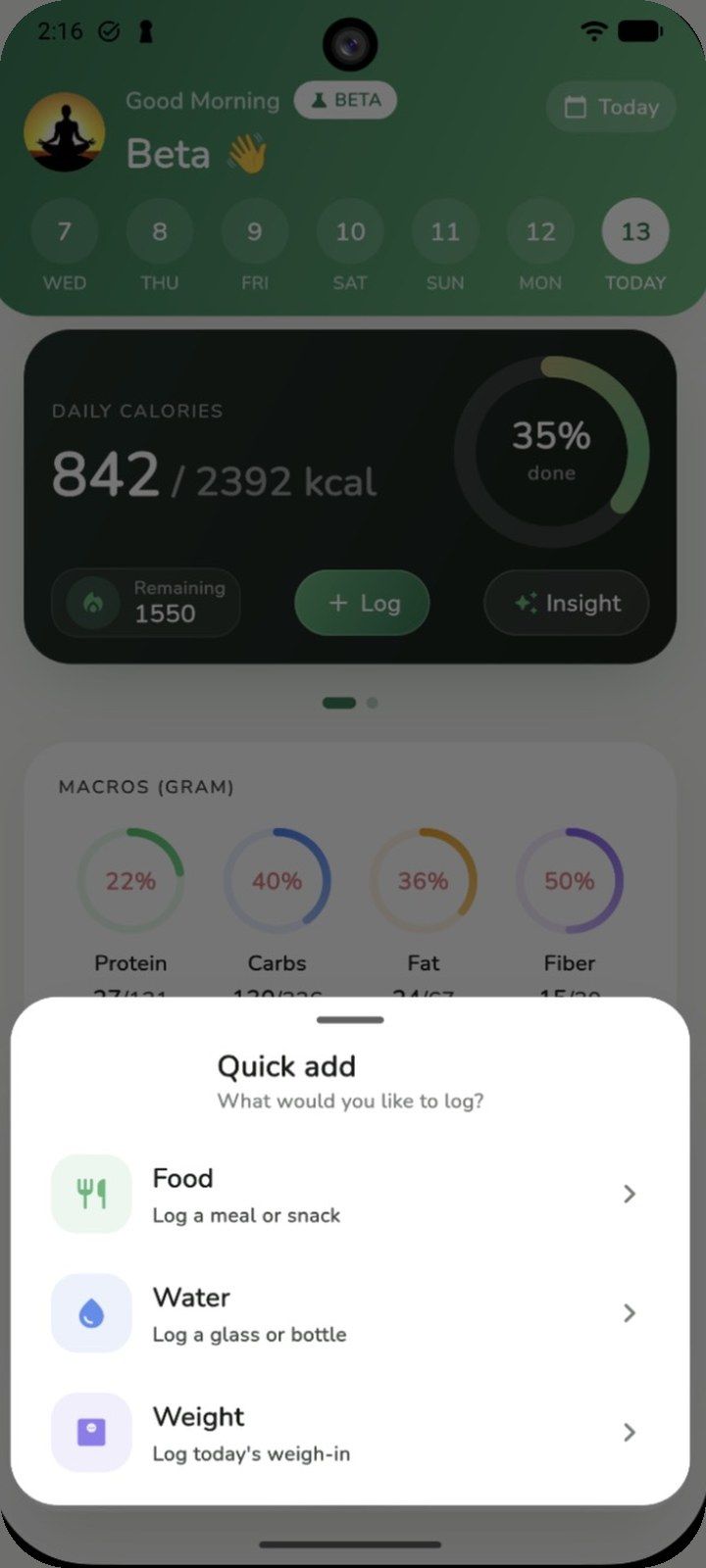
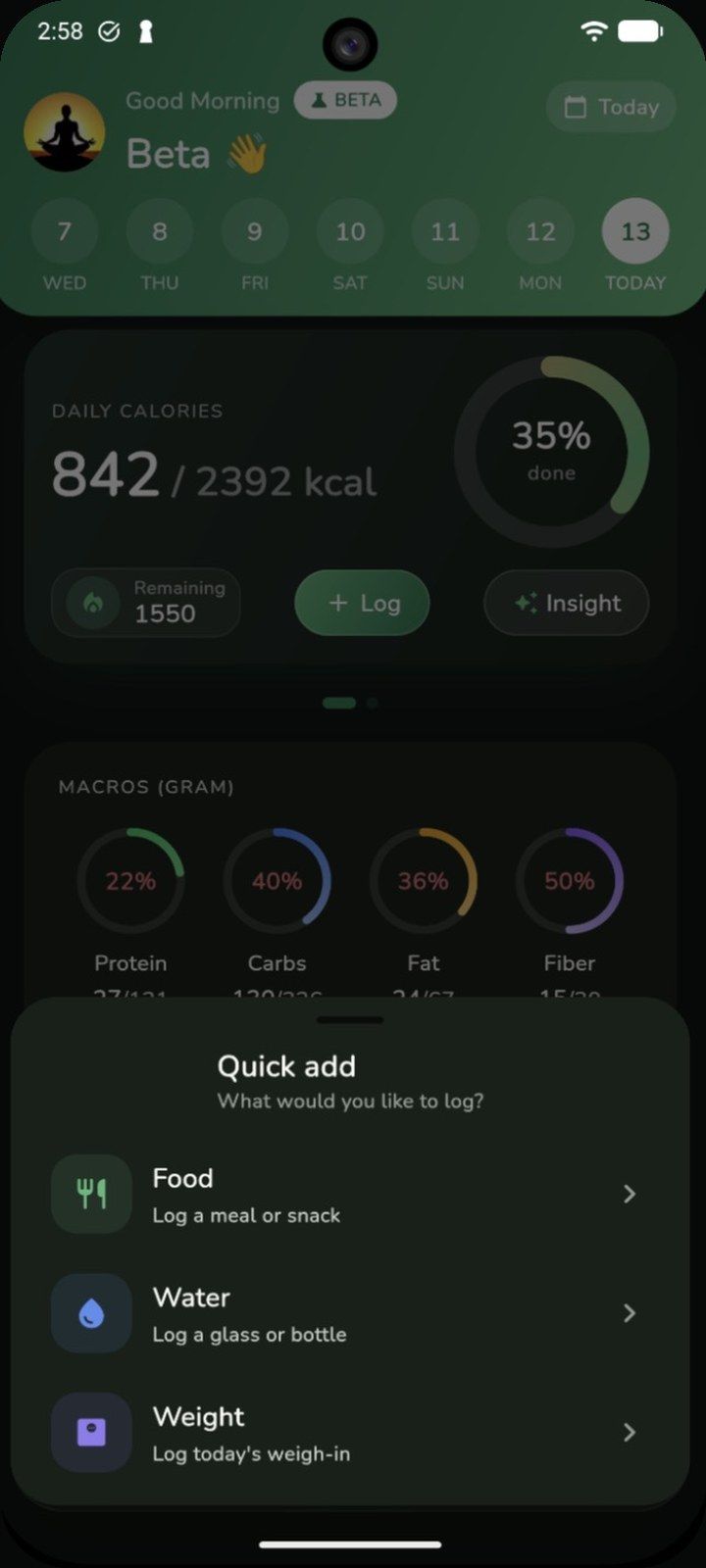
Tap + to log food, water or weight
The green + is on every screen. Describe a meal in your own words, say it, snap a photo or scan a barcode, and Zaalios turns it into calories and macros.
- Text, voice, photo or barcode
- One-tap water amounts
- Weigh-ins in 0.1 kg steps
Step 3 of 4
See your day and what to do next
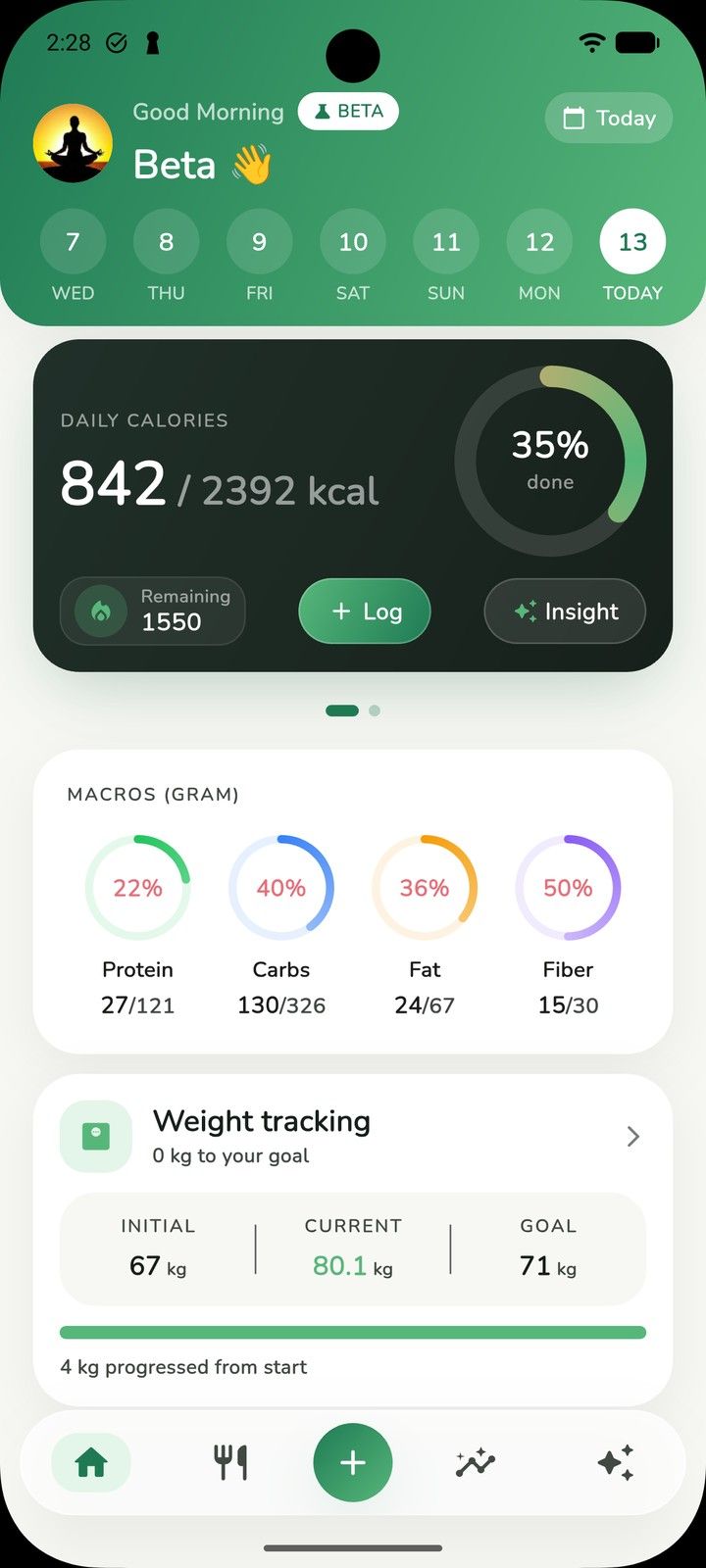
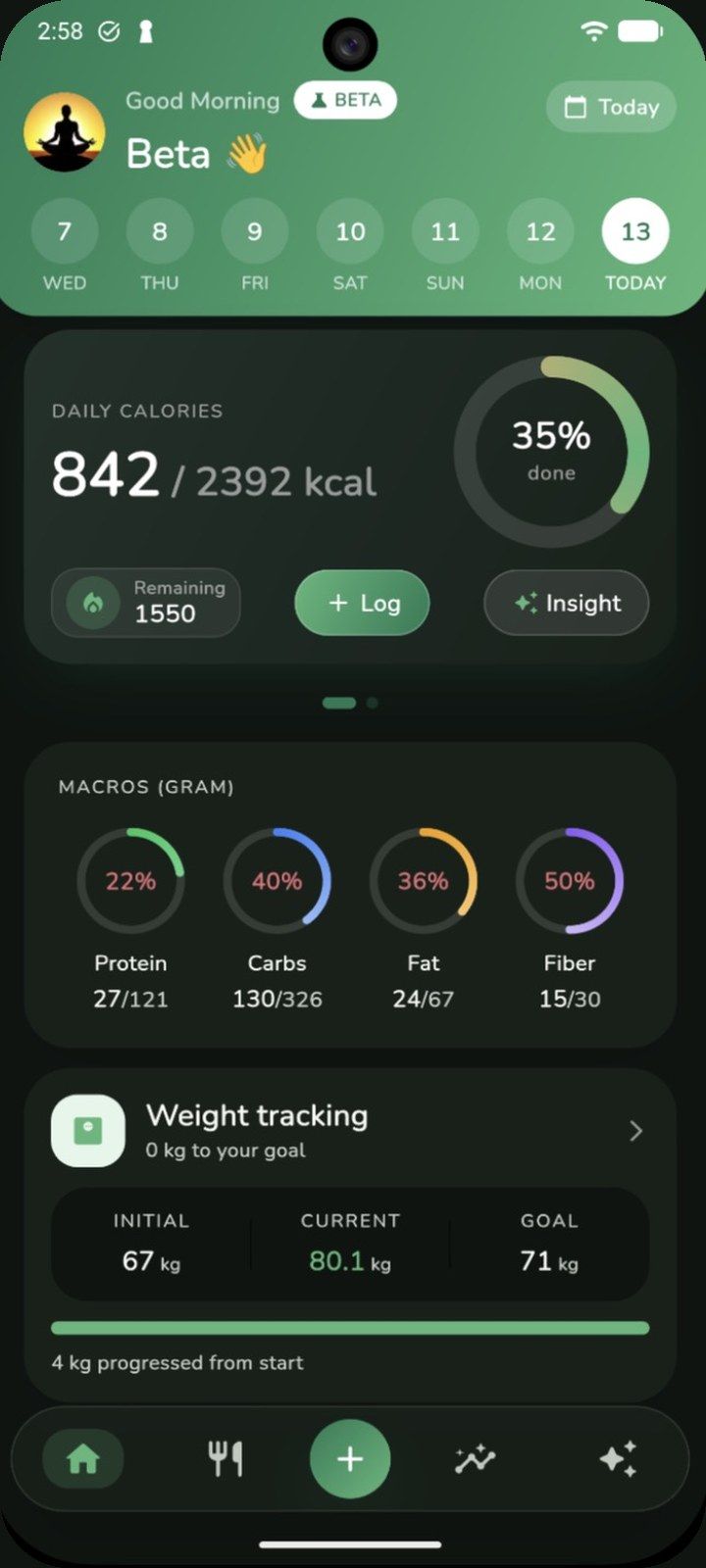
Home shows calories against your goal, macro rings, water and weight. Tap Insight for a short AI summary of what went well and what to adjust.
- Calories & macros at a glance
- AI daily insight
- Trends over 7 days to 3 months
Step 4 of 4
Ask Zaali when you need a hand
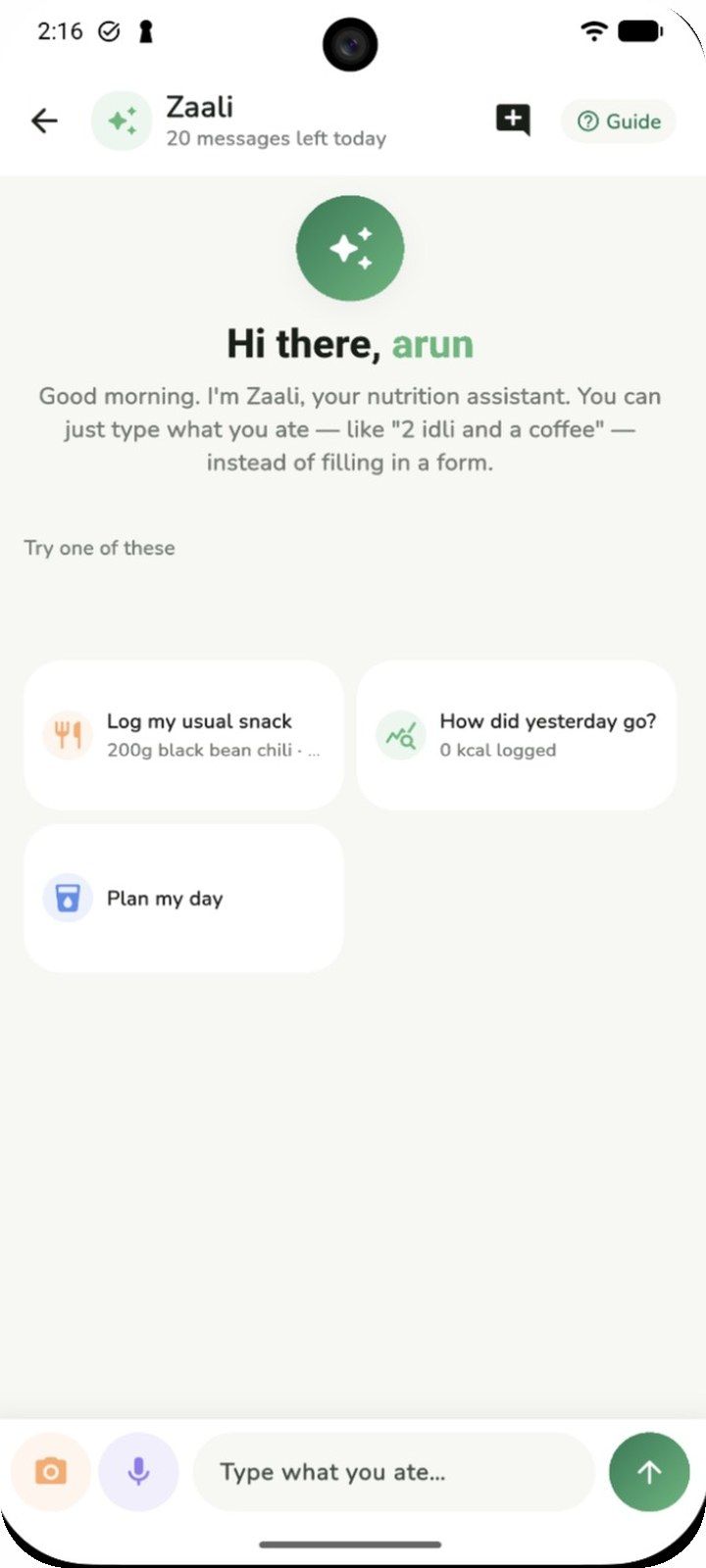
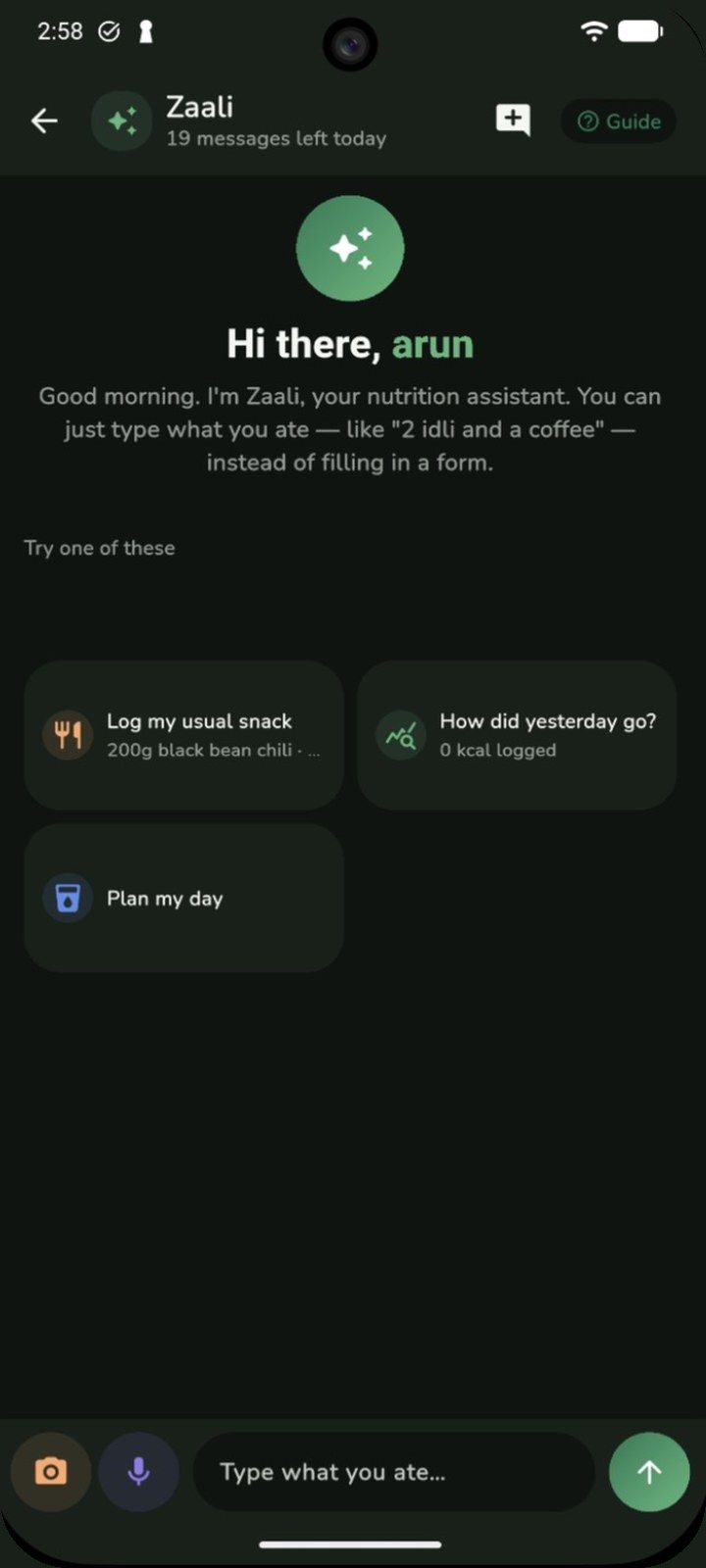
Open the ✦ tab to chat with Zaali, your nutrition assistant. Log a meal by message, ask how yesterday went, or get help planning your day.
- Log by chatting
- “How did yesterday go?”
- “Plan my day”
Ready to try it?
Zaalios is free while we're in beta. Log your first meal in seconds.